5 Apps to Help You Organize Your Life

When Apple popularized the phrase “there’s an app for that” to promote the iPhone roughly fifteen years ago, few could have anticipated the sheer depth of today’s mobile software ecosystem. Modern life requires handling intricate schedules, preserving volumes of project background, securing endless digital profiles, and navigating an unyielding stream of electronic correspondence.
Historically, keeping life in order depended on scattered physical supplies: paper address books, desk blotters, sticky memos, metal filing cabinets, and pocket notepads. Moving between home, work, and personal commitments routinely meant misplacing notes or leaving vital information behind. Today, modern organizational applications have moved beyond simple digital scratchpads to become interconnected operational hubs that streamline your daily responsibilities.
Key takeaways
- Dedicated mobile applications replace fragmented physical organizers by centralizing to-do lists, daily schedules, digital notes, passwords, and email.
- Combining to-do lists with dedicated time-blocking tools ensures you allocate realistic working hours to pending responsibilities rather than overbooking yourself.
- Centralized credential vaults and authenticators eliminate the security vulnerabilities and daily delays caused by forgotten or mismanaged passwords.
- Converting overflowing inboxes into prioritized task queues prevents important deadlines and critical correspondence from slipping through the cracks.
The shift from physical clutter to digital command centers
Before mobile platforms reached widespread adoption, personal organization was an exercise in physical logistics. Managing a busy household or office workflow meant keeping paper desk calendars updated, filing paper receipts, and jotting down reminders on slips of paper that frequently vanished. Moving between the office and home created immediate friction, because the notebook holding your meeting agenda or the address card with an essential contact number stayed on your desk.
Early smartphone tools attempted to address these problems by mimicking their physical counterparts. Basic notepad utilities and bare-bones digital clocks substituted for legal pads and alarm clocks. Over time, however, these utilities matured into dynamic platforms. Rather than merely storing static text, modern software coordinates multiple media formats, tracks project dependencies, alerts users before deadlines strike, and automates repetitive administrative chores across multiple consumer hardware systems.
Adopting dedicated organization apps allows you to construct a personal system that handles tasks, calendars, security, documentation, and communication effectively.
Five dedicated apps to streamline your responsibilities
Achieving total personal order rarely happens by using a single catch-all program. Different organizational bottlenecks call for purpose-built features. The five applications below address specific friction points, helping you transform disorganized obligations into an orderly daily routine.
Microsoft To Do
- Core function: General task management and uncompleted chore coordination
- Supported platforms: iPhone, iPad, and Android devices
- Context features: Reminder alarms, written notes, voice recordings, external documents
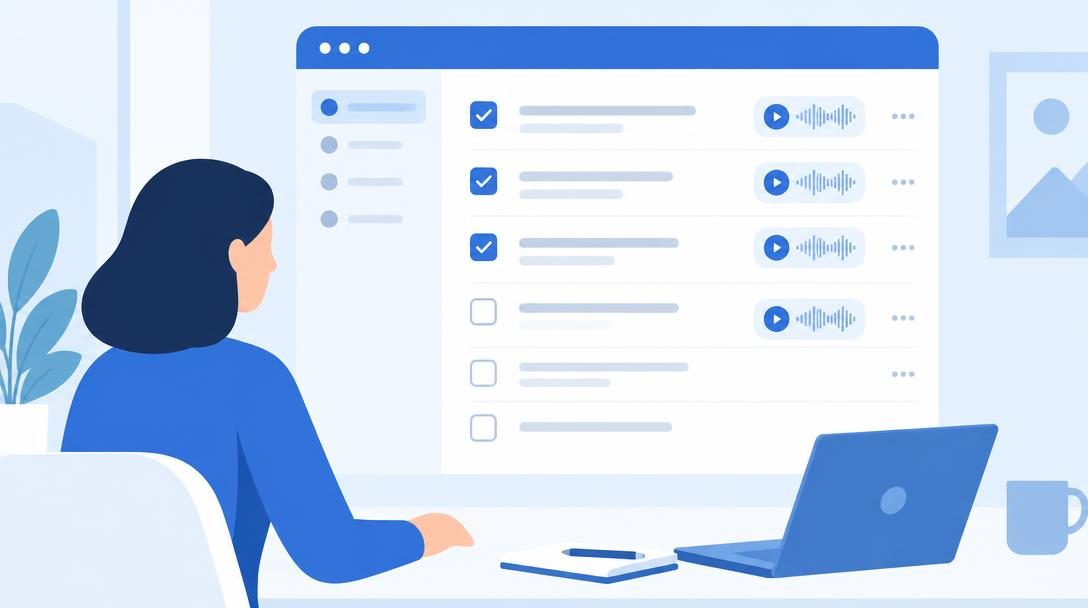
An exceptional general organizer for upcoming and uncompleted chores, Microsoft To Do merges the utility of multiple task trackers into a unified package. The platform lets users create and separate any number of custom to-do lists according to context, such as domestic chores, work projects, or personal ambitions.
To prevent individual tasks from becoming abstract or confusing later, Microsoft To Do enables you to attach supplementary background directly to each item. Users can set automated reminder alarms, type detailed written notes, append voice recordings, and attach external documents. Gathering all contextual media inside the item ensures you have everything necessary to finish the job the moment you sit down to work.
Akiflow

- Core function: Daily planning and schedule allocation
- Primary benefit: Prevents overload, distraction, and over-scheduling
- Interface tools: Built-in smart shortcuts
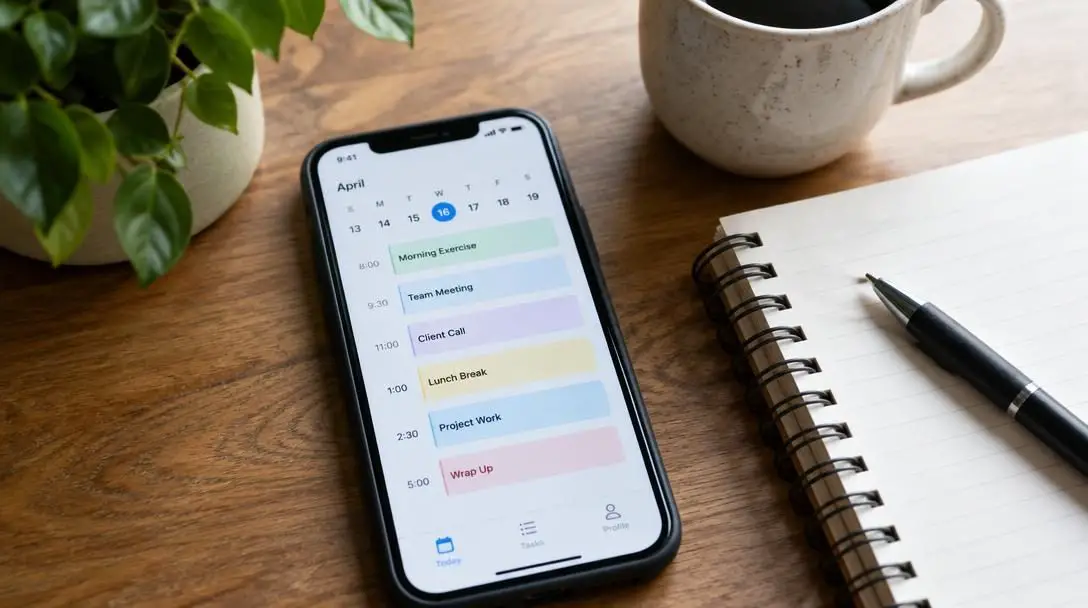
While standard task applications assemble lists of what you hope to accomplish, daily planning tools provide the critical structure needed to carve out time to do them. Akiflow functions as a dedicated planner that assists you in constructing an efficient daily timeline and sticking to it.
By mapping out specific tasks into dedicated blocks of time, Akiflow enables users to process, control, and execute assignments with minimal friction. The software is equipped with targeted capabilities designed to protect your attention from distraction, prevent over-scheduling, and keep workloads balanced. Furthermore, the platform incorporates smart shortcuts, allowing users to schedule and adjust events rapidly without getting bogged down in complex menus during a demanding workday.
LastPass
- Core function: Password management and credential protection
- Verification component: LastPass Authenticator
- Key advantage: Eliminates memorization and insecure lists
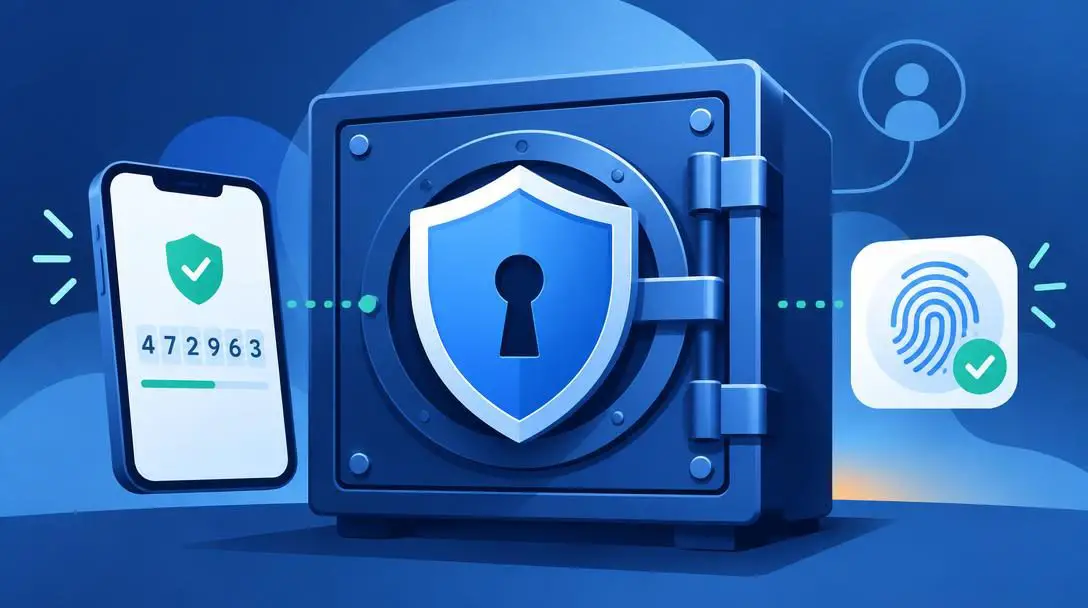
Misremembering or losing account credentials creates immediate roadblocks during the day. Because contemporary life involves handling dozens of distinct online accounts, relying on memory or unencrypted physical notes is both inefficient and insecure. LastPass resolves this issue by acting as an encrypted repository for your digital identities.
The service catalogs and organizes usernames and complex passwords so you never have to memorize them or maintain manual records. To further streamline security verification, the system pairs with the LastPass Authenticator. This setup allows users to access protected personal and professional accounts through a consolidated interface without compromising safety.
Evernote

- Core function: Multimedia digital note archive and idea management
- Special features: Integrated to-do lists and slideshow presentations
- Storage capacity: Text notes, images, audio, and documents
Far beyond a basic scratchpad, Evernote functions as an expansive repository for project planning, creative ideas, and digital media. The app is engineered to store and index a wide spectrum of resources, ranging from simple meeting thoughts to diverse multimedia files and reference materials.
The platform organizes these diverse inputs into a structured environment that links notes directly with actionable to-do lists. This helps users plan tasks alongside the source research that inspired them. In addition to housing working documents, Evernote includes a built-in slideshow presentation tool, enabling users to transform raw notes and research files into polished presentations for colleagues or collaborators without exporting content elsewhere.
ActiveInbox

- Core function: Email management and task conversion
- Integration: Connects directly with email accounts
- Key utilities: Priority sorting and "send later" delivery scheduling
Even structured professionals frequently struggle to keep their primary email inbox organized. Standard inboxes regularly turn into disorganized holding pens where essential requests get buried underneath commercial promotions, news digests, and routine messages. ActiveInbox addresses this breakdown by integrating directly with your email client.
The tool converts incoming messages into actionable followup tasks arranged by relative importance. This prevents urgent inquiries from disappearing in the daily deluge. Users can also draft responses during quiet hours and schedule them using the "send later" function, ensuring replies are delivered on time without cluttering your ongoing focus.
At a glance: Comparing organizational applications
Every productivity application is built around a distinct organizational objective. Selecting the right combination of tools allows you to target your specific personal and professional challenges.
| Application | Primary Specialty | Standout Feature | Core Advantage |
|---|---|---|---|
| Microsoft To Do | Task management | File, audio, and note attachments | Cross-platform access on iPhone, iPad, and Android |
| Akiflow | Time-blocking and planning | Smart keyboard and navigation shortcuts | Guards against over-scheduling and task overload |
| LastPass | Credential security | Dedicated LastPass Authenticator | Eliminates password recall and insecure written notes |
| Evernote | Project and note archiving | Built-in slideshow presentation tool | Connects multimedia notes directly with to-do lists |
| ActiveInbox | Email inbox organization | Actionable task conversion with "send later" | Prioritizes correspondence by importance over chronology |
The mechanics behind modern digital systems
Organizational software succeeds because it relies on structured data systems to process chaotic inputs. Understanding the underlying mechanics of these platforms makes it easier to adopt them consistently in daily life.

Structured data hierarchies drive dedicated task systems like Microsoft To Do. Rather than dumping thoughts onto an unorganized surface, users create overarching categories such as personal life, domestic chores, or professional obligations. Within those categories, specific tasks accept metadata such as automated alarms and attached media. When a reminder goes off, the system presents not merely an alert, but an actionable workspace containing the relevant voice recordings or documentation required to complete the task.
Time-blocking workflows differentiate daily planning engines like Akiflow from basic lists. A conventional list fails to account for the finite number of hours in a single day. Akiflow bridges this divide by mapping uncompleted tasks against actual calendar intervals. Allocating a task to an open hour reserves that slot, making visual boundaries explicit. The software uses built-in smart shortcuts to allow instant shifting of responsibilities without navigating deep configuration menus, protecting valuable working hours.
Centralized authentication vaults allow tools like LastPass to secure sensitive access credentials. When login credentials are saved, the application stores usernames alongside complex passkeys in an encrypted environment. When combined with the LastPass Authenticator, two-factor verification codes and secure prompts are consolidated in a single place. This structure prevents account lockouts and eliminates the hazards of storing unencrypted passwords across loose desk papers or digital text files.
Multimedia indexing underpins information archives like Evernote. The software catalogs varied digital formats, such as voice notes, graphic images, and formatted documents, alongside standard text. Because research, execution plans, and presentation tools are housed within the same record, users can move from preliminary brainstorming straight into execution and slideshow sharing without transferring content between different programs.
Action-oriented communication queues power inbox tools such as ActiveInbox. Chronological email lists inevitably bury critical correspondence under low-value mail. By transforming individual email threads into standalone followup tasks with assigned priority levels, the software restructures your inbox based on genuine importance. The included "send later" scheduling feature stores prepared correspondence and delivers it automatically at an optimal future time, freeing the user from constant inbox monitoring.
How to set up your personal digital organization system
Switching from disconnected notes and disorganized routines to a comprehensive software system requires a methodical setup. Rushing the process often introduces unnecessary friction. Follow these orderly steps to configure your organizational system properly.
- Conduct a responsibilities audit: Examine your daily workflow to identify where your organizational breakdowns happen most often, whether that involves missed deadlines, forgotten logins, calendar congestion, or an unmanageable email inbox.
- Establish your primary task manager: Download Microsoft To Do onto your mobile phone or tablet, whether you use an iPhone, iPad, or Android device. Establish separate project lists for personal duties and professional assignments. Populate them with pending chores, adding reminder alarms, background notes, voice memos, and relevant files to provide complete context.
- Consolidate your security credentials: Install LastPass alongside the LastPass Authenticator. Transfer scattered usernames and passwords into the secure vault, ensuring you can log into all primary accounts through this centralized interface instead of relying on memory or insecure physical notes.
- Reorganize your incoming email: Link ActiveInbox to your active email accounts. Sort through pending messages, turning action items into organized followup tasks. Arrange these tasks based on relative priority so that crucial correspondence comes first, and practice using the "send later" function to schedule upcoming replies ahead of deadlines.
- Schedule your daily time blocks: Open Akiflow and review your active to-do lists against your daily calendar. Assign designated time slots to complete specific chores, utilizing smart shortcuts to modify plans swiftly and protect your schedule against overbooking and distraction.
- Build a reference and idea archive: Open Evernote to catalog complex ideas, reference records, and multimedia assets. Group your planning materials and link your notes directly to actionable to-do lists, utilizing the slideshow presentation feature whenever you need to share concepts with others.
Common organizational mistakes to avoid
Adopting productivity software does not automatically guarantee success. Many people stumble into habits that recreate the very disorganization they hope to escape. Keep an eye out for these frequent mistakes:
- Treating simple to-do lists as unlimited schedules: Writing down thirty items on a single list ignores the reality of time constraints. Failing to map your duties onto an actual schedule via a planner like Akiflow invites overload, distraction, and frustration when tasks go unfinished.
- Neglecting to include context with reminders: Entering shorthand, single-word reminders forces you to decipher past intentions later on. Utilizing Microsoft To Do to attach written instructions, voice recordings, or external documents ensures you can take action immediately when alerts fire.
- Relying on memory or unencrypted notes for passwords: Attempting to memorize dozens of login credentials or recording them in unprotected documents leads to frequent account lockouts and security hazards. Using LastPass and its authenticator centralizes your security safely.
- Allowing your inbox to function as an informal task manager: Treating an incoming email feed as a daily checklist guarantees that essential requests will get buried under low-priority messages. Using ActiveInbox to translate emails into structured followup tasks and deploying "send later" scheduling keeps communication orderly.
- Overcomplicating your digital file hierarchy: Establishing nested layers of unnecessary notebooks and intricate sub-folders creates administrative overhead. Keeping your organizational structures direct and making full use of smart shortcuts keeps maintenance effortless.
Frequently asked questions
Can I use Microsoft To Do across different operating systems?
Yes. Although Microsoft To Do is developed by Microsoft, the application is fully supported on iPhone and iPad as well as Android hardware, making it simple to coordinate tasks across different devices.
How does Akiflow prevent a user from becoming over-scheduled?
Akiflow combats over-scheduling by moving tasks out of isolated lists and mapping them directly onto your daily calendar. By allocating specific time blocks to individual responsibilities, you can visualize your realistic working capacity, manage task flow, and avoid distraction.
Why should I use a password manager like LastPass instead of memorizing passwords?
Memorizing passwords often leads to forgotten credentials, account lockouts, and the dangerous habit of reusing simple passwords across multiple services. LastPass stores credentials securely in a centralized vault and pairs with the LastPass Authenticator to verify identities easily without manual recall.
What makes Evernote different from a simple smartphone note app?
Evernote goes beyond basic note pads by offering extensive multimedia storage, allowing you to save audio recordings, images, and external files alongside formatted text. It also connects research directly to actionable to-do lists and includes a presentation tool that turns notes into instant slideshows.
How does ActiveInbox help clean up an overflowing email account?
ActiveInbox connects directly to your email account to turn incoming correspondence into prioritized followup tasks. This ensures you handle emails based on importance rather than receipt time, while the "send later" function allows you to compose replies in advance and schedule their delivery.
The bottom line
Reclaiming control over an overwhelming routine does not require endless willpower; it requires the right digital infrastructure. The days of struggling with scattered paper notepads, unencrypted password reminders, and buried emails are long gone. By adopting specialized tools like Microsoft To Do for action items, Akiflow for schedule planning, LastPass for login protection, Evernote for reference storage, and ActiveInbox for email triage, you can eliminate everyday operational clutter and build a reliable, focused daily routine.