How To Use A Timer For Productivity

Maintaining steady output throughout a hectic week is a persistent challenge for modern professionals and busy households alike. Many people begin with grand ambitions, mapping out detailed productivity schedules and complex planners only to see their momentum unravel the first time an unexpected disruption throws the day off track. Once a single chaotic afternoon derails the schedule, it is remarkably easy to slip right back into disorganized habits, procrastination, and mental fatigue.
Sustainable productivity rarely requires elaborate software or rigid, multi-step life overhauls. Instead, one of the most effective and accessible instruments for organizing your efforts is an everyday countdown timer. While countdown timers are traditionally associated with boiling pasta in the kitchen or timing high-intensity intervals at the gym, bringing them into desk work, household chores, and personal projects creates immediate structural clarity, transforming unfocused effort into purposeful momentum.
Key takeaways
- Structuring the day into defined intervals prevents procrastination on large tasks and stops workers from draining their energy through open-ended overwork.
- The classic Pomodoro framework uses 25 minutes of single-task focus paired with a five-minute rest, completing four cycles to form a balanced two-hour block.
- Focus windows can be scaled up to 50 minutes with 10-minute rests for deep immersion, but intervals should never dip below 10 minutes.
- Four consecutive work-and-break cycles followed by a 15- to 30-minute rest neatly mirror an organized eight-hour workday when repeated twice.
- Simple everyday tools such as smartphones, microwave timers, mechanical kitchen dials, and watch alarms provide everything necessary to begin immediately.
The Mechanics of Timer-Based Productivity and the Pomodoro Framework
At its core, timer-based productivity operates by carving an intimidating, sprawling workday into modest, clearly defined segments. The fundamental rule underpinning this system is absolute commitment to single-task focus during every active countdown. Instead of juggling incoming notifications, side tabs, and unrelated chores, you assign exactly one specific duty to a time block and decline every temptation to switch tasks until the alarm chimes.
The most renowned structure for this method is the Pomodoro Technique. In this framework, you wind the clock or set a digital countdown for exactly 25 minutes. During this window, you pour your full concentration into your predetermined project, whether that involves drafting sections of an analytical business report or cleaning clutter from the living room. Secondary thoughts, incoming messages, and unrelated clerical errands must wait. Switching assignments mid-session breaks your momentum and sabotages the psychological boundary that gives the method its power.
Once the 25-minute work interval finishes, you immediately step away for a mandatory five-minute recovery break. This brief interlude provides time to let your mind cool down, stretch your muscles, grab a glass of water, or quickly respond to pressing text messages and phone calls that arrived during your sprint. Repeating this 25-minute work and five-minute rest sequence four consecutive times produces a structured two-hour working block.
Completing four rounds unlocks a well-earned longer rest period lasting between 15 and 30 minutes, which aligns naturally with lunchtime or an afternoon walk. Running through this complete two-hour sequence twice over the course of a day establishes a full, sustainable workday schedule totaling between 8 hours and 15 minutes and 8 hours and 30 minutes. Once those blocks are finished, the remainder of your afternoon and evening is entirely your own, giving your day predictable architecture without open-ended creep.
Customizing Segment Lengths for Different Workloads
While the standard 25-minute sprint is ideal for many daily assignments, fixed time blocks do not always accommodate every type of responsibility. Modern schedules alternate between high-immersion creative endeavors and brisk administrative housekeeping. Adjusting your timer intervals to match the cognitive demands of the assignment allows you to preserve the integrity of timeboxing without forcing unnatural interruptions onto your workflow.
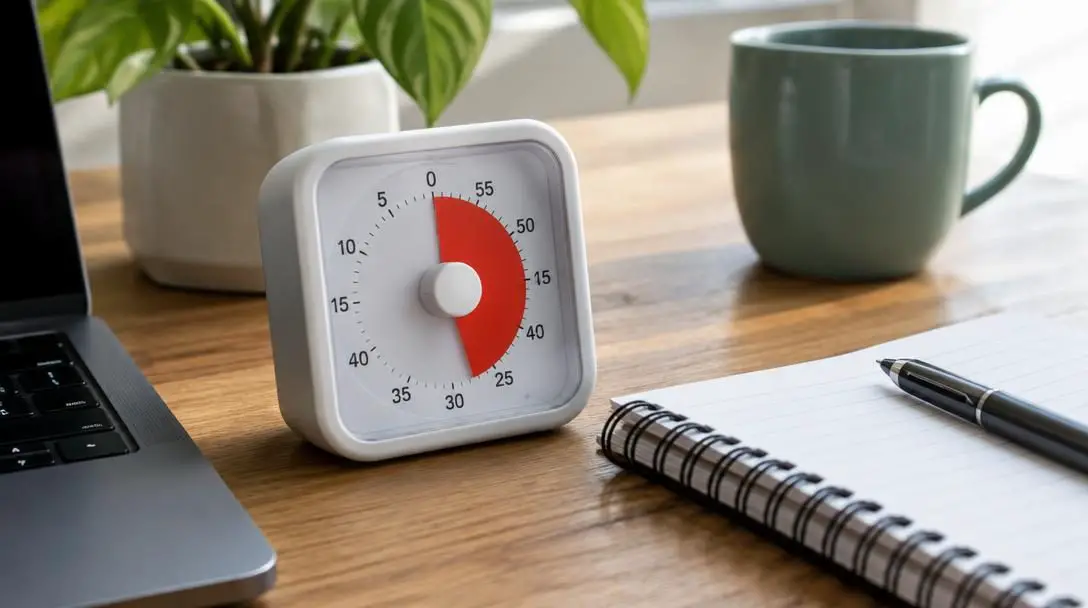
When you face cognitively heavy projects that demand deep research, sustained coding, or long-form writing, stopping at the 25-minute mark can sometimes disrupt a hard-won state of deep immersion. In these situations, extending the work window to a 50-minute segment is highly effective. However, longer concentration drains mental energy far more quickly. To keep your mental acuity sharp, you must pair every 50-minute work session with a full 10-minute break rather than the standard five minutes.
Conversely, days dominated by administrative chores or brisk household errands may call for abbreviated work bursts. You can comfortably drop your segment length down to 10 or 15 minutes to power through quick replies or clear an inbox. However, you should strictly avoid setting blocks shorter than 10 minutes. Running five-minute timers becomes exceptionally cumbersome to manage, introduces excessive friction, and forces you to stare anxiously at the countdown clock instead of immersing yourself in the assignment in front of you.
| Interval Type | Work Duration | Break Duration | Ideal Task Application | Key Considerations |
|---|---|---|---|---|
| Standard Pomodoro | 25 minutes | 5 minutes | Drafting reports, routine correspondence, house cleaning | Balanced baseline; completes four cycles in two hours |
| Deep Focus Sprint | 50 minutes | 10 minutes | Complex analysis, software development, long-form drafting | Requires double the rest time to prevent mental exhaustion |
| Brisk Interval | 10 to 15 minutes | 3 to 5 minutes | Tidying an office, processing quick replies, sorting paperwork | Avoid anything under 10 minutes to prevent timer fixation |
The Psychological and Physical Benefits of Timeboxing
The primary barrier to consistent output is rarely a lack of desire; rather, it is the formless nature of open-ended work sessions. When an assignment lacks temporal boundaries, our attention naturally drifts, allowing mild distractions to expand into hours of lost time. A running timer acts as an external anchor, narrowing your field of vision down to an immediate, highly achievable window. Knowing you only have to sustain focus until the bell sounds keeps your attention sharp and reduces the friction of getting started.
Using a timer provides a simple, structured boundary around your efforts that cuts through procrastination and exhaustion.
Equally important is the protection a countdown offers against physical exhaustion and toxic perfectionism. Many dedicated professionals fall into the trap of sitting rigidly at their desks, refusing to stand, stretch, hydrate, or move until an entire mammoth undertaking is completely finished. This habit leads directly to bodily discomfort, mental stagnation, and eventual burnout. By imposing hard boundaries on when to start and when to stop, timers compel you to honor healthy bodily habits without feeling guilty for taking a pause.
Four Accessible Timer Options for Everyday Use
You do not need expensive productivity hardware or premium subscription apps to implement interval pacing. Simple, accessible household tools provide all the functionality necessary to run structured sprints throughout your home or office.
Smartphones
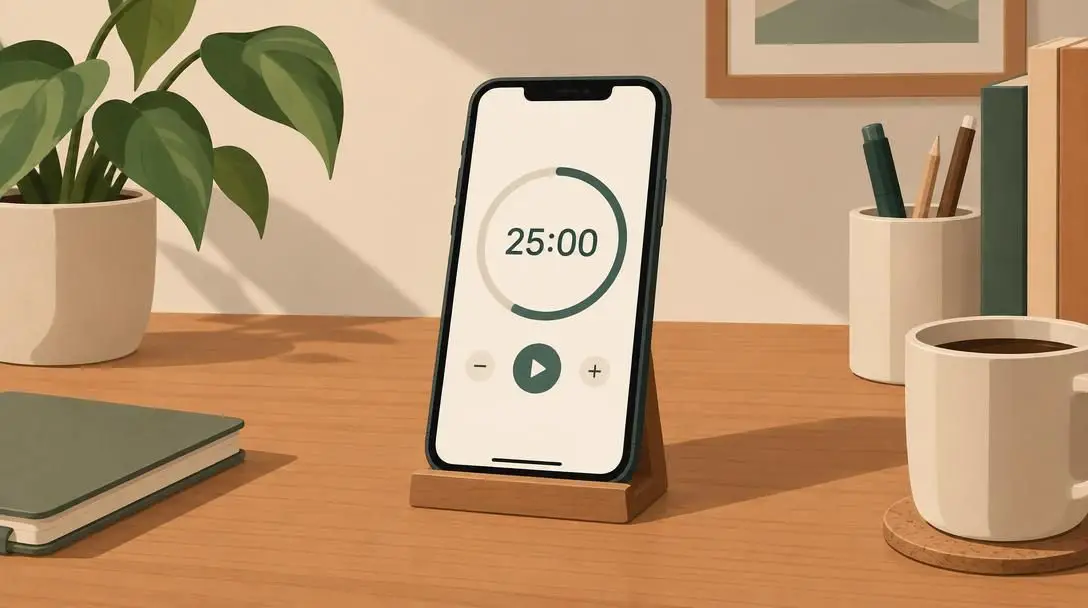
Because nearly everyone keeps a mobile device nearby, the built-in clock app on your smartphone serves as the most straightforward and immediate way to begin interval pacing. Setting a 25-minute countdown takes only a couple of taps, and digital alarms offer customizable audio chimes to alert you when your session finishes. However, smartphones also carry the constant risk of digital distraction from social media alerts and notifications, so keeping your device in a focused mode while timing is essential.
The Microwave

While relying on a kitchen appliance might seem unconventional, using the microwave timer is a remarkably practical tactic for staying on track when working from home. Microwave countdown beeps are notoriously piercing and persistent, making it virtually impossible to overlook the end of a sprint. Setting your timer in the kitchen also forces you to physically get up from your desk, leave the room, and stretch your legs just to silence the alert.

Kitchen Timers
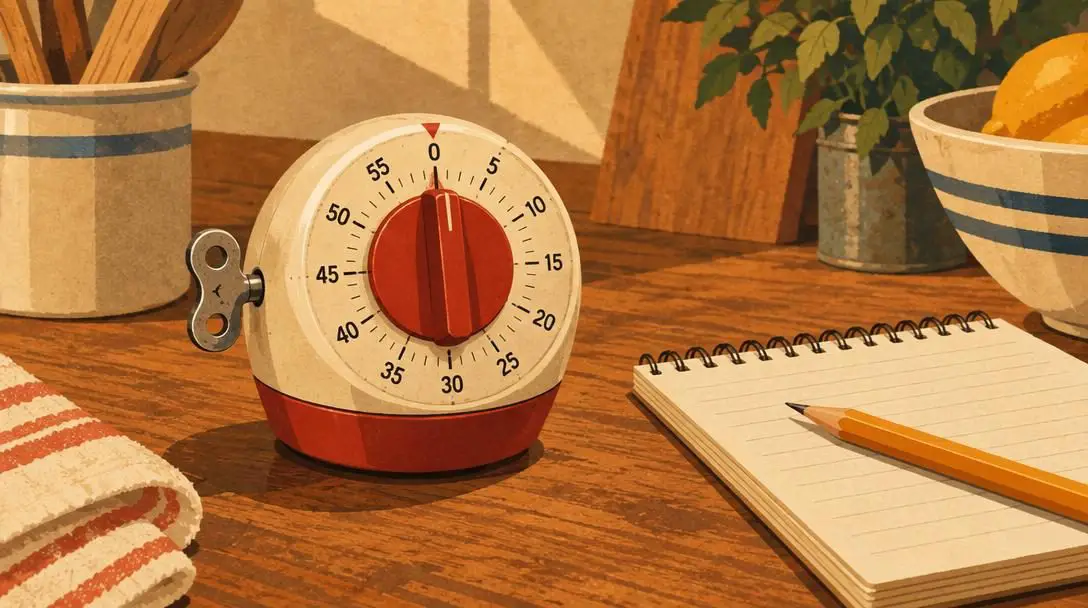
Standard analog mechanical timers or basic digital kitchen timers offer a wonderfully distraction-free, old-school alternative to screen-based apps. Turning a physical dial creates a tactile commitment to your upcoming work sprint, and dedicated kitchen timers have no internet connectivity, social feeds, or text messages to pull your attention away. Their ticking sound can also provide a steady, rhythmic background cadence that keeps your mind anchored to the task.
Watch Alarms
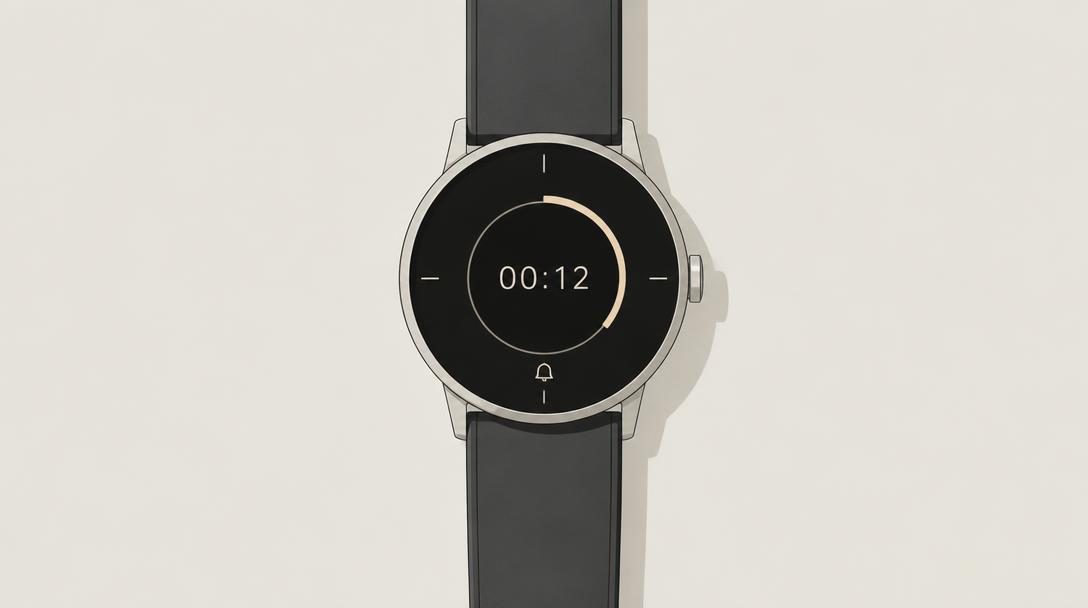
Whether you wear an analog sports watch with a countdown bezel or a digital timepiece with a programmable alarm, having your timer directly strapped to your wrist ensures total mobility. A wrist-based alarm moves seamlessly with you whether you are tidying up rooms across the house, working in a large office, or stepping outside for fresh air. It eliminates the need to carry your phone from room to room, keeping your schedule prompt without tethering you to a screen.
Step-by-Step Guide to Establishing Your Daily Timer Routine
Adopting an interval-based schedule works best when you establish a repeatable, low-friction morning workflow. Following a systematic series of setup steps ensures your sprints remain orderly and stress-free throughout the entire day.
- Select your target assignments before starting. Write down the specific items you plan to tackle during the day before activating any clock. Clearly assign duties such as drafting an overdue memo, sorting financial records, or organizing household spaces so you never waste active timer minutes wondering what to do next.
- Pick an interval length tailored to each project. Match the demands of your responsibilities to the appropriate duration. Assign 25-minute standard sessions for general work, expand to 50-minute deep blocks for intensive projects, or utilize 10-minute bursts for small administrative tasks while strictly avoiding five-minute micro-intervals.
- Commit exclusively to a single assignment during the countdown. Once the timer begins ticking, dedicate your full energy exclusively to the designated item. Keep notes on a scratch pad if stray thoughts or side chores pop into your mind, but do not navigate away from your target duty until the alarm rings.
- Step away immediately when the alarm sounds. As soon as the signal rings, drop your work tools and step away. Honor your five-minute rest period following a 25-minute sprint, or take a full 10-minute break after a 50-minute session to cool down, drink water, handle urgent calls, or stretch your limbs.
- Cycle through four rounds and take an extended rest. Repeat the work-and-break pattern four consecutive times to form a complete two-hour block. After the fourth interval, reward yourself with an extended 15- to 30-minute rest period for lunch or mental rejuvenation before launching your next block.
Frequent Timer Mistakes and How to Prevent Them
Even though the concept of counting down minutes is straightforward, common behavioral missteps can undermine the structure and leave you feeling just as disorganized as before. Identifying these hazards early preserves your momentum over the long haul.
- Overriding the stopping bell: The most frequent trap is silencing the alarm and continuing to work because you feel close to finishing an assignment. Bypassing the mandatory rest period immediately undermines the discipline of the technique, turning a structured sprint right back into an exhausting marathon.
- Splitting your day into micro-increments: Setting five-minute timers for minor items creates needless cognitive clutter. These excessively brief windows leave you constantly managing your clock instead of executing real work, leading to frustration and wasted effort. Keep all short spurts at 10 minutes or longer.
- Neglecting recovery time after extended sessions: If you decide to tackle a massive project using 50-minute focus windows, you cannot retain the brief five-minute break designed for shorter intervals. Failing to extend your rest period to 10 full minutes depletes your cognitive reserves before the day is halfway done.
- Quitting altogether after an interruption: An urgent phone call or household emergency will inevitably disrupt your planned block from time to time. Rather than declaring the entire day ruined and abandoning your routine, simply handle the interruption, reset your timer, and launch a fresh 25-minute segment.
Frequently asked questions
What should I do during the short five-minute break?
Use your five-minute window to step away from your workstation, stretch your body, grab a drink, or address quick communications you set aside during your work interval. Avoid diving into complex new projects, as the goal is to let your brain rest before the next focus segment begins.
How does timer pacing equal a full standard workday?
A single cycle of four 25-minute work blocks and four five-minute breaks takes two hours. Following that with a 15- to 30-minute extended rest and repeating the two-hour block again throughout the day yields an organized workday totaling roughly 8 hours and 15 minutes to 8 hours and 30 minutes.
Why should I avoid setting timers for five minutes or less?
Five-minute segments are too short to accomplish meaningful work and become cumbersome to configure repeatedly throughout the day. Excessively short blocks keep your attention glued to the countdown clock rather than focused on your actual tasks.
When should I choose a 50-minute work segment over a 25-minute one?
A 50-minute segment is ideal for deep, immersive tasks such as comprehensive research, complex programming, or long-form writing where frequent breaks interrupt your train of thought. Remember to increase your rest period to 10 minutes to match the longer duration.
What is the best type of timer to use if I get distracted easily?
If smartphone notifications tend to lure you away from your responsibilities, an analog or digital kitchen timer or a microwave timer provides an excellent distraction-free alternative with no internet connectivity or social alerts to disrupt your concentration.
The Bottom Line
Achieving reliable productivity does not require rigid perfection or complicated management philosophies. By simply placing an ordinary timer between yourself and your daily responsibilities, you create clear, manageable boundaries that defeat procrastination, eliminate chaotic multitasking, and guard against physical exhaustion.
Whether you choose the classic 25-minute Pomodoro cadence or stretch your sessions into 50-minute deep sprints, the key lies in honoring the alarm, taking your prescribed rests, and recommitting to single-task focus block after block. Over time, this straightforward habit transforms overwhelming workdays into predictable, highly productive routines.