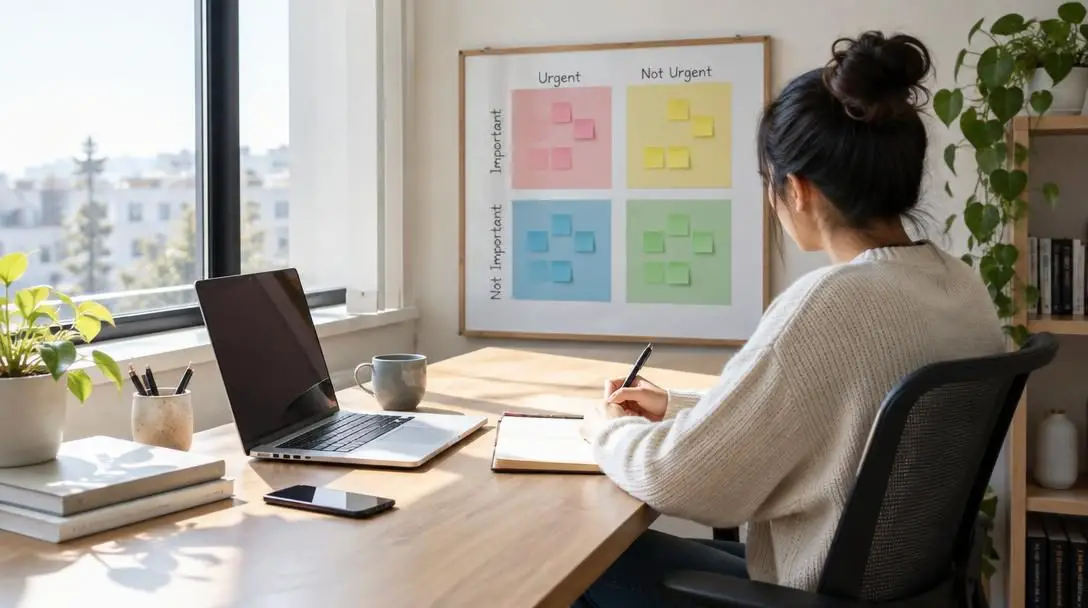
5 Tips On Setting Up Your Home Office for Maximum Productivity
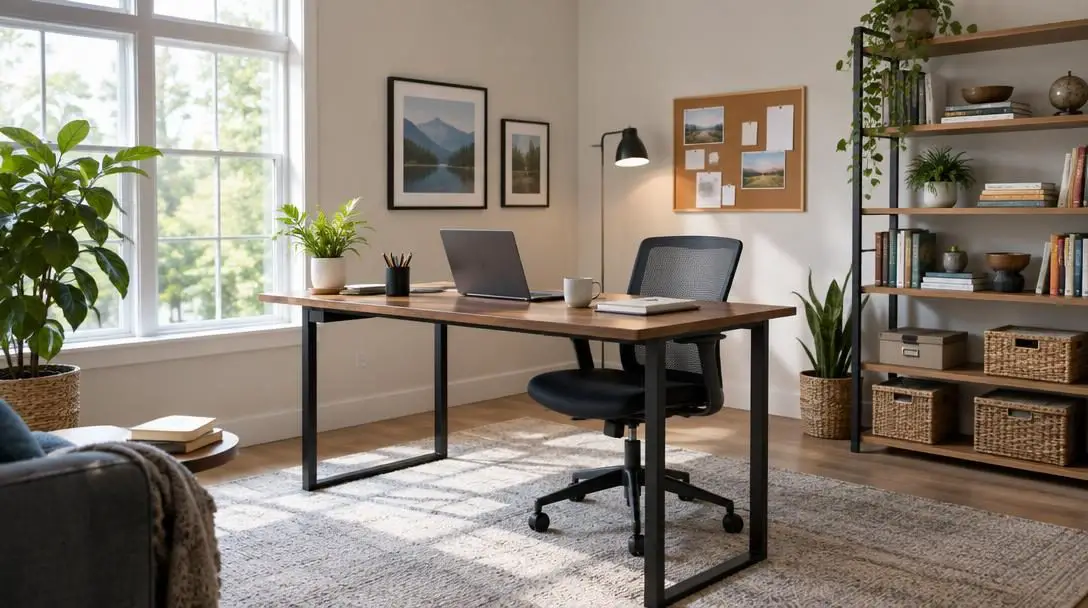
Working from home has transformed from an occasional convenience into an everyday operational standard for millions of professionals across the globe. Whether individuals are collaborating with distant clients, managing daily operations remotely, or navigating circumstances that prevent a daily commute to a corporate office, the residence now routinely doubles as a primary workplace. Yet shifting professional duties into a living space introduces complex operational hurdles that rarely occur in employer-provided settings. Without built-in architectural boundaries, dedicated corporate infrastructure, and firm daily routines, professionals frequently struggle to maintain their regular focus, energy, and overall performance.
High productivity within a residential setting does not happen by chance; it requires intentional choices regarding environment, room layout, equipment, and personal habits. Relying on improvised spaces such as a dining table, a kitchen counter, or a living room sofa quickly exposes workers to physical aches, misplaced paperwork, continuous household disruptions, and mental burnout. Establishing a dedicated workspace is therefore fundamental to sustaining daily output. Methodically designing an office environment enables remote professionals to establish an enduring routine that fosters deep focus while safeguarding personal well-being.
Key takeaways
- Choosing an isolated space with ample natural light and ergonomic furniture shields workers from daily household distractions and physical discomfort.
- Installing dedicated filing cabinets and organizational bins keeps essential documents secure, damage-free, and instantly accessible.
- Equipping the desk with a reliable computer, a monitor stand, a printer/scanner combo, and project management tools prevents technological slowdowns.
- Balancing meaningful personal decor with clean, clutter-free surfaces preserves motivation without introducing visual chaos.
- Structuring the day around scheduled rest breaks and personal comforts helps sustain mental stamina across long working hours.
The Mechanics of Home Workspace Productivity
A successful remote work environment depends on the seamless coordination of environmental psychology, ergonomic principles, modern technology, and orderly systems. When these factors align, the physical surroundings provide clear mental signals that transition the mind into an attentive, task-oriented state. In contrast, an unplanned setting sends mixed signals that blur the boundary between domestic relaxation and business responsibilities.
At its foundation, an effective home office works by systematically eliminating both cognitive and physical friction. Cognitive friction occurs when workers must constantly filter out background noise, search through unsorted paper stacks, or endure lagging digital systems. Physical friction develops when ill-fitting chairs and awkward desk heights force the body into strained positions that cause muscular stiffness and fatigue. By securing a private zone, selecting adjustable furniture, maintaining updated technology, and implementing strict document storage, professionals remove these continuous drains on their vitality.
Reducing physical and cognitive friction frees up mental energy, enabling professionals to sustain attention on high-value tasks throughout the workday.
When physical discomfort and logistical disorganization are cleared away, mental bandwidth is preserved. Professionals can then allocate their energy toward high-value objectives, critical problem-solving, and uninterrupted creative thought throughout the entirety of their shift.
Home Office Configuration at a Glance
Before assembling individual components, it helps to view the core setup areas alongside their necessary equipment and direct workflow advantages. The table below outlines how each component contributes to an efficient daily routine.
| Focus Area | Primary Tools and Equipment | Main Workflow Benefit |
|---|---|---|
| Workspace Isolation and Ergonomics | Adjustable desk chair, ergonomic keyboard tray, natural light source | Eliminates physical strain and shields against domestic chatter and interruptions |
| Document Organization | Multiple filing cabinets, structured storage bins | Protects paperwork from damage and speeds up file retrieval |
| Technology and Software | Computer system, monitor stand, printer/scanner combo, project platforms | Prevents technical bottlenecks and streamlines daily project delivery |
| Environmental Personalization | Inspirational artwork, family photographs, desk organizers | Enhances personal motivation while preventing visual clutter |
| Daily Comfort and Rest | Scheduled intervals, background music, scented candles, heated blankets | Prevents cognitive exhaustion and maintains endurance over long hours |
5 Core Tips for an Efficient Home Office
Constructing a dependable working environment involves addressing five distinct areas, covering everything from the physical room you choose to your daily rest habits.
Select an Isolated, Naturally Lit Space with Supportive Furniture
The location of your office dictates how well you can isolate yourself from the standard rhythms of the household. Select an area situated far from high-traffic domestic spots, such as family entertainment centers, televisions, and loud kitchens. Keeping physical separation between your work zone and active domestic areas protects your concentration from sudden interruptions and persistent family chatter.
Whenever possible, place your workstation near an exterior window to incorporate natural light. Direct sunlight brightens the visual space and provides a natural sense of vitality that keeps your mindset positive across challenging workdays. To complement the room, invest in quality ergonomic furniture designed for extended use. An adjustable desk chair allows you to modify seating height and lumbar support, while an ergonomic keyboard tray ensures your wrists and forearms rest in a neutral posture. These ergonomic adjustments prevent the bodily aches and poor posture that frequently develop when working from dining chairs or low coffee tables.

Designate Specific Areas for Files and Secure Document Storage
Physical paperwork can rapidly overrun an office if it lacks a distinct, organized home. Without a clear filing infrastructure, important contracts, financial statements, and reference materials end up scattered across desks, increasing the risk of loss or accidental damage from spills. A professional setup requires dedicated zones exclusively reserved for document retention.
Incorporate multiple filing cabinets within reach of your desk to handle active projects alongside archived records. Allocating specific drawers to designated categories allows you to locate vital files within moments rather than hunting through disordered stacks. Furthermore, housing paperwork inside sturdy, dedicated storage protects valuable documents from physical wear, tears, and environmental moisture, preserving their condition over years of operation.
Equip Your Office with the Right Technology and Productivity Software
Modern remote work relies heavily on consistent digital infrastructure. Underpowered hardware, tangled cabling, and inadequate peripherals create persistent friction that slows down daily output and creates unnecessary stress. Equipping your office with dependable, high-performance tools ensures your technical capabilities match your professional obligations.
Your hardware setup should center around a powerful, reliable computer system capable of handling your daily software requirements without lagging. Elevate your display using a monitor stand to keep the screen at direct eye level, preventing neck strain during long viewing sessions. Add an all-in-one printer/scanner combo to manage hard-copy documentation, contract signatures, and digitized records without leaving your desk. In tandem with hardware, secure licenses for time management software and project management tools. These applications structure your daily responsibilities, establish clear deadlines, and keep long-term deliverables progressing predictably.
Personalize Your Surroundings While Eliminating Clutter
A sterile, clinical room can feel uninviting, yet a chaotic workspace quickly overwhelms the senses. Striking the right balance involves personalizing your environment with meaningful items while enforcing strict clutter-control measures to keep functional surfaces bare and ready for work.
Introduce subtle personal touches that encourage a determined, constructive mindset. Framing photos of family members or displaying pieces of inspirational artwork offers immediate visual encouragement when facing difficult tasks or complex dilemmas. However, pair these personal accents with deliberate organization. Use desktop bins, trays, and organizers to hold loose stationery, reference books, and notepads. By assigning every accessory to a specific bin or drawer, you preserve the visual peace of your workspace and keep your desk entirely dedicated to immediate tasks.
Prioritize Personal Comfort, Regular Rest, and Relaxation
High performance cannot be sustained if you treat your physical and mental well-being as an afterthought. Sitting motionless for prolonged stretches without mental downtime inevitably triggers cognitive fatigue, reduced problem-solving ability, and diminishing returns on effort. Creating an efficient workspace requires building comfort and intentional rest directly into your daily routine.
Establish a habit of taking consistent, timed breaks throughout the workday. Stepping away from the computer screen allows your eyes to recover and your thoughts to recalibrate, restoring your concentration for the next block of focused work. Enhance your room with subtle creature comforts that make long working periods enjoyable. Playing soft background music can mask minor ambient household noises, while lighting a scented candle introduces a calming sensory element. During colder seasons, having a heated blanket accessible ensures you remain comfortably warm without needing to overheat the entire household.
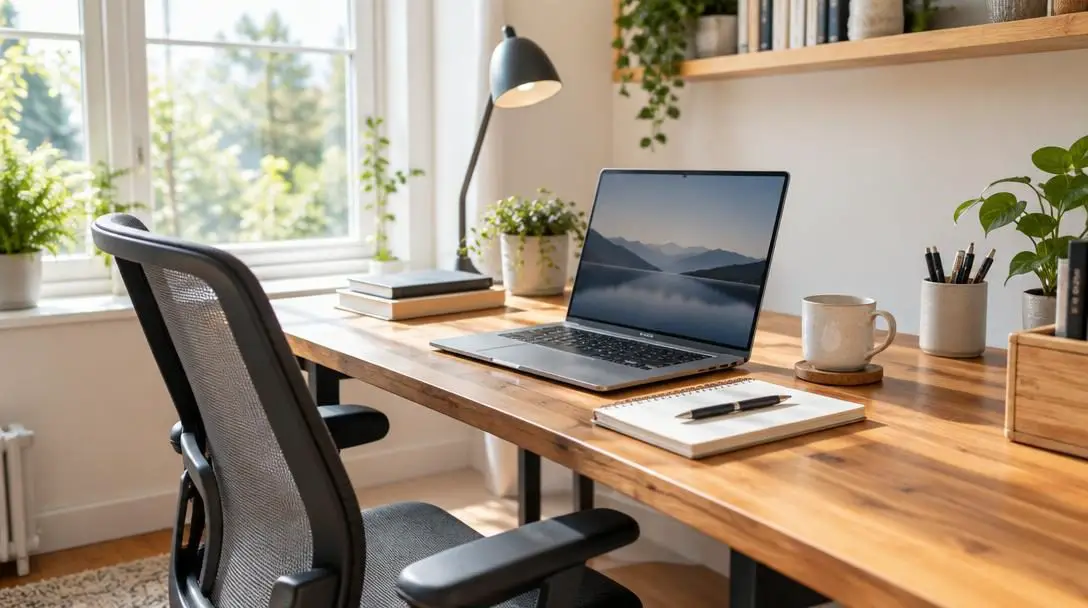
Step-by-Step Guide to Assembling Your Workspace
Setting up an orderly office is most manageable when tackled in a clear, sequential order. The following steps guide you through the process of establishing a functional space from an empty room or underutilized nook.
- Survey your home layout: Inspect your residence to identify candidate spaces separated from loud living rooms, kitchens, or media hubs, prioritizing rooms with windows that supply daylight.
- Map out your furniture arrangement: Measure the floor space to confirm that your desk, cabinets, and seating can fit comfortably without blocking doorways or walking paths.
- Assemble and calibrate ergonomic furniture: Set up your desk and adjust your chair height so your feet rest flat on the floor, positioning your keyboard tray so your elbows bend at a natural right angle.
- Install organizational units and file systems: Place your filing cabinets and storage bins near your workstation, labeling individual drawers to distinguish active workflows from permanent records.
- Set up and configure your core hardware: Position your computer, mount the screen on a sturdy monitor stand, attach your printer/scanner combo, and bundle cables neatly to eliminate hazards.
- Install project and time management tools: Download, register, and configure your software platforms, entering immediate project milestones and setting up daily scheduling tools.
- Incorporate decor and comfort accessories: Place family photos and artwork within your field of view, and position comfort items like a scented candle, a heated blanket, or a music speaker nearby.
- Schedule your break intervals: Program calendar reminders or use time management apps to schedule mandatory pauses throughout the day before starting your first active shift.
Common Setup Mistakes to Avoid
When transitioning to a residential workspace, workers often fall into convenient habits that gradually erode their efficiency. Staying vigilant against these common oversights will protect your productivity and physical comfort over the long term.
- Working in shared household zones: Placing a desk in an open living room or beside a television guarantees frequent disruptions from family members, ambient conversations, and background entertainment.
- Relying on non-ergonomic furniture: Using rigid dining chairs or typing directly on high tables forces the body into poor postures, inevitably causing neck stiffness, back pain, and wrist fatigue.
- Neglecting paper storage systems: Stacking loose papers across the desk surface invites disorganization, leaves sensitive files vulnerable to household accidents, and wastes time during document searches.
- Tolerating sluggish or outdated technology: Relying on slow computers, skipping essential software tools, or lacking a reliable printer/scanner forces you to resolve technical issues during critical deadlines.
- Allowing desk surfaces to accumulate clutter: Failing to use designated organizers for pens, notebooks, and reference materials turns the desk into a visual mess that scatters attention.
- Skipping breaks and ignoring ambient temperature: Pushing through hours of continuous work without physical movement leads to mental exhaustion, while working in an uncomfortably cold room undermines focus.
Long-Term Maintenance and Workflow Evaluation
Establishing an efficient home office is not a one-time project; your workspace must adapt as your operational responsibilities shift and your equipment experiences normal wear. Regularly assessing how well your physical environment supports your workload ensures that small friction points do not grow into severe operational roadblocks.
Begin by scheduling monthly reviews of your document systems. As projects wrap up, immediately transfer active notes, contracts, and printed references into your permanent filing cabinets. Purging obsolete reference materials and storing completed dossiers ensures that loose papers do not gradually encroach on your primary desk surface. Concurrently, check your storage bins to confirm that archived records remain cleanly filed and fully protected against potential environmental damage.
Next, evaluate the performance of your hardware and software suite. Keep productivity platforms, operating systems, and time management software updated to prevent security vulnerabilities or processing slowdowns. If you discover that your display height feels uncomfortable after long hours or that your printer/scanner combo requires a more accessible position, rearrange these components promptly rather than tolerating ongoing physical strain.
Finally, monitor your daily personal comfort and energy cycles. If you notice afternoon fatigue setting in consistently, adjust the timing of your scheduled breaks or try taking a short walk away from your desk. Refresh your visual surroundings occasionally by rotating artwork or family photos, and adapt your creature comforts to the seasons—swapping out heated blankets during warmer months or altering background music playlists. Continual refinement ensures your home office remains an energizing, productive workspace year after year.
Frequently asked questions
Why is working from a couch or dining table discouraged?
Informal spots lack ergonomic support and architectural boundaries, leading to physical strain, misplaced documents, constant family distractions, and blurred lines between work and personal life.
How does natural lighting improve home office productivity?
Natural light from a nearby window brightens the workspace, creates an inviting atmosphere, and provides visual inspiration, helping remote professionals stay motivated and energized throughout long shifts.
What specific ergonomic items are most essential for desk work?
An adjustable desk chair that supports neutral posture, an ergonomic keyboard tray that aligns wrists and forearms comfortably, and a monitor stand to raise displays to eye level are vital investments.
How can I prevent paperwork from cluttering my primary work surface?
Incorporate multiple filing cabinets and labeled storage bins near your desk to categorize active projects and archive permanent documents, keeping your primary desktop clean and ready for daily tasks.
What creature comforts are beneficial to include in a home workspace?
Subtle comforts such as soft background music to mask household sounds, scented candles to create a calm setting, and heated blankets to stay warm during winter months help sustain daily morale.
The bottom line
Transitioning to remote work requires deliberate intention, structured design, and consistent maintenance. By choosing an isolated, naturally lit space, using supportive ergonomic furniture, implementing disciplined document storage, equipping yourself with reliable technology, and prioritizing daily rest and comfort, you remove the physical and mental obstacles that undermine performance. An organized home office safeguards your professional success while providing the comfort and balance necessary for lasting career satisfaction.