Are gaming laptops a good idea?
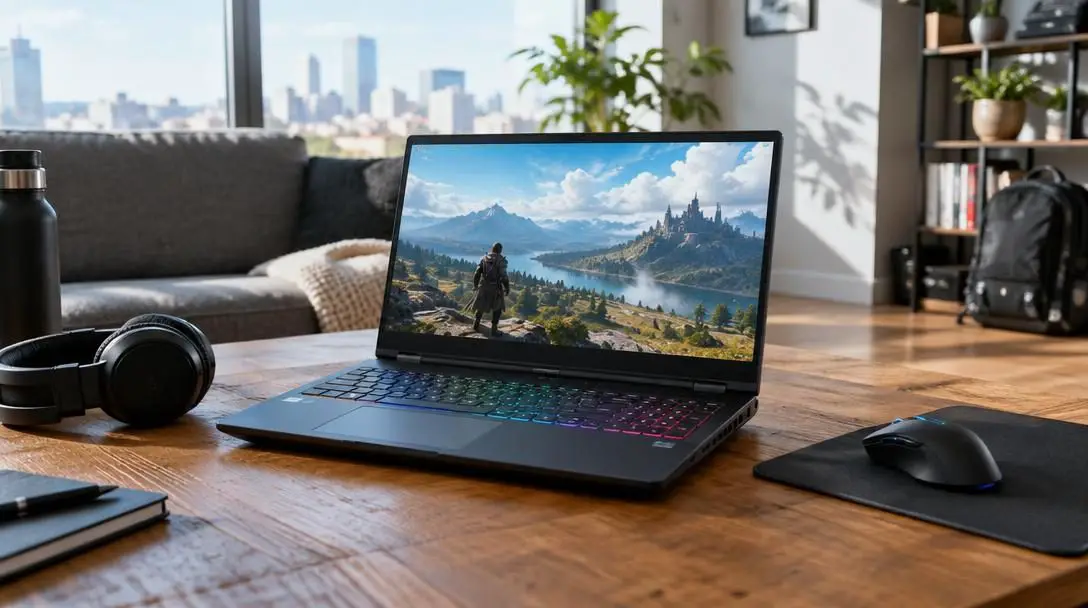
For decades, the personal computer market maintained an unyielding boundary between everyday portability and serious computational power. Standard notebooks were engineered almost exclusively for light-duty productivity such as word processing, basic spreadsheets, and simple web browsing, while demanding tasks were left to stationary towers. Early mobile hardware generated tremendous heat and required substantial energy, which meant that packing high-performance parts into a portable shell resulted in machines that were famously thick, heavy, and awkward to transport.
Recent advances in computer hardware engineering have dismantled those long-standing limitations. Modern gaming laptops have evolved into slim, highly capable workstations that rival traditional desktop setups while offering complete freedom of movement. Whether you are an avid gamer, a digital creator, or a remote professional juggling complex enterprise applications, understanding how these systems work and what they deliver can help you determine whether a gaming laptop is the right investment for your routine.
Key takeaways
- Engineering advancements have transformed gaming laptops from thick, bulky machines into sleek, portable powerhouses that fit inside standard backpacks.
- Dedicated graphics hardware, fast processors, and generous system memory allow gaming laptops to multitask demanding applications without system slowdowns.
- Non-gamers, remote workers, and creative professionals benefit significantly from gaming laptops when running video conferences, CAD applications, and editing suites.
- While desktop computers provide greater cooling room and raw power at a lower cost, gaming laptops deliver unmatched flexibility through mobile use and docking stations.
The Evolution from Bulky Hardware to Modern Refinement
Older high-performance laptops were defined by unavoidable engineering compromises. Early internal components—including high-draw central processing units, dedicated graphics boards, dynamic memory modules, and complex cooling assemblies—demanded significant physical space to prevent overheating. As a consequence, legacy gaming laptops were notoriously clunky and heavy, often feeling more like an oversized piece of luggage than a personal computer. Their visual appearance lacked subtlety, and their size made using them away from a desk exceptionally impractical.
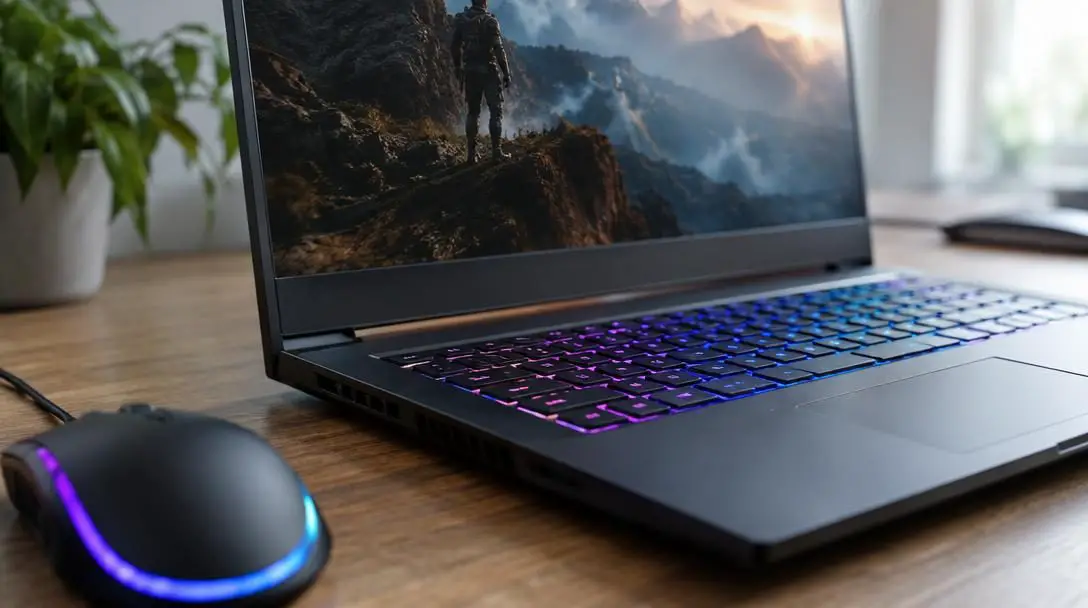
That landscape has changed entirely due to improved performance-per-watt efficiency, lighter and more durable materials, and advanced internal cooling channels. Modern gaming laptops are sleek and refined, with many chassis profiles measuring just as thin as standard laptops while housing high-end components beneath the surface. Manufacturers have also integrated functional design touches, such as customizable keyboards that illuminate in multiple colors. These illuminated keys provide a personalized visual flair while making individual keycaps distinctly visible in dimly lit environments.
By combining fast central processors, expansive memory, and dedicated graphics, modern gaming laptops prove that top-tier performance no longer needs to stay permanently tethered to a desk.
Core Architecture: What Makes a Gaming Laptop Perform?
A gaming laptop functions as a tightly unified ecosystem where each hardware component is balanced to prevent operational bottlenecks. When sustained, resource-heavy programs are running, these components coordinate to keep system performance stable and responsive.
Central Processing Unit (CPU)
The central processing unit operates as the primary computational brain of the laptop. In high-performance systems, the CPU executes complex system instructions, handles operational software code, and manages operating system tasks alongside ongoing background processes. A fast central processor guarantees that system logic flows uninterrupted, enabling smooth execution even when resource-intensive applications are running concurrently.
Graphics Processing Unit (GPU)
Unlike everyday office notebooks that rely on basic processing chips with integrated graphics, a gaming laptop contains dedicated graphics processing hardware. The GPU is designed specifically to calculate visual math, render intricate three-dimensional geometries, calculate real-time lighting physics, and drive imagery to a high screen resolution. This dedicated power keeps on-screen motion fluid and ensures fine digital details appear crisp and clear during video rendering, 3D modeling, or gameplay.
System Memory (RAM)
System memory functions as the laptop's immediate working desk. Gaming laptops are equipped with generous amounts of RAM, allowing the machine to hold active application data in memory for instantaneous retrieval. Having plenty of RAM eliminates computational stutter by ensuring the computer does not need to constantly swap active data to storage drives while handling several open applications at once.
High-Resolution Display Panel
The internal processing pipeline feeds into a high-resolution display engineered to present sharp visual output. A higher screen resolution ensures text, fine vector lines, and digital media appear razor-sharp. For visual artists and power users, the combination of dedicated graphics processing and a crisp display panel guarantees that detailed imagery is represented accurately across various work and entertainment environments.
Desktop Computer vs. Gaming Laptop: Evaluating Your Needs
Deciding between a stationary tower and a portable machine requires an honest assessment of your computing environment and daily schedule. Both form factors have definite practical advantages, and picking the right one depends largely on where and how you complete your daily tasks.
| Factor | Desktop Computer | Gaming Laptop |
|---|---|---|
| Mobility | Stationary; confined to a single room or desk | Highly portable; easily transported in a backpack |
| Cooling & Power | Spacious chassis allows larger cooling and maximum power draw | Compact cooling engineered for efficient, contained power delivery |
| Cost Efficiency | Generally cheaper for equivalent or superior raw power | Carries a premium for miniaturized components and portability |
| Setup Versatility | Permanent peripheral setup | Operates standalone or links to a docking station for multi-screen work |
If your computing activities take place exclusively in a single room at home, a stationary desktop computer is often the more cost-effective route. Desktops have the physical room to house larger fans and heat sinks, allowing them to draw more electrical power and deliver top-tier performance at a lower retail price. However, if you enjoy switching rooms while working or gaming, or if your weekly routine involves travel and commuting, a desktop becomes a restrictive barrier.
A gaming laptop packages the display, audio hardware, keyboard, and processing core into a single portable unit. Furthermore, their dockable versatility bridges the gap between portability and stationary comfort. By plugging a single cable into an external docking station, you can instantly power multiple external monitors, dedicated audio systems, and full-sized peripherals. Whenever you need to leave, unplugging the dock allows you to take your entire software setup on the road.
Professional and Creative Utility for Non-Gamers
A common misconception is that gaming laptops serve only people who play video games. In reality, the high-performance parts that render modern video games are the exact same components required for demanding digital production tasks and heavy remote-work configurations.
Modern work-from-home arrangements introduce computational strains that quickly overwhelm entry-level consumer notebooks. Remote jobs frequently demand back-to-back video conferences that run alongside screen-sharing software, virtual background processing, and web presentation feeds. When combined with proprietary corporate software, communication tools, and massive spreadsheet models, standard laptops often stutter or freeze. The fast CPU and generous RAM of a gaming laptop provide the headroom needed to run these resource-intensive applications concurrently without breaking a sweat.
Creative professionals derive tremendous value from the specialized hardware inside modern gaming systems, particularly across four demanding production fields:
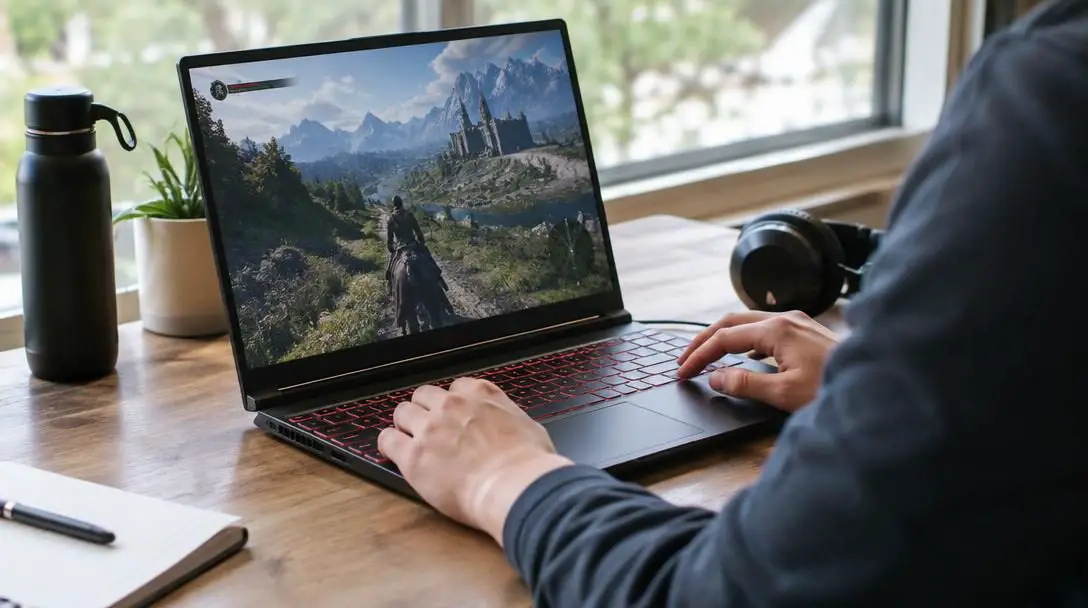
Photo and Graphics Creation
Modern graphic design programs work with massive digital canvases, dense vector paths, and multi-layered document files. The combination of dedicated GPU acceleration and ample RAM prevents slow file saves and enables immediate canvas zooming, real-time brush rendering, and smooth layer adjustments.
Computer-Aided Design (CAD)
Engineering and architectural CAD suites require significant computational power to render complex three-dimensional assemblies, architectural blueprints, and stress simulations. A gaming laptop's specialized graphics hardware ensures that complex 3D viewports rotate and update without viewport lag.
Video Creation and Editing
Video production software requires intense processing capability to decode multi-camera streams, apply color grading profiles, and render final output files. The coordinated interaction of a fast multi-core processor and dedicated graphics hardware guarantees fluid timeline playback and rapid export times.
Digital Sound and Audio Production
Audio workstations run dozens of simultaneous tracks alongside resource-intensive software instruments and real-time digital signal plugins. A high-performance central processor prevents audio dropouts, latency spikes, and buffer errors during critical tracking and mixing sessions.
How to Set Up and Optimize Your Gaming Laptop Workflow
Integrating a high-performance laptop into your daily routine involves more than simply opening the lid and plugging in the power adapter. Following a structured setup procedure ensures your machine stays cool, maintains peak performance, and integrates seamlessly with your workspace.
- Assess primary working areas: Identify every location where you intend to work or game, such as a home office, living room, or shared workspace. High-performance components consume significant electrical power during intensive workloads, so confirm that accessible wall outlets are available in each spot.
- Assemble a centralized docking space: Create a permanent home base on your main desk by installing a dedicated docking station. Connect your external monitors, mechanical keyboard, and mouse to the dock so you can transition between desktop-style comfort and mobile use with a single connection.
- Establish proper airflow and ventilation: High-performance hardware naturally generates heat during prolonged computational tasks. Position the laptop on a flat, firm surface—such as a wooden desk or laptop riser—to keep the intake vents located on the bottom and sides completely unobstructed.
- Configure your software workflow: Install your essential productivity suites, creative tools, or gaming clients. Arrange your windows and utility software to take full advantage of the high screen resolution and multi-monitor setups, grouping related tasks side-by-side.
- Pack protective travel accessories: If you commute or travel, select a protective, padded travel bag sized specifically for your laptop's dimensions. Always pack the original high-wattage power adapter and essential mobile input devices to ensure full computational capability wherever you go.
Common Mistakes to Avoid When Choosing a Machine
When shopping for a new high-performance system, buyers frequently fall into common traps by misjudging how hardware capabilities align with their daily habits.
- Assuming desktops are mandatory for heavy workloads: Many prospective buyers believe that demanding tasks like CAD modeling, video rendering, or high-end graphics creation require a bulky desktop tower. Modern gaming laptops are purpose-built to manage these exact computational workflows.
- Ignoring your true mobility needs: Buying an immovable desktop when you actually prefer moving between rooms or working while traveling leads to an unused desktop at home and an underpowered laptop on the road.
- Purchasing a laptop for a purely stationary setup: Conversely, if your computer will strictly sit in a single corner of one room every day, buying a gaming laptop means paying extra for miniaturization and battery hardware you will never utilize. In that specific scenario, a desktop computer is cheaper and more powerful.
- Underutilizing the machine as an isolated notebook: Treating a gaming laptop solely as a standalone device limits its potential. Failing to utilize a docking station deprives you of the ergonomic benefits of full-sized keyboards and large external displays.
- Clinging to outdated aesthetic perceptions: Expecting modern systems to look like the bulky, unrefined gaming bricks of the past causes some professionals to overlook them. Today's models feature slim form factors, subtle profiles, and practical features like color-lit keyboards that enhance visibility in dark environments.
Frequently asked questions
Can I use a gaming laptop for work and everyday tasks?
Yes. Gaming laptops excel at regular work and intensive remote tasks. Their fast processors and abundant RAM make them ideal for managing multiple browser tabs, heavy video conferences, and employer-mandated enterprise software without performance hiccups.
Is a gaming laptop more powerful than a desktop computer?
No. When comparing systems at the same price point, desktop computers are generally cheaper and more powerful. Desktops benefit from spacious chassis that accommodate larger cooling solutions and higher electrical power delivery.
Why do gaming laptops have keyboards that light up in different colors?
Illuminated keyboards serve both functional and aesthetic purposes. The backlighting makes keycaps clearly visible in low-light environments, while customizable colors allow users to personalize the overall visual appearance of their machine.
Can a gaming laptop replace a creative desktop workstation?
Yes. Because creative applications—such as video editing software, CAD tools, and digital audio suites—rely on fast CPUs, ample memory, and dedicated graphics hardware, modern gaming laptops function effectively as portable workstations for creative tasks.
How does a docking station improve using a gaming laptop?
A docking station allows you to connect multiple external monitors, a full-sized keyboard, and a mouse to your laptop through a single connection. This delivers the visual space and ergonomics of a desktop while allowing you to unplug and go at a moment's notice.
The bottom line
Whether a gaming laptop represents a smart choice comes down to your personal computing habits and mobility requirements. If you desire robust computational performance combined with the freedom to move between rooms, take your projects on business trips, or transition easily between a home desk and remote spaces, a modern gaming laptop provides exceptional utility. By pairing a fast central processor, dedicated graphics, expansive memory, and a crisp display into a portable form factor, these versatile machines effectively eliminate the historic trade-off between pure computing power and true portability.