
Cloud Computing: What It Is and How It Works
For decades, digital operations were physically anchored to local hardware. Companies invested vast sums of capital to purchase, wire, and maintain on-premises server rooms, while individual users carried software installations across physical media like discs and drives. Scaling up operations or expanding file storage meant buying new machines, running physical cables through office walls, and manually configuring licenses on individual workstations. If a local hard drive failed or a server room lost power, operations ground to an immediate halt.
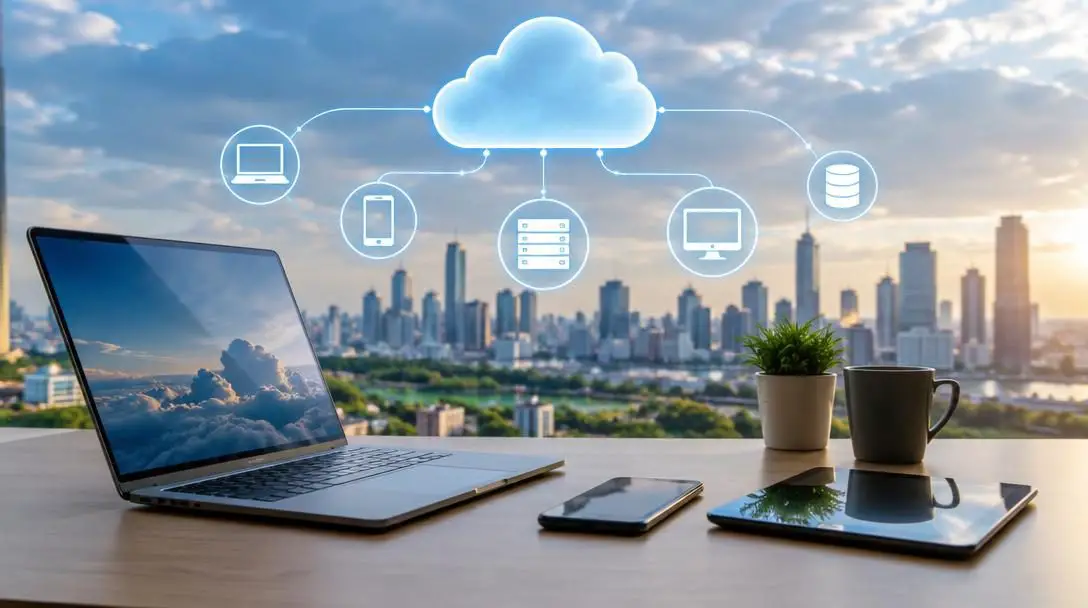
The rise of cloud computing broke this localized dependency by turning digital infrastructure into a flexible online utility. Much like drawing electricity from a regional power grid rather than operating a private generator, organizations and individuals now access processing power, database storage, enterprise tools, and advanced analytics on demand through the internet. This operational shift has fundamentally transformed modern technology, enabling immediate global reach without the heavy burdens of physical equipment ownership.
Key takeaways
- Cloud computing replaces physical on-premises servers and local software installations with on-demand computing services delivered over the internet.
- Modern cloud environments operate across three primary service models: Infrastructure-as-a-Service (IaaS), Platform-as-a-Service (PaaS), and Software-as-a-Service (SaaS).
- Deployments are organized into public, private, or hybrid clouds depending on an organization's specific requirements for control, scalability, and security.
- Organizations gain operational agility, near-instant elasticity, and reduced capital expenditures by paying only for the computing capacity they consume.
- Securing cloud environments requires a shared responsibility approach that pairs provider-level infrastructure defenses with strict user access controls.
Core characteristics that define modern cloud computing
Cloud computing is more than simple remote hosting or off-site data backup. The architecture is defined by five foundational capabilities that separate cloud platforms from conventional computing environments.
- On-demand self-service: Users can provision computing capabilities, such as automated server instances and network storage volumes, independently through web portals or application programming interfaces without requiring human intervention from the service provider.
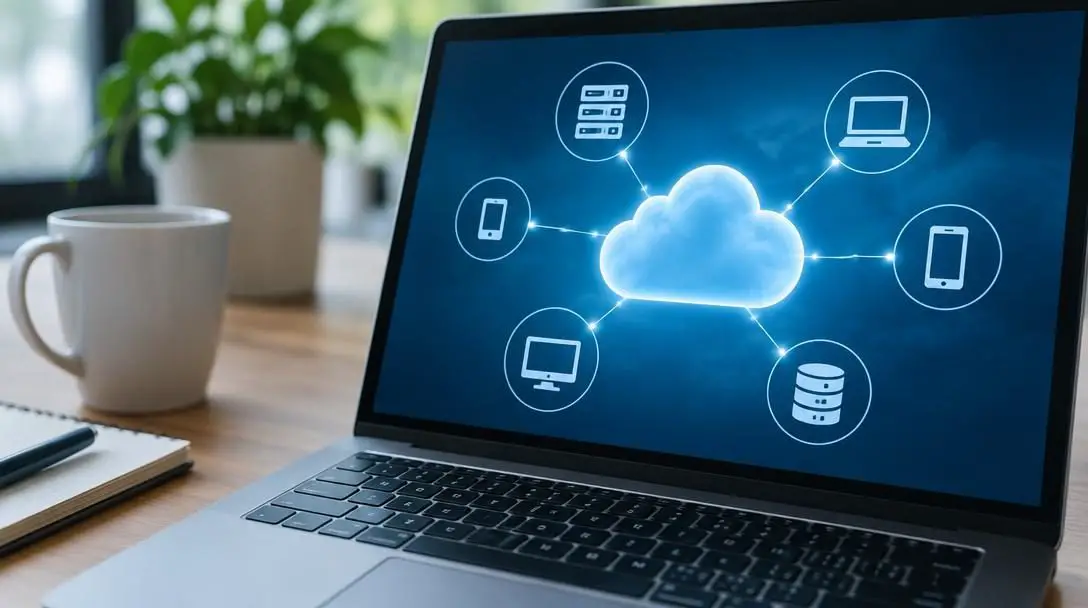
- Broad network access: All services are delivered across standard networks and can be accessed uniformly across diverse client platforms, including desktop workstations, corporate laptops, tablets, and smartphones.
- Resource pooling: Physical computing resources are aggregated within shared data centers to serve multiple consumers simultaneously. Hardware, memory, and processing cores are dynamically allocated and reassigned behind the scenes to meet real-time operational demands.
- Rapid elasticity: System capacity scales dynamically to match fluctuating workloads. Resources can be automatically expanded during sudden demand spikes and released during low-traffic periods, giving users access to seemingly limitless headroom.
- Measured service: Resource consumption is monitored, controlled, and billed based on exact metrics such as central processing unit (CPU) cycles, bandwidth transfer volumes, and active storage gigabytes.
The three primary cloud computing service models
Cloud systems are categorized into three distinct layers, commonly referred to as the computing stack. Each model abstractly splits the management responsibilities between the cloud provider and the end user, offering differing levels of flexibility and control.
Infrastructure-as-a-Service (IaaS)
Infrastructure-as-a-Service forms the bedrock of cloud computing. Under this model, the service provider supplies the physical facilities, underlying hardware, networking components, hypervisors, and data storage arrays. The customer rents these raw resources as virtual machines and networks, retaining direct control over the operating systems, installed middleware, database engines, and software runtimes. IaaS delivers the highest degree of architectural freedom, making it the preferred choice for systems administrators and enterprises moving traditional enterprise software to the cloud without redesigning codebases.
Platform-as-a-Service (PaaS)
Platform-as-a-Service delivers an integrated development and deployment environment. The cloud provider oversees the entire underlying operating stack, managing physical hardware, virtualization layers, operating system updates, network routing, and system security patches. Software developers use PaaS platforms to build, test, run, and scale custom web applications without the friction of managing virtual machine images or server configurations. By abstracting the operating system away, teams can concentrate exclusively on application business logic, continuous integration pipelines, and user interface design.
Software-as-a-Service (SaaS)
Software-as-a-Service is the most familiar layer for day-to-day consumers and modern workforces. SaaS provides fully operational software applications delivered directly through web browsers or lightweight client interfaces. The vendor owns and manages the entire application lifecycle, handling everything from hardware infrastructure and system patches to feature updates, data backups, and high availability. End users simply log in and consume the software, eliminating the historical need for local disc installations, manual update patches, or workstation-specific licensing keys.
| Service Model | What the Provider Manages | What the Customer Manages | Primary Target User |
|---|---|---|---|
| IaaS | Physical servers, networking gear, storage arrays, facility security, virtualization layer | Operating systems, runtime software, middleware, network firewall rules, applications, data | Systems architects, infrastructure engineers, network administrators |
| PaaS | Physical hardware, network, virtualization, operating systems, runtime frameworks, server patching | Application source code, internal software settings, database schemas, application data | Software developers, application designers, DevOps engineers |
| SaaS | Complete stack: physical infrastructure, operating systems, application code, data backups, security | User accounts, profile configurations, organizational settings, uploaded data content | End users, business professionals, commercial enterprises |
Cloud deployment models: public, private, and hybrid
Where cloud infrastructure is physically located and who has operational access to it determines its deployment architecture. Organizations match these models against their data sensitivity, performance targets, and industry compliance demands.
Public Cloud
In a public cloud model, an external third-party provider owns, operates, and maintains massive data centers containing enterprise computing infrastructure. These multi-tenant resources are delivered over the public internet to businesses, educational bodies, and individual consumers. While physical hardware is pooled among different clients, each customer's data and workloads remain securely isolated through virtualization and logical segmentation. Public clouds provide virtually limitless scale and low entry costs, as clients bypass all physical facility expenditures.
Private Cloud
A private cloud consists of infrastructure dedicated exclusively to a single organization. It can be physically situated within an enterprise's own on-premises data center facility or hosted remotely by a third-party managed provider. Access is isolated across dedicated networks rather than shared public routing. This single-tenant model offers organizations strict operational autonomy, custom hardware specifications, and direct oversight, making it a frequent selection for institutions with stringent compliance frameworks or classified records.
Hybrid Cloud
A hybrid cloud bridges public and private cloud environments, allowing data, applications, and processes to be shared smoothly across boundaries. By tying private internal platforms to external public clouds through standardized protocols, businesses achieve optimal architectural flexibility. An organization can run core, proprietary workloads or sensitive databases within its private perimeter while leveraging the public cloud's rapid elasticity to manage seasonal traffic spikes or run resource-heavy computational analytics.
Cloud computing transforms physical computing capacity from a rigid capital asset into an agile, on-demand utility.
How cloud architecture operates behind the scenes
Delivering reliable, real-time computing across the globe requires an intricate convergence of high-capacity hardware, automated orchestration software, and advanced networking systems. Behind every simple browser click lies a global matrix of physical and logical systems.
At the physical layer, cloud providers build hyper-scale data centers containing thousands of high-density rack-mounted servers, solid-state storage clusters, and redundant power generators. High-capacity fiber-optic cables connect these facilities across dedicated backbones to guarantee minimal latency. Atop this physical foundation sits the virtualization layer. Specialized orchestration software, known as a hypervisor, splits individual physical servers into multiple isolated virtual machines. This virtualization allows disparate operating systems and workloads to run concurrently on the same underlying silicone without conflict.
When a user initiates an application or provisions a server instance, management software evaluates provider capacity across the network. The orchestrator isolates the necessary CPU cycles, RAM blocks, and storage segments, automatically binding them to the user's account. As activity fluctuates, the system adjusts resource allocation in real time. Once a compute job terminates, the management platform reclaims the capacity, immediately scrubbing memory allocations and returning the hardware to the shared pool.
Key business and operational benefits
Adopting cloud services offers measurable commercial advantages over traditional on-premises architectures, transforming organizational flexibility and technical resilience.
- Universal accessibility: Authorized personnel can access enterprise platforms, tools, and shared files from any location via an internet connection. This eliminates geographic silos and supports distributed remote workforces.
- Transition from CapEx to OpEx: Building local server rooms demands heavy upfront capital expenditures (CapEx) on physical equipment, climate control, and backup systems. The cloud replaces this with predictable, operational expenditures (OpEx) tied strictly to real consumption.
- Rapid time-to-market: Launching a new software product historically required weeks or months of procurement, shipping, rack mounting, and hardware provisioning. Cloud systems allow entire production networks to be configured in minutes.
- Operational resilience: Large cloud vendors build redundant networks across multiple geographic zones. If a localized hardware unit or facility loses power, traffic can be rerouted automatically to secondary centers, mitigating the threat of localized downtime.
Widespread use cases across modern industries
The adaptability of cloud models has driven broad technical integration across various industries, replacing legacy hardware with specialized online services.
- Business and enterprise commerce: Companies depend on cloud platforms for enterprise resource planning, customer relationship management, long-term archival storage, big data analysis, and unified collaboration tools.
- Healthcare and clinical services: Hospitals and research laboratories use secure cloud environments to maintain electronic health records, store and transmit massive medical imaging files, and power real-time clinical decision engines.
- Education and research: Universities and school districts leverage cloud infrastructure to operate virtual classrooms, coordinate student portfolios, and run high-performance research simulations without purchasing local supercomputers.
- Government and public sector: Public agencies deploy cloud solutions to deliver scalable online citizen services, secure digital records archives, and establish robust emergency disaster recovery systems.
Navigating security, privacy, and shared responsibility
Transitioning vital data and computing workloads away from physical corporate perimeters introduces distinct security and compliance considerations. Handing data control to third-party platforms demands a clear understanding of systemic risks and operational safeguards.
Because major cloud platforms host thousands of client workloads, they represent high-profile targets for cyber adversaries. Threats such as targeted phishing schemes, credential theft, and sophisticated malware campaigns are constant realities. A single compromised root account or misconfigured network bucket can expose proprietary corporate assets or sensitive customer identities to the open web.
To defend against these threats, enterprise cloud platforms employ a multi-layered security framework, implementing advanced physical perimeter defenses, automated intrusion prevention systems, and continuous cryptographic encryption for data at rest and in transit. However, security in the cloud operates under a strict shared responsibility model. While the cloud provider guarantees the security of the cloud (including physical facilities, server hardware, hypervisors, and core networking), the customer remains directly responsible for security in the cloud. Customers must maintain control over their application configurations, operating system updates on virtual machines, access credentials, and network firewall policies.
A practical five-step roadmap for cloud migration
Migrating corporate workloads or individual software suites to cloud infrastructure requires organized planning to prevent data loss, service outages, or sudden cost overruns. Following an orderly framework ensures a smooth operational transition.
- Audit existing workloads and business objectives: Begin by cataloging all applications, databases, and digital assets. Identify which systems will benefit from cloud agility and decide whether each component requires IaaS infrastructure, PaaS runtime engines, or off-the-shelf SaaS software.
- Determine your target deployment model: Evaluate regulatory requirements, data sensitivity levels, and system dependencies to select between public, private, or hybrid cloud architecture.
- Evaluate and select cloud service providers: Compare providers based on infrastructure reliability, network performance, compliance certifications, regional data center locations, and transparent pricing structures.
- Establish foundational security controls: Enforce strict identity and access management policies prior to moving production data. Mandate multi-factor authentication, set up least-privilege user permissions, and ensure data encryption is active.
- Execute phased migration and optimize workloads: Move systems incrementally, beginning with non-critical workloads to test performance and operational workflows. Continuously monitor resource consumption to right-size server capacities and eliminate redundant services.
Frequently asked questions
Is cloud computing safe for sensitive business data?
Yes, provided strong operational controls are enforced. Major cloud providers deploy enterprise-grade physical security, dedicated cybersecurity staff, and robust encryption protocols that often surpass the security capabilities of traditional corporate server rooms. However, organizations must properly configure their access rights, enforce multi-factor authentication, and monitor for unauthorized activity to ensure data remains thoroughly protected.
What is the difference between cloud computing and cloud storage?
Cloud storage is simply one component of cloud computing. Cloud storage focuses solely on saving, maintaining, and syncing digital files and database records remotely over the internet. Cloud computing is a broader concept that encompasses storage alongside active computing power, virtual server execution, network routing, software development platforms, and data analytics.
Can an organization use multiple cloud providers at the same time?
Yes. This strategy is known as a multi-cloud architecture. Organizations often leverage services from more than one provider to avoid vendor lock-in, take advantage of specialized features unique to specific platforms, optimize operational costs, and increase overall disaster recovery resilience.
What happens to cloud-hosted systems if an internet connection drops?
Because cloud resources are accessed via the internet, a local network interruption will temporarily prevent your local devices from interacting with remote cloud applications or files. However, the systems themselves continue running uninterrupted within the provider's data centers, meaning background processes, web servers, and automated pipelines remain fully functional.
Why do companies choose hybrid clouds over purely public environments?
Hybrid clouds allow businesses to maintain strict physical or logical control over highly confidential records, proprietary algorithms, or legally regulated systems in a private cloud or local data center, while still exploiting the on-demand scale and cost efficiencies of the public cloud for standard workloads.
The bottom line
Cloud computing has permanently transformed modern technical architecture by converting complex, costly hardware requirements into scalable digital utilities. Whether delivering fundamental virtual machines through IaaS, empowering rapid software creation with PaaS, or serving daily enterprise tools via SaaS, the cloud gives organizations unprecedented agility and economic efficiency. By understanding how these layers interact, selecting the appropriate deployment model, and adhering to strict shared security principles, businesses can build resilient technical foundations designed to scale smoothly into the future.





