
4 Hacks to Keep Your Phone More Secure
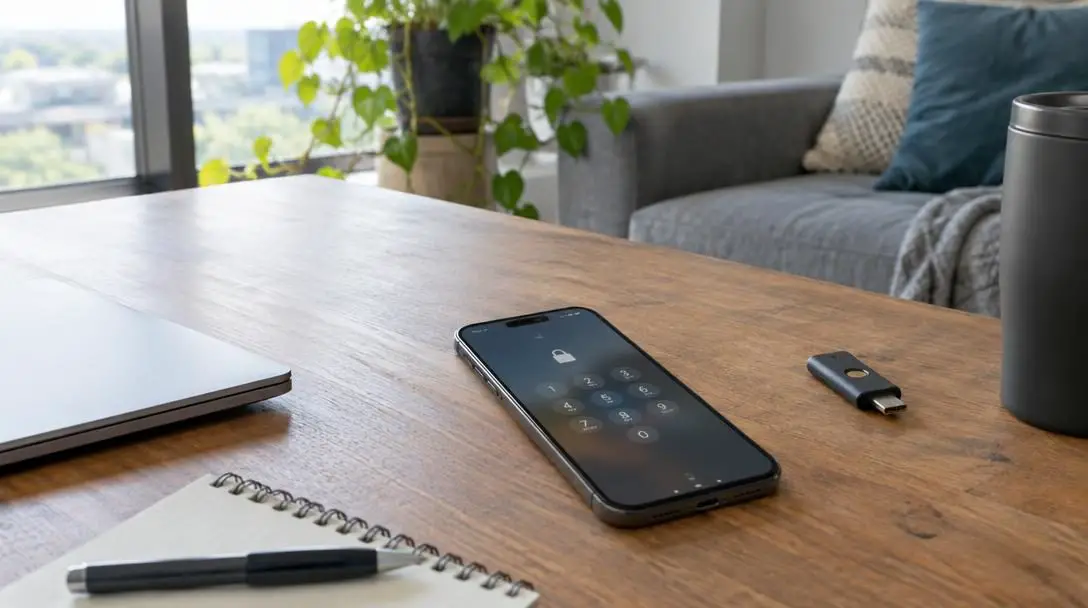
Smartphones have evolved from convenient communication devices into the primary vaults for our digital identities. As of 2022, approximately 83 percent of the global population owns a smartphone, translating to more than 6 billion active devices in circulation around the world. These pocket-sized computers store sensitive financial records, private conversations, confidential workplace documents, and irreplaceable personal data. Because personal mobile devices sit at the center of everyday modern life, they have inevitably become the top target for cybercriminals seeking unauthorized access to high-value assets.
The scale of mobile risk is substantial: roughly 60 percent of all fraud originating across digital platforms begins with a compromised mobile device. When unauthorized parties gain entry to a phone, the damage rarely stops at the device itself. Instead, a breach cascades outward into primary email accounts, online banking portals, and employer networks. Securing a mobile device requires understanding how automated attacks operate and establishing rigorous digital hygiene rather than relying on marketing claims or passive assumptions.
Key takeaways
- Mobile hardware is the primary entry point for roughly 60 percent of fraud across digital platforms.
- Screen locks must be long and complex because automated cracking tools guess combinations at extreme computational speeds.
- Two-factor authentication prevents remote account takeover by requiring physical or secondary access even if a password leaks.
- Virtual private networks encrypt data transit and obscure location, but they do not filter out malware or protect against credential-harvesting phishing links.
The Mechanics of Mobile Vulnerabilities
Modern mobile security depends on several interdependent defensive layers designed to stop unauthorized humans and automated software scripts. The primary gatekeeper is the physical lock screen. When an unauthorized user attempts to penetrate a locked phone, they rarely enter guesses manually one at a time. Instead, threat actors connect compromised devices to specialized software programmed to cycle through thousands or millions of possible combinations within seconds. Short numerical PINs can be exhausted rapidly, whereas long alphanumeric passwords multiply the computational time required, rendering automated brute-force attacks ineffective.
Behind the local lock screen lies the authentication architecture protecting underlying online accounts. Relying strictly on single-factor authentication—a simple username and password—creates an immense single point of failure. If that single secret is stolen through a database breach, intercepted over an insecure network, or guessed by cracking software, access is granted instantly. Introducing secondary verification requirements establishes an independent barrier that stops remote attackers from capitalizing on leaked credentials alone.
A virtual private network alters how your traffic travels, but it never evaluates whether a webpage or file contains malicious code.
Network defenses also play an important role, though their real-world capabilities are often misunderstood. Mobile users frequently deploy virtual private networks (VPNs) to shield their connections. While a VPN creates an encrypted tunnel between the phone and an intermediary server—hiding the device's true IP address and shielding activity from network eavesdroppers—it provides zero inspection of content payload. A malicious download, keylogger, or fraudulent login page passes through an encrypted VPN tunnel just as easily as legitimate traffic does.
Four Fundamental Tactics for Mobile Device Protection
Establishing true defense-in-depth requires addressing lock screens, authentication methods, communication channels, and network software. The following four practical strategies establish a resilient defensive perimeter around your personal hardware.
Hack 1: Master Passcodes and Screen Locks
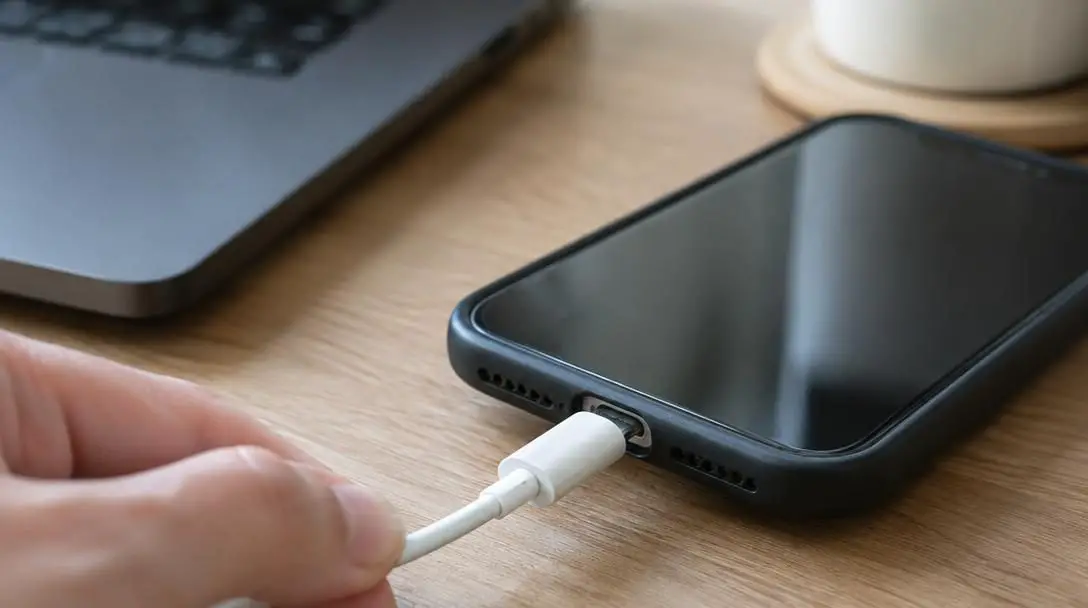
The lock screen serves as your phone's frontline defense against physical theft and automated forensic extraction. Because automated cracking rigs test combinations at lightning speed, your passcode must be engineered to resist computational guessing rather than an observant bystander.
- Incorporate letters and numbers: Move past simple numeric digits and configure an alphanumeric passcode whenever your mobile operating system permits it.
- Eliminate recognizable words: Automated dictionary attacks rapidly guess common phrases, names, and dictionary entries; use random character sequences instead.
- Maximize total length: Adding extra characters exponentially multiplies the mathematical calculations required to guess the combination.
- Design complex pattern paths: If utilizing an Android pattern lock, avoid basic shapes like letters or simple squares, opting instead for multi-point, intersecting lines.
Hack 2: Deploy Two-Factor Authentication Everywhere
Passwords alone are inherently fragile. Massive data breaches regularly expose billions of credentials, and automated credential-stuffing tools test those stolen logins across every major online platform. Implementing two-factor authentication (2FA) changes the entire attack equation by requiring an independent, secondary proof of identity before access is granted.
When two-factor authentication is active, an unauthorized actor who obtains your password still cannot log in without direct control of your secondary verification factor—such as your physical mobile phone or a designated alternate email address. This forces an attacker to transition from a remote digital hacker into a physical thief capable of intercepting verification codes in real time, dramatically lowering the probability of automated account compromise.
Hack 3: Adopt a Zero-Trust Attitude Toward Links and Files
Social engineering remains the easiest and most frequent method attackers use to steal credentials, deploy tracking software, or pinpoint real-time user locations. Mobile users are regularly inundated with urgent text alerts, fake shipping updates, and spoofed security warnings designed to trigger a hasty reaction on a small screen.
Maintaining a strict zero-trust approach means treating every unrequested digital communication as an active threat. If you did not initiate the request yourself, never tap the enclosed link, open the attached file, or approve the unexpected prompt. Instead, independently open your web browser or dedicated app and navigate directly to the service in question to check your account status.
Hack 4: Recognize the True Limitations of VPNs
Virtual private networks are frequently marketed as universal shields against cybercrime, leaving many users with an unjustified sense of invulnerability. While VPNs perform valuable specific functions, their security benefits have precise boundaries that every smartphone user must understand.
- What VPNs do well: Re-route network data through remote servers, mask your physical IP address, circumvent geographic content restrictions, and block internet service providers from cataloging your web traffic.
- What VPNs cannot do: Detect fraudulent credential-harvesting pages, neutralize phishing links, filter out malicious attachments, or block keyloggers from monitoring keystrokes.
Comparing Protective Mobile Technologies
To implement an effective security posture, users must deploy the right defensive measure for each specific category of threat. The following overview details how different protective mechanisms function against common security risks.
| Security Mechanism | Primary Protective Role | Protects Against Remote Breaches? | Protects Against Phishing? |
|---|---|---|---|
| Alphanumeric Screen Lock | Prevents physical access and resists automated passcode-cracking tools | No | No |
| Two-Factor Authentication | Stops unauthorized account logins when primary passwords leak | Yes | Partial |
| Zero-Trust Link Verification | Prevents credential theft, malware installation, and location tracking | Yes | Yes |
| Virtual Private Network (VPN) | Encrypts network transit and masks geographic device location | No | No |
Step-by-Step Implementation Guide
Securing your device does not require technical expertise, but it does require deliberate configuration. Follow these concrete steps to harden your mobile hardware and connected accounts:
- Access your mobile operating system settings and inspect your existing screen lock configuration, replacing any short four-digit numerical PIN with a robust alphanumeric sequence or extended numeric code.
- Evaluate your biometric unlock settings to verify that the fallback passcode behind your fingerprint or facial scanner is adequately complex and does not contain personal dates or predictable digit patterns.
- Open security preferences across your primary online services—prioritizing your main email provider, banking platforms, and communication services—and activate two-factor authentication pointing to your smartphone or backup address.
- Establish a strict personal screening habit by pausing before tapping links or downloading files received via SMS, messaging platforms, or unexpected email notifications.
- Review all active VPN software installed on your hardware, ensuring you rely on it strictly for network transit privacy and geographic routing rather than relying on it as a shield against malicious web content.
Common Mobile Security Mistakes to Avoid
Even diligent users can compromise their personal safety by relying on common misconceptions about mobile defenses. Avoiding these operational errors ensures your security layers function as intended:
- Relying on weak fallback PINs: Assuming biometric unlocking completely removes the need for a strong passcode. When a phone restarts or fails to recognize a biometric scan, a four-digit PIN like 1234 or a birth year is all that protects the phone.
- Confusing traffic encryption with threat detection: Believing an active VPN connection makes it safe to download unverified files or enter sensitive passwords on suspicious websites.
- Approving unprompted authentication alerts: Tapping "Approve" on multi-factor authentication push prompts when you are not actively attempting to log into that service yourself.
- Disabling two-factor authentication for convenience: Removing secondary verification prompts to save a few seconds during login, leaving accounts exposed to automated credential-stuffing attacks.
Frequently asked questions
Why is a six-digit numerical PIN less secure than an alphanumeric passcode?
A numeric PIN draws from only ten possible digits (0 through 9), providing a relatively small set of total mathematical combinations that automated cracking systems can test rapidly. An alphanumeric passcode combines numbers, uppercase letters, and lowercase letters, exponentially increasing the number of possible variations and forcing automated cracking tools to spend an impractical amount of time attempting to guess the sequence.
Does using biometric scanning completely protect my device from intrusion?
No. While biometric markers like fingerprints and facial maps are unique and cannot be easily guessed by a computer, mobile operating systems treat biometrics as a secondary convenience layer anchored to a master passcode. When a phone restarts, fails multiple scans, or undergoes forensic examination, the device defaults back to requiring the master passcode. If that underlying code is simple or predictable, the biometric protection is rendered moot.
Why does roughly 60 percent of fraud originate on mobile hardware?
Mobile devices represent the single most common computing platform worldwide, owned by about 83 percent of the global population as of 2022. Because smartphones constantly remain connected to the internet and hold unified access to banking apps, email inboxes, SMS verification codes, and identity documents, compromising a single phone gives criminals direct access to an individual's entire digital and financial footprint.
Will a VPN protect my phone from malicious links sent via text message?
No. A virtual private network merely encrypts the data connection between your phone and an external routing server to mask your IP address and protect traffic from local network snooping. It does not scan webpage contents for credential-stealing forms, verify the safety of file downloads, or block fraudulent phishing schemes delivered through text messages or emails.
The bottom line
With more than 6 billion smartphones in use worldwide, mobile hardware has become the primary battleground for personal cybersecurity. Protecting your data does not require specialized technical tools, but it does demand disciplined habits: deploying long, resilient passcodes; enforcing two-factor authentication across essential services; exercising constant skepticism toward unsolicited links; and recognizing the realistic boundaries of tools like VPNs. Treating mobile hygiene as an ongoing operational practice is the most dependable way to insulate your finances, identity, and personal privacy from digital crime.





