
5 Best Value Laptops Right Now
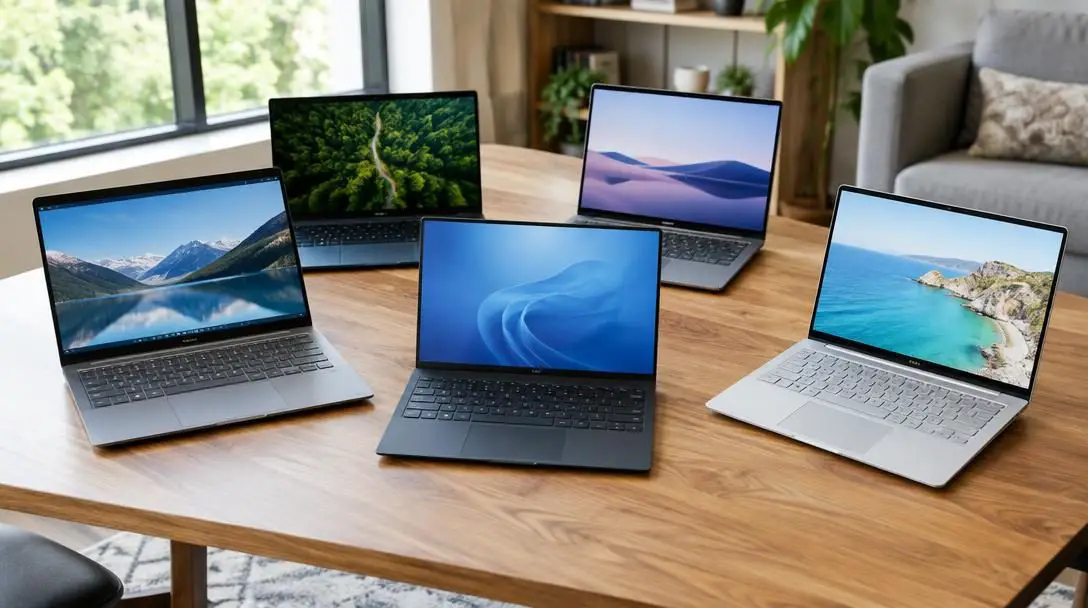
Searching for a personal computer that works reliably without draining your savings can feel daunting in an era of four-figure price tags and technical jargon. Yet true computing value is never simply about snatching the cheapest item off a retail shelf; rather, it reflects a thoughtful balance of upfront purchase price, everyday responsiveness, overall build quality, and device longevity. An inexpensive machine quickly becomes a financial mistake if it stutters through routine workflows, succumbs to minor physical wear, or requires a replacement within a year.
Fortunately, modern hardware advancements have dramatically shifted what budget-conscious shoppers can expect. Solid-state storage and efficient multi-core processing are now standard across mid-tier and budget categories, eliminating the sluggish boot times and frustrating system freezes that once defined lower-cost computing. By evaluating your daily technical requirements against today's versatile operating systems and hardware configurations, you can secure dependable performance tailored to school, business, or creative hobbies without overspending.
Key takeaways
- Genuine laptop value balances purchase price against long-term durability, hardware capability, and everyday user experience.
- Budget-friendly machines now deliver fast start-up speeds and responsive multitasking thanks to advances in processing and solid-state storage.
- Dedicated graphics hardware is essential if you plan to edit complex video projects or run modern computer games on a budget.
- Selecting the right operating system and form factor prevents you from overpaying for processing power you will never use.
Understanding Hardware Value in Modern Computing
In past years, shopping for a budget computer required significant compromises in build materials, display quality, and responsiveness. Older entry-tier laptops frequently relied on spinning mechanical hard drives and underpowered chipsets that struggled to run more than one application simultaneously. Today, the computing landscape is radically different. Even entry-tier processors comfortably manage high-definition video streaming, extensive web browsing sessions with multiple tabs open, and secure office productivity suites.
The standard adoption of solid-state drives across diverse price brackets represents one of the most critical leaps forward in hardware usability. Because solid-state memory has no moving parts, read-and-write operations happen almost instantaneously compared to traditional storage drives. This ensures that boot sequences, file transfers, and application launches occur smoothly. Coupled with operating systems that manage memory and background battery consumption with greater precision, everyday laptops can now deliver several years of dependable service on modest hardware specifications.
True value comes from balancing purchase price against performance, longevity, build quality, and everyday usability.
The Top 5 Value Laptops at a Glance
Each of the leading value laptops targets a distinct operational balance, ranging from ultra-affordable cloud machines to rugged student notebooks and portable creative workstations.
| Laptop Model | Price Category | Primary Hardware Strength | Ideal User Workflow |
|---|---|---|---|
| Lenovo Chromebook Duet | As low as $269 | Lightweight, minimalist design | Basic web browsing, word processing, virtual meetings |
| Microsoft Surface Laptop Go | $649.99 | Mid-tier processor and very fast storage | Multi-year general productivity and office software |
| Acer AN515 | Around $750 | Dedicated graphics card | Video editing workflows and PC gaming |
| MacBook Air 13.3 | $500 (refurbished) to $1,000 (new) | Apple M1 chip and extensive battery life | Apple ecosystem tasks and portable performance |
| Acer Swift 3 | $634 | Most powerful default processor on the list | Demanding student schedules and heavy daily use |
Detailed Reviews of the Best Value Laptops
Finding the right machine means looking past general specifications to evaluate how each device handles practical everyday responsibilities. Below are five leading models that excel in their respective categories.
Lenovo Chromebook Duet
- Starting Price: As low as $269 on Amazon
- Design Profile: Lightweight and minimalist
- Target Utility: Web browsing, meetings, word processing
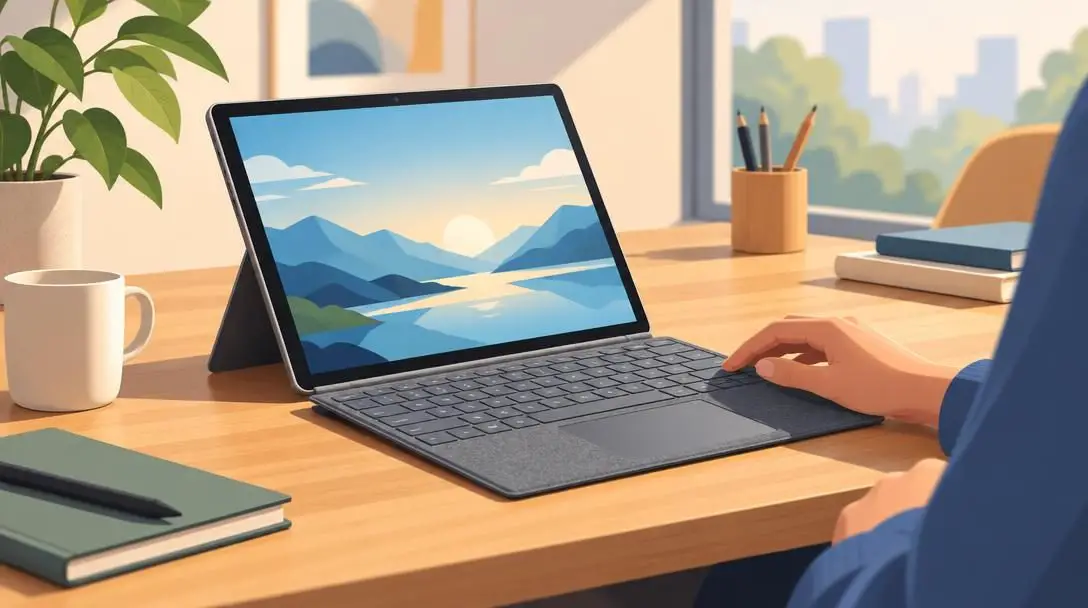
The Lenovo Chromebook Duet represents one of the most cost-effective entry points into functional computing available today. Operating as a streamlined Chromebook, the device strips away unnecessary system overhead to focus entirely on lightweight efficiency. Its responsive interface makes it an exceptional tool for students conducting research, professionals drafting cloud documents, and users participating in routine virtual meetings. While it excels at straightforward productivity, it is not engineered for resource-intensive creative suites or video gaming.
Microsoft Surface Laptop Go
- Retail Price: $649.99
- Internal Hardware: Mid-tier processor, fast hard drive, sufficient RAM
- Expected Lifespan: Half a decade or more without requiring an upgrade
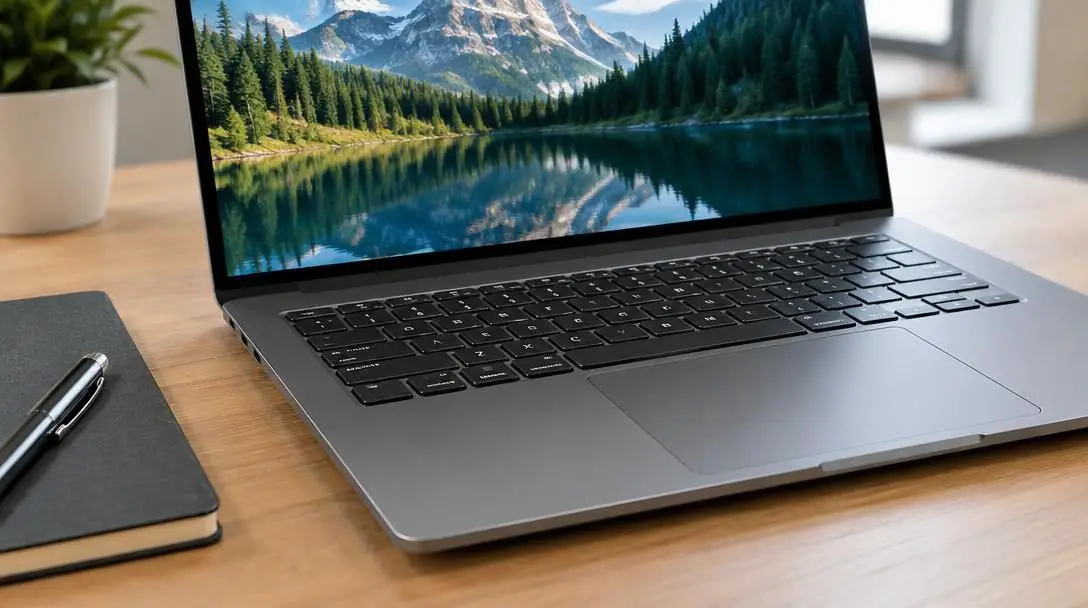
For buyers needing more processing headroom and a traditional desktop operating environment, the Microsoft Surface Laptop Go provides an impressive balance of elegance and performance. Built with a capable mid-tier central processor, a very fast internal storage drive, and ample system memory, this laptop is engineered to work hard day in and day out. While it remains unsuited for heavy visual rendering, its durable components and responsive feel mean users likely will not require an upgrade for five years or more. Shoppers seeking an even more compact form factor can also consider the Surface Go 2 tablet at $385, which delivers comparable operational speed alongside a smaller screen and keyboard layout.
Acer AN515
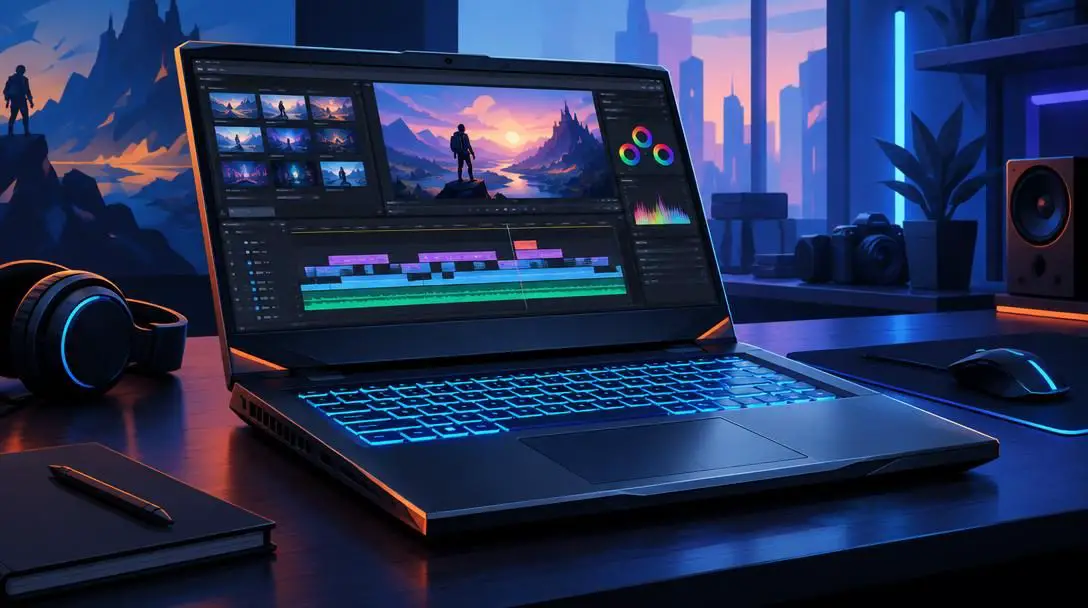
- Retail Price: Around $750
- Visual Hardware: Dedicated graphics card
- Best For: Video editing suites and gaming
While most budget-conscious laptops depend on integrated graphics processing built directly into the central processor, the Acer AN515 breaks into heavier visual workloads by incorporating a dedicated graphics card. This discrete graphical unit processes visual instructions independently, giving the machine the specialized muscle required to run modern video editing applications and commercial gaming software smoothly. For content creators seeking maximum visual computing power per dollar spent, it stands as an exceptional marketplace benchmark.
MacBook Air 13.3
- Price Range: As low as $500 refurbished; starts around $1,000 new
- Processor Architecture: Apple M1 chip
- Standout Attribute: Fast processing speed and long battery life
Apple hardware is rarely associated with entry-level prices, but the MacBook Air 13.3 equipped with the M1 chip represents an outstanding long-term computing value. The custom silicon architecture delivers high processing speeds and remarkable energy efficiency, allowing the laptop to run for extended stretches on battery power alone without generating excess heat. While brand-new units command a starting price around $1,000, shoppers can frequently find certified refurbished or pre-owned machines for as low as $500, making premium operating software and high-tier hardware accessible on a budget.
Acer Swift 3

- Retail Price: $634
- Chassis Design: Durable frame built for frequent transit
- Computing Muscle: Most powerful default processor on the list
Engineered to handle the rigors of campus life and frequent commutes, the Acer Swift 3 pairs structural durability with outstanding internal capabilities. It carries the most powerful default processor among the value-focused systems reviewed here, yet retains a lightweight, portable profile. Designed specifically to endure ongoing physical wear without breaking down, this laptop offers the processing strength and physical resilience needed to last throughout an entire educational program or demanding professional career.
How Core Hardware Components Affect Daily Performance
Selecting the right machine requires an understanding of how individual hardware specifications correspond to real-world tasks. Inside every personal computer, a balance of interrelated components determines how smoothly your software runs.
The Central Processing Unit serves as the brain of the machine, interpreting commands and orchestrating system operations. Premium chips—such as the Apple M1 processor in the MacBook Air 13.3 or the robust default processor found in the Acer Swift 3—excel at executing complex mathematical calculations quickly, preventing bottlenecks during dense multitasking sessions. Complementing the processor is Random Access Memory, which acts as the machine's short-term workspace. Adequate memory prevents the interface from lagging or freezing when you switch between word processing documents, data spreadsheets, and live video conference calls.
Permanent storage drives hold your operating system, downloaded utilities, and personal documents. Modern solid-state drives deliver rapid read-and-write performance that reduces system boot times to mere seconds. Finally, graphics components dictate how visual elements appear on your screen. While integrated processors share system memory to handle standard window management and streaming media, dedicated graphics cards possess their own video memory. As demonstrated by the Acer AN515, having dedicated visual processing allows a laptop to compile complex video projects and display 3D visual environments without exhausting the primary central processing unit.
Step-by-Step Guide to Choosing and Setting Up Your Device
A structured approach ensures that you buy the correct machine for your workload and set it up for years of trouble-free operation.
- Audit your daily workload: Review your primary computing activities to decide whether your routine consists of standard office productivity and web research, or if you require specialized video rendering software and gaming tools.
- Establish your baseline budget: Match your computing needs against available price points, ranging from the ultra-accessible Lenovo Chromebook Duet at $269, to the mid-tier Surface Go 2 at $385, Acer Swift 3 at $634, and Surface Laptop Go at $649.99, or more advanced options like the $750 Acer AN515 and the MacBook Air 13.3 between $500 refurbished and $1,000 new.
- Evaluate physical ergonomics: Determine if a compact layout with a smaller display and keyboard, such as the Surface Go 2, fits your typing style, or if your routine demands the larger, durable chassis of the Acer Swift 3.
- Inspect certified pre-owned marketplaces: If you prefer the Apple computing environment, check certified pre-owned and refurbished listings to obtain a MacBook Air 13.3 closer to the $500 mark rather than full retail price.
- Run initial system updates: Immediately after unboxing your computer, connect to your network and install all pending operating system patches and security updates before adding your personal files.
- Establish storage routines: Keep your internal storage drive organized from the start by setting designated download folders, clearing out unnecessary pre-installed demo programs, and configuring backup destinations.
Common Budget-Buying Mistakes to Avoid
Shoppers eager to save money often make predictable errors that reduce overall system value. Avoiding these common mistakes will ensure your investment remains sound over the long haul:
- Mismatched software expectations: Purchasing a minimalist device like the Lenovo Chromebook Duet and expecting it to handle advanced video rendering or modern PC gaming leads to frustration, as its hardware is tailored strictly for light productivity and web work.
- Overspending on unnecessary power: Buying an expensive, high-powered workstation when your actual tasks are limited to checking email, typing documents, and attending video calls leaves valuable processing capacity permanently unused.
- Ignoring physical durability: Choosing a computer without considering its chassis strength can lead to premature structural failure, especially for students carrying machines in backpacks who would benefit from the reinforced build of the Acer Swift 3.
- Neglecting typing and display comfort: Buying an ultra-portable device like the Surface Go 2 without evaluating whether you can comfortably work on a reduced screen and keyboard can hurt productivity during long work sessions.
- Confusing integrated graphics with dedicated cards: Assuming that any fast laptop can edit heavy video files is a mistake, because only systems equipped with dedicated graphics cards, such as the Acer AN515, possess the hardware architecture designed for visual rendering.
Maximizing Your Device's Lifespan and Comfort
Once you select a dependable value laptop, proactive maintenance and smart workspace ergonomics will help protect your investment. Using a padded carrying sleeve whenever traveling prevents minor collisions from damaging delicate screen panels or twisting the chassis hinges.
For those spending multiple hours a day working at a desk, ergonomic additions can turn a compact portable computer into a comfortable stationary workstation. Pairing your laptop with an external mouse and an ergonomic keyboard helps keep your wrists in a neutral posture, while an external display reduces neck strain caused by looking down at a compact screen for extended stretches.
Finally, maintaining regular system hygiene preserves operational speed over time. Routine software updates patch system vulnerabilities and improve power management, while periodically clearing unneeded local files keeps solid-state storage operating at peak efficiency. Backing up critical personal files to secondary external drives or cloud repositories guarantees that your data remains safe throughout the entire multi-year lifespan of your machine.
Frequently asked questions
Can an affordable laptop handle modern video editing?
Yes, but you must select a machine equipped with a dedicated graphics card, such as the Acer AN515. Most budget laptops rely on integrated graphics that share system memory with the central processor, which is insufficient for heavy video rendering workflows.
Is a Chromebook sufficient for everyday student work?
The Lenovo Chromebook Duet is well-suited for general school tasks such as web research, participating in virtual meetings, and writing documents in cloud-based word processors. However, students who need to install specialized engineering software, run games, or edit video will require a Windows or Mac system.
How can I get an Apple laptop without paying full retail price?
You can purchase a certified refurbished or pre-owned MacBook Air 13.3 with the M1 chip for as low as $500, compared to its standard brand-new starting price of roughly $1,000.
Which value laptop offers the greatest physical durability?
The Acer Swift 3 is designed with a durable frame built to withstand ongoing use and wear, making it an ideal option for students and professionals who commute frequently.
How long can I expect a mid-tier value laptop to last?
A well-built mid-range machine like the Microsoft Surface Laptop Go features a capable processor and fast storage that should reliably handle everyday computing needs for half a decade or more without requiring an upgrade.
The bottom line
Modern hardware has made it entirely possible to obtain high performance, lasting durability, and day-to-day computing comfort without spending thousands of dollars. The key to discovering genuine value is aligning your specific software tasks with the appropriate internal hardware. Whether you need the ultra-affordable simplicity of the Lenovo Chromebook Duet, the multi-year reliability of the Microsoft Surface Laptop Go, the graphical power of the Acer AN515, the energy efficiency of an M1 MacBook Air 13.3, or the durable muscle of the Acer Swift 3, selecting the right machine ensures your computing investment stays productive for years to come.





