5 Educational Apps for Kids of All Ages To Make Their Learning Fun

Mobile devices and interactive touchscreens have fundamentally changed how children encounter educational concepts. Where early instruction once relied strictly on physical workbooks, printed flashcards, and chalkboard drills, modern educational software incorporates animated visuals, real-time auditory responses, and self-guided exploration. Touchscreens transform passive screen consumption into an active, tactile learning environment where children directly manipulate letters, code blocks, and global terrain models.
However, finding high-quality tools within modern application stores remains a significant hurdle for parents and teachers. Many titles market themselves as developmental aids while offering little more than repetitive animations and intrusive distractions. By focusing on intentional, well-researched applications, caregivers can curate screen time that reinforces early phonics, foreign language acquisition, world geography, computational logic, and core academic subjects.
Key takeaways
- Quality educational applications convert abstract academic subjects into hands-on, interactive tasks through tactile feedback, visual sequencing, and adaptive pacing.
- Dedicated platforms such as ABC Kids, Duolingo, Google Earth, ScratchJr, and Khan Academy Kids cover developmental stages ranging from toddlerhood through elementary school.
- Active co-use and structured daily routines prevent passive viewing and ensure children translate digital discoveries into tangible real-world skills.
- Limiting the total number of installed applications encourages deeper mastery, sustained focus, and stronger conceptual retention.
The shift toward interactive digital education
Traditional childhood education often depended on rote memorization and stationary materials. While physical books and handwriting practice remain crucial, digital tools provide an immediate feedback loop that traditional paper media cannot replicate. When a child hears the correct pronunciation of a phoneme while tracing the corresponding letter shape with a fingertip, multiple sensory channels activate simultaneously. This combination of visual movement, auditory reinforcement, and physical input strengthens cognitive retention.
Effective educational applications are distinguished by their adherence to developmental milestones. Instead of bombarding young minds with high-contrast visual clutter or relentless notifications, well-designed software isolates core concepts. Whether presenting phonics rules or basic algorithmic sequences, the interface guides the child through manageable micro-lessons, rewarding persistence and self-directed problem solving.
An effective educational application balances engaging mechanics with sound developmental practices, transforming passive device viewing into active discovery.
At a glance: Comparing the top educational apps
| Application | Target Age Group | Core Focus Areas | Platform Availability | Pricing Model |
|---|---|---|---|---|
| ABC Kids | Ages 2 to 5 | Letter tracing, phonics, and early literacy | iOS, Android | Free |
| Duolingo | All ages | Foreign languages and vocabulary acquisition | iOS, Android | Available on major platforms |
| Google Earth | All ages | Geography, earth science, and spatial exploration | iOS, Android | Free |
| ScratchJr | Ages 5 to 8 | Introductory coding and algorithmic logic | iOS, Android | Free |
| Khan Academy Kids | Ages 2 to 7 | Math, reading, writing, and social-emotional growth | iOS, Android | Free |
5 leading educational apps for young learners
The following software titles demonstrate how thoughtful interface design and targeted pedagogical goals create engaging, productive learning environments across various age groups and subjects.
ABC Kids
- Target Age: 2 to 5 years old
- Primary Subject: Early literacy and alphabet recognition
- Platforms: iOS and Android
- Cost: Free to download and use
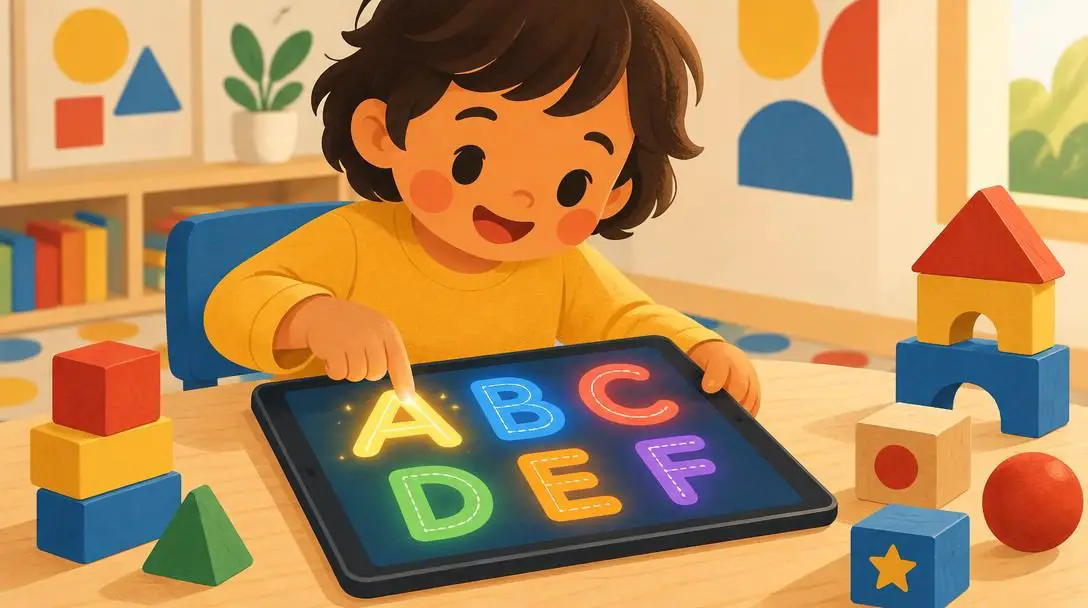
ABC Kids provides toddlers and preschoolers with an approachable introduction to the English alphabet. The software pairs bright graphic design and cheerful animations with crisp vocal pronunciations, helping young learners connect written letterforms with spoken sounds. A central feature of the application is its interactive tracing mechanic. Children use their fingers to follow guided arrows on the touchscreen, practicing stroke order for both uppercase and lowercase letters.
This physical tracing mechanic reinforces fine motor skills alongside phonemic awareness. Because the app responds instantly to touch, early learners discover how lines and curves form distinct characters without the frustration of erasing physical pencil marks. By linking phonics games to straightforward visual cues, ABC Kids helps prepare toddlers for preschool and kindergarten reading readiness.
Duolingo
- Target Age: All ages
- Primary Subject: Foreign language acquisition
- Supported Languages: Spanish, French, Chinese, German, and others
- Key Feature: Gamified level progression and mascot-guided review
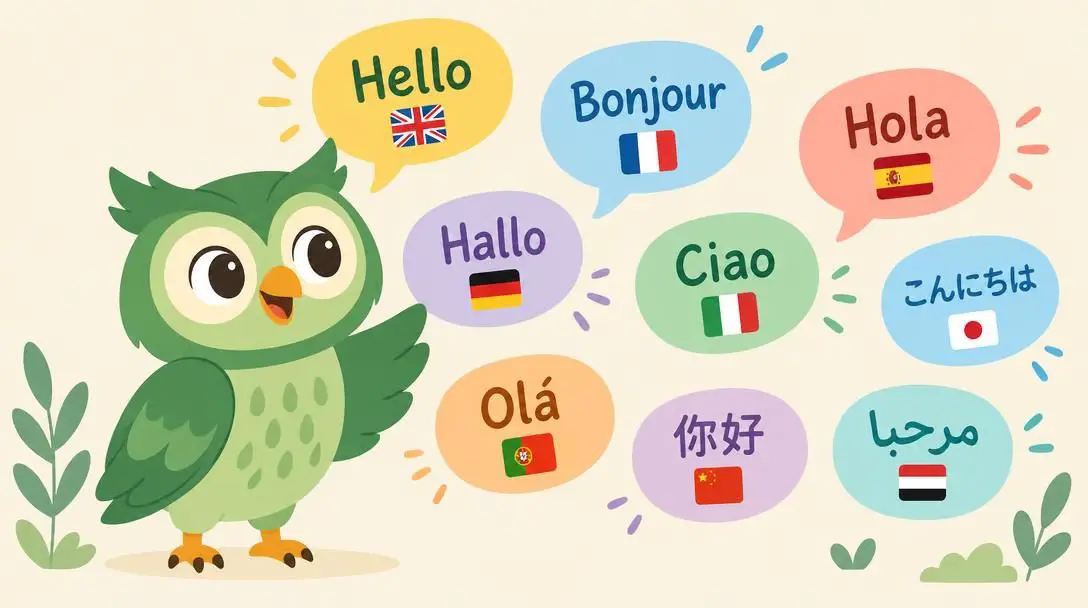
Duolingo transforms foreign language study into a modular, game-like experience suitable for elementary students, teenagers, and adults alike. The platform organizes broad linguistic concepts into compact micro-lessons that emphasize practical vocabulary, sentence structure, and listening comprehension. Learners interact with vibrant illustrations and hear native pronunciations while guided by the platform's friendly bird mascot, which celebrates correct answers and encourages regular practice.
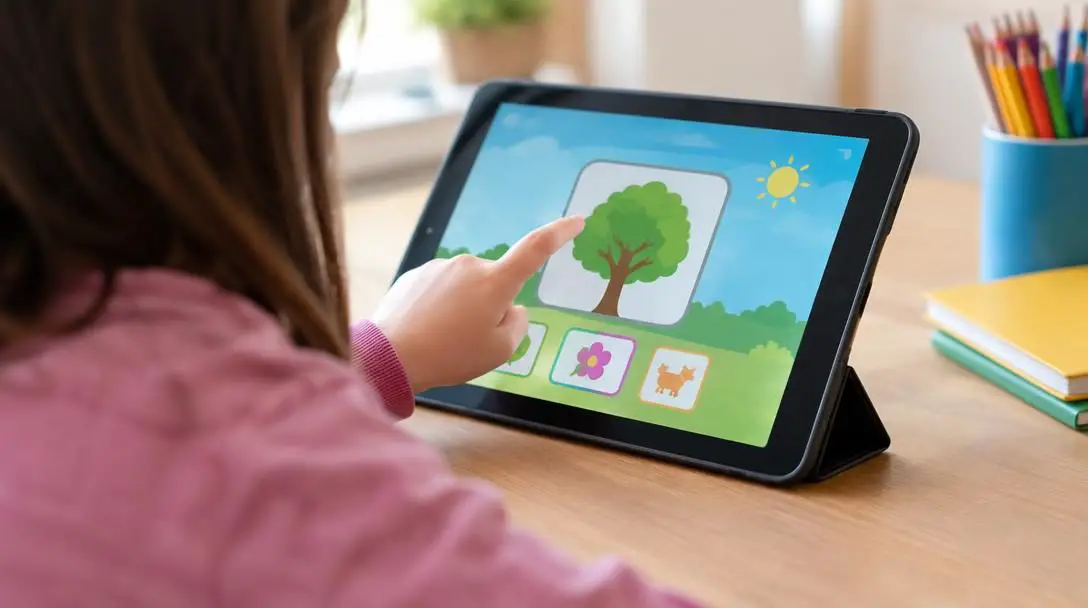
Children can study global languages including Spanish, French, Chinese, and German through bite-sized challenges that fit easily into daily routines. By turning language acquisition into a structured game with unlockable milestones and visual progress trackers, the application keeps motivation high. Regular use supports cognitive development, sharpens bilingual pattern recognition, and broadens a child's understanding of diverse global cultures.
Google Earth

- Target Age: All ages
- Primary Subject: Earth science, geography, and world cultures
- Platforms: iOS and Android
- Cost: Free
Google Earth opens a virtual window to the planet by stitching together high-resolution satellite photography, aerial perspectives, and three-dimensional terrain models. Instead of looking at flat reference maps, children can manipulate a digital globe, zooming from an orbital view down to street-level perspectives of continents, mountain ranges, and architectural monuments. This vast interactive scope encourages self-directed inquiry and sharpens spatial reasoning.
Beyond open-ended globe spinning, the application incorporates guided educational tours, interactive geography quizzes, and environmental features. Children can inspect historical landmarks, track ecosystems, and observe how geographical features influence human settlements. By transforming static atlas lessons into an exploratory journey, Google Earth makes earth science tangible and helps students grasp the environmental diversity of the world.
ScratchJr
- Target Age: 5 to 8 years old
- Primary Subject: Computational thinking and early coding
- Interface: Snap-together graphical programming blocks
- Cost: Free
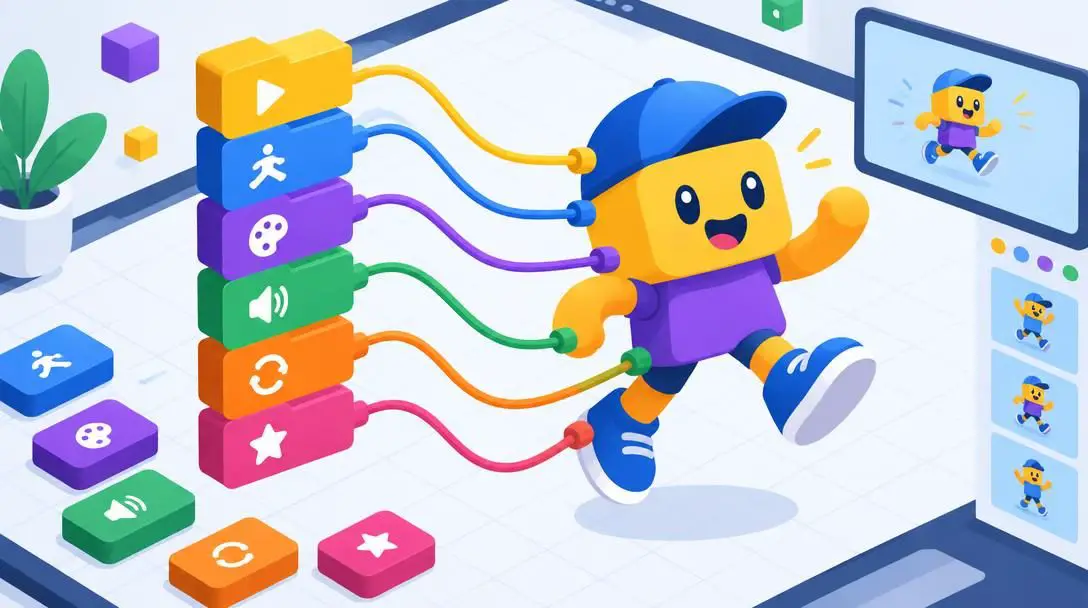
ScratchJr introduces early elementary students to the foundations of computer programming without requiring advanced reading skills or complex text syntax. Developed by educational researchers, the app utilizes an intuitive visual workspace where children connect colorful graphical blocks to direct character behaviors. Snapping together movement, sound, and timing blocks allows learners to animate scenes, program interactive games, and design digital stories.
Through this hands-on block manipulation, young learners absorb algorithmic concepts like sequencing, loops, and cause-and-effect relationships. ScratchJr treats computer science as a medium for creative expression, giving children full control over character artwork, voice recordings, and scene transitions. The software nurtures logical analysis and systematic problem solving, showing young minds that technology is something they can create rather than merely consume.
Khan Academy Kids

- Target Age: 2 to 7 years old
- Primary Subject: Multi-disciplinary academic and social skills
- Key Disciplines: Early math, reading comprehension, writing, and emotional development
- Cost: Free on iOS and Android
Khan Academy Kids delivers a comprehensive, multi-subject learning ecosystem specifically constructed for early learners. The application features an expansive library of activities covering foundational mathematics, reading comprehension, letter and number formation, and social-emotional development. Engaging animal characters guide children through lessons, using original stories and interactive puzzles to illustrate core concepts.
A notable strength of the platform is its adaptive learning engine, which modifies lesson difficulty based on individual progress. If a child demonstrates rapid mastery of early addition or letter recognition, the platform smoothly advances to more challenging exercises. Conversely, children who need extra practice receive gentle, repeated exposure to difficult concepts. By combining broad academic subjects with lessons on emotional regulation and empathy, the software offers a well-rounded foundation for school readiness.

Cognitive mechanics behind effective learning apps
Quality educational software succeeds because it leverages specific cognitive and instructional mechanics that keep young minds actively invested. These mechanisms turn abstract concepts into accessible mental models:
- Gamified progression: Dividing extensive curricula into bite-sized units with immediate rewards keeps young learners motivated while preventing cognitive fatigue.
- Tactile-visual pairing: Tracing shapes or dragging elements across a screen pairs physical muscle memory with visual identification, reinforcing neural pathways.
- Modular logic building: Manipulating visual code blocks helps children understand chronological ordering, cause, and effect without the barrier of technical syntax.
- Immersive spatial exploration: Navigating realistic digital 3D models contextualizes geographical and environmental facts far more effectively than static 2D diagrams.
- Adaptive learning pathways: Dynamic difficulty adjustments keep tasks within a child's optimal learning zone, avoiding both boredom and unnecessary frustration.
How to introduce educational apps into the home
The developmental benefit of any digital application depends heavily on how it is introduced and managed within the home environment. Caregivers can follow a structured approach to integrate educational technology responsibly.
- Select apps aligned with current milestones: Review your child's immediate developmental needs before downloading new software. A toddler beginning to recognize sounds benefits most from ABC Kids, whereas a child aged 5 to 8 with an interest in design will thrive with ScratchJr.
- Configure the device environment: Download the software through official application marketplaces. Enable built-in parental restrictions, mute non-essential app notifications, and utilize single-app locking features so children remain inside the lesson without switching to entertainment apps.
- Practice intentional co-use: Sit beside your child during the initial sessions. Pronounce words together in Duolingo, help navigate the globe in Google Earth, or discuss character decisions in Khan Academy Kids. Joint engagement bridges digital lessons and verbal conversation.
- Establish dedicated learning windows: Incorporate app sessions into a predictable routine, such as a designated morning practice slot or a weekend discovery hour. Setting clear starting and stopping points establishes healthy boundaries around screen time.
- Bridge virtual learning to offline activities: Reinforce digital discoveries through hands-on physical play. If your child traces the letter "M" in ABC Kids, hunt for household objects starting with that letter. If they animate an animal in ScratchJr, invite them to draw that animal on physical paper.
Common mistakes caregivers should avoid
Even well-intentioned screen time can lose its educational value if improperly managed. Caregivers should be mindful of several frequent pitfalls:
- Overloading the device with too many apps: Giving a child dozens of learning games encourages rapid, superficial app switching. Focus on one or two applications at a time to allow deep engagement and authentic mastery.
- Treating educational apps as digital babysitters: Leaving a child entirely unguided turns an interactive tool into a passive distraction. Without conversational check-ins, children may simply tap buttons at random to advance levels without absorbing the core ideas.
- Disregarding age and skill recommendations: Introducing advanced logic apps to toddlers or basic tracing tools to older elementary students causes swift disinterest. Match applications closely to the child's current cognitive stage.
- Replacing physical and social activities: Digital applications should supplement, not replace, physical outdoor play, traditional storybooks, and face-to-face family conversations. Balanced development requires a diverse sensory diet.
- Permitting unguided browsing on broad platforms: Leaving expansive tools like Google Earth completely open-ended can overwhelm young children. Suggest concrete search goals, such as finding a specific landmark or habitat, to maintain focus.
Recognizing when your child is ready to advance
Children develop cognitive competencies at varied rates, meaning their digital tools must evolve over time. Parents should observe how their child interacts with an application to identify when a platform has served its purpose and when new challenges are warranted.
When a preschooler demonstrates effortless letter recognition and phonetic decoding inside ABC Kids, they are primed to transition into the broader reading comprehension tracks within Khan Academy Kids. Similarly, once an elementary student routinely builds complex, multi-scene animations inside ScratchJr, they have established the foundational computational logic required to transition to text-based coding languages or more advanced visual editors. Paying attention to these developmental transitions ensures that screen time continues to foster genuine cognitive growth rather than stagnant repetition.
Frequently asked questions
Are these educational apps completely free to use?
ABC Kids, Google Earth, ScratchJr, and Khan Academy Kids are available to download and use completely free of charge on iOS and Android platforms, providing accessible learning tools without upfront costs.
What is the best app for teaching toddlers early reading?
ABC Kids is specifically tailored for toddlers and preschoolers aged 2 to 5. Its interactive finger-tracing mechanics and phonics prompts help children identify letter shapes, understand stroke directions, and connect written letters with their phonetic sounds.
Can a child use ScratchJr without knowing how to read?
Yes. ScratchJr was intentionally designed by educational researchers for children aged 5 to 8 using graphical, color-coded blocks marked with intuitive icons rather than text commands. This allows early learners to build algorithmic sequences and animations without reading proficiency.
How can parents make digital learning more effective at home?
Caregivers can improve learning outcomes by practicing co-use, which involves sitting alongside the child and discussing the content. Pairing app time with a clear schedule and bridging digital lessons to offline physical activities ensures higher retention.
What languages can children learn using Duolingo?
Duolingo provides structured, bite-sized lessons across multiple international languages, including Spanish, French, Chinese, and German, making it a versatile tool for introducing foreign vocabulary to learners of all ages.
The bottom line
Interactive educational software provides a powerful bridge between playful engagement and fundamental academic instruction. When carefully chosen to match a child's developmental age, tools like ABC Kids, Duolingo, Google Earth, ScratchJr, and Khan Academy Kids transform mobile devices into dynamic laboratories for language, science, and logic. By setting healthy boundaries, avoiding common implementation mistakes, and actively participating in digital activities, families can ensure that screen time remains a focused, enriching, and joyful component of childhood learning.