
5 Essential Components for Building a High-Performance PC
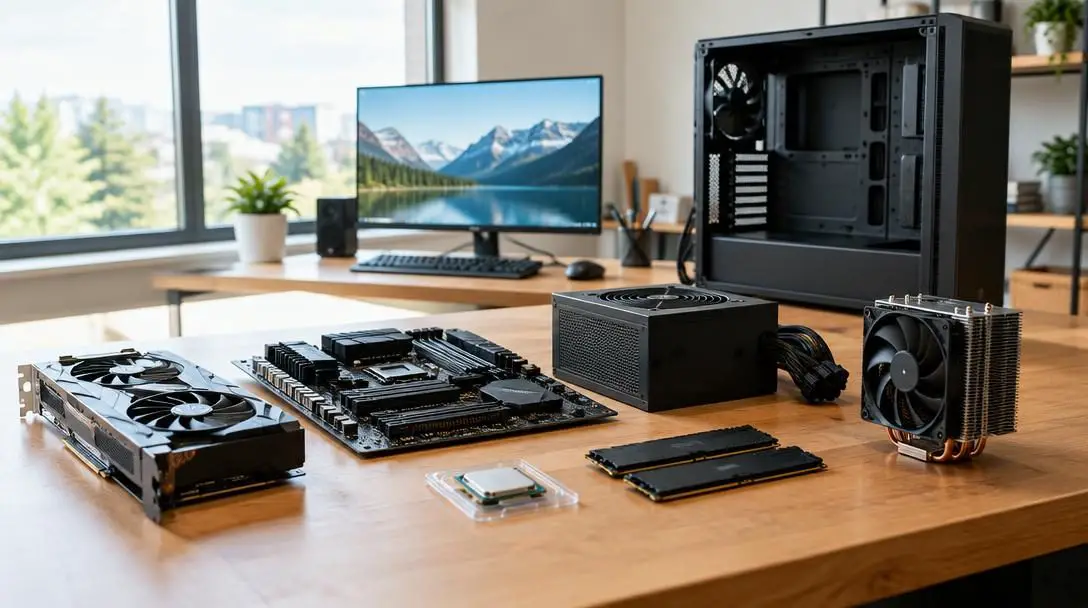
Building a custom personal computer provides total control over every component, aesthetic flourish, and functional capability of your workstation or gaming rig. Rather than accepting the compromises of pre-built desktops configured by third parties, assembling your own system allows you to tailor computing power directly to your workload demands, whether that involves high-framerate competitive gaming, complex 3D rendering, or heavy multitasking.
Achieving peak performance, however, requires more than simply gathering premium parts inside a chassis. A modern high-performance desktop relies on balanced architecture, where each piece of hardware complements the others without introducing throughput bottlenecks. By understanding the core internal components, how they interact across system buses, and how to methodically assemble them, you can build a stable, responsive machine engineered for maximum computational speed.
Key takeaways
- System performance depends on balancing five core hardware pillars: the central processor, graphics card, dynamic memory, solid-state storage, and the motherboard.
- Matching hardware tiers to your primary workload ensures you allocate resources effectively between gaming frame rates and multi-threaded rendering tasks.
- High-speed PCIe NVMe solid-state storage and sufficient RAM capacity prevent data bottlenecks from stalling modern multi-core processors.
- Careful assembly and platform compatibility checks prevent common building mistakes such as socket mismatches, display routing errors, and thermal throttling.
The 5 essential components for a high-performance build
Every personal computer relies on a synchronized foundation of primary hardware. These five essential components dictate the raw computational power, visual fidelity, memory bandwidth, and long-term expandability of your custom machine.
Processor (CPU)
- Gaming recommendations: Intel Core i7, Intel Core i9, AMD Ryzen 7, AMD Ryzen 9
- Content creation options: AMD Ryzen Threadripper, Intel Core X-series
- Primary role: Executing program instructions, managing system logic, and coordinating hardware
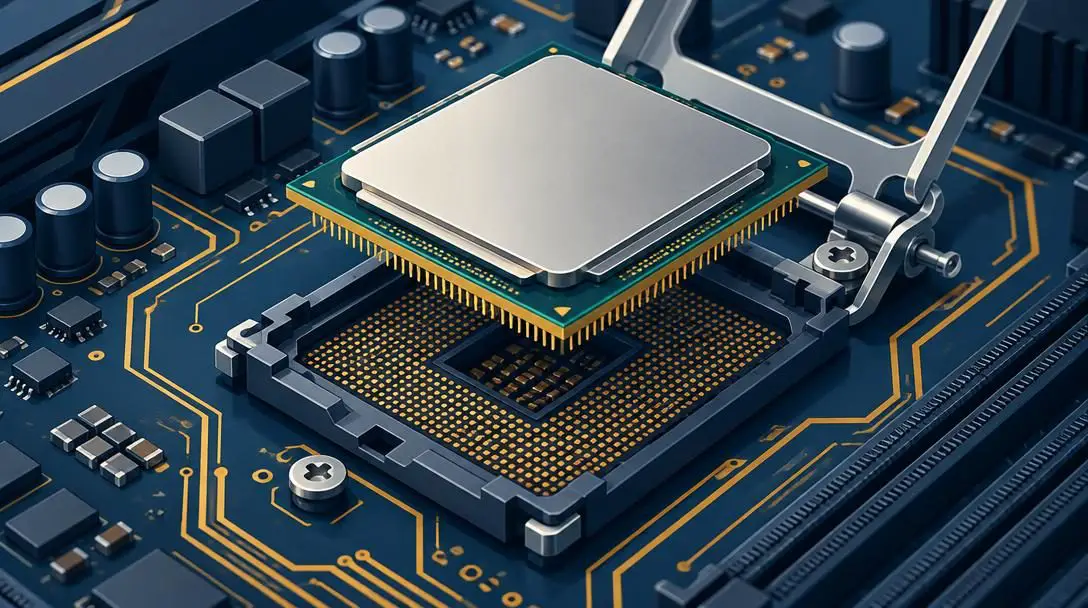
The central processing unit serves as the brain of your computer, handling the core mathematical calculations and operating system logic required to execute applications. When selecting a CPU for a high-performance system, clock speed and core count are the primary specifications to evaluate. Clock speed, measured in gigahertz, determines how rapidly a single processing core can complete computational cycles, which heavily influences single-threaded performance in gaming environments.
For high-end gaming, modern multi-core processors such as Intel’s Core i7 and Core i9 families or AMD’s Ryzen 7 and Ryzen 9 lineups offer an ideal balance of fast clock speeds and robust multi-threading. If your focus centers on professional content creation—such as compiling complex software, 4K video editing, or intensive 3D rendering—high-end desktop platforms such as the AMD Ryzen Threadripper or Intel Core X-series provide massive core configurations capable of crunching parallel computational workloads simultaneously.
Graphics Card (GPU)
- Gaming platforms: NVIDIA GeForce RTX 30-series, AMD Radeon RX 6000-series
- Workstation platforms: NVIDIA Quadro, AMD Radeon Pro
- Primary role: Rendering visual geometry, pixel shading, and hardware acceleration
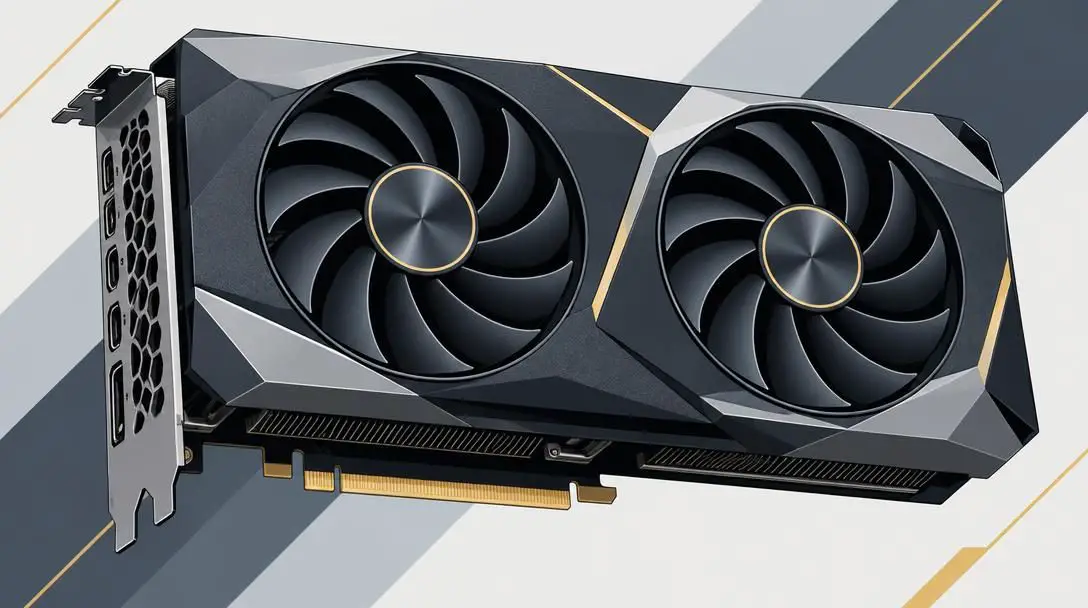
The graphics processing unit is a specialized massively parallel processor engineered specifically for rendering visual imagery, geometric models, and video feeds on your display. In high-performance gaming, the GPU represents the single most important factor in achieving high frame rates, low frame latency, and crisp graphical detail across high-resolution displays. Top-tier consumer options include NVIDIA’s GeForce RTX 30-series and AMD’s Radeon RX 6000-series graphics cards, both of which deliver advanced rendering pipelines, dedicated memory, and hardware-accelerated visual features.
For creative professionals working in scientific simulation, enterprise 3D animation, or structural engineering, specialized workstation graphics cards like the NVIDIA Quadro or AMD Radeon Pro series are ideal. These enterprise-tier boards feature specialized drivers certified for professional creative software suites, ensuring stability, precision calculations, and reliable hardware acceleration during extended production cycles.
Memory (RAM)
- Standard baseline: 16GB for modern gaming and standard productivity
- Heavy workloads: 32GB or more for content creation and intensive multitasking
- Primary role: High-speed temporary storage for active data and immediate instructions
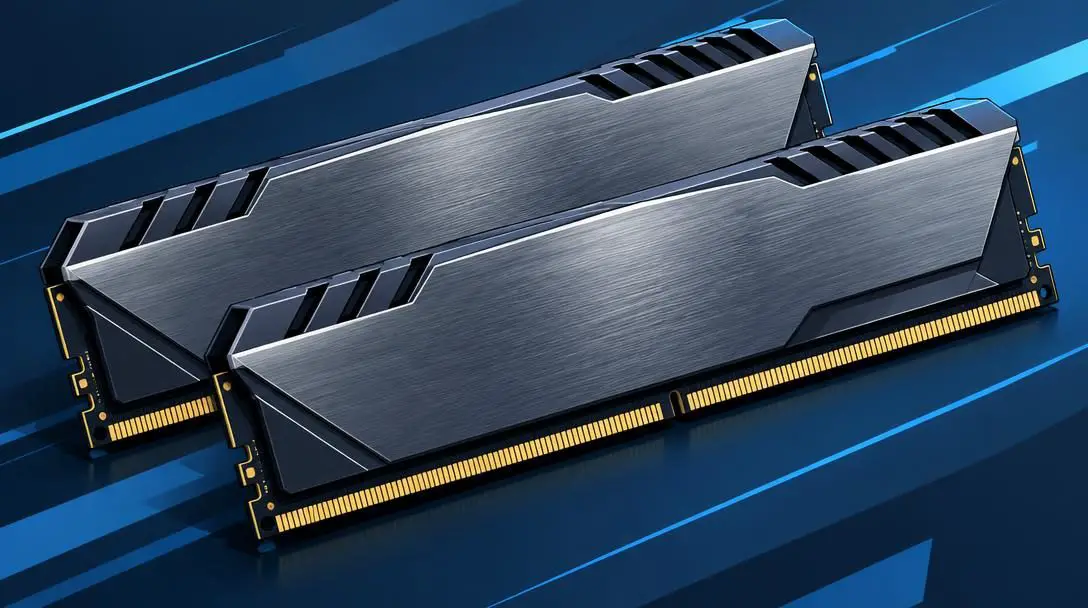
Random access memory acts as your system's short-term workspace for active applications, keeping open data readily accessible to the processor. Because system RAM transfers data exponentially faster than long-term storage drives, having adequate memory capacity prevents the operating system from shuffling working data onto slower storage media, which leads to sluggish performance and micro-stuttering.
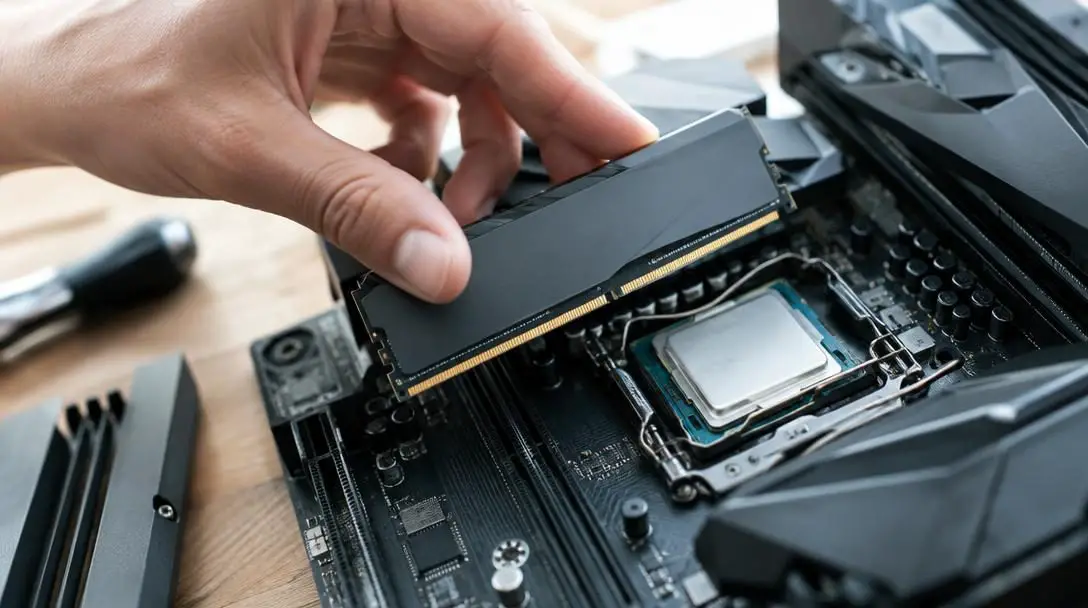
For mainstream performance tasks and high-end gaming, a capacity of 16GB of RAM is generally sufficient to run modern titles and standard background processes smoothly. However, if your workflow encompasses intensive video production, architectural rendering, or running complex virtual machines concurrently, stepping up to 32GB or more is necessary. When purchasing memory, ensure the selected modules match the memory topology, speeds, and voltage specifications supported by both your motherboard and processor.
Storage (SSD)
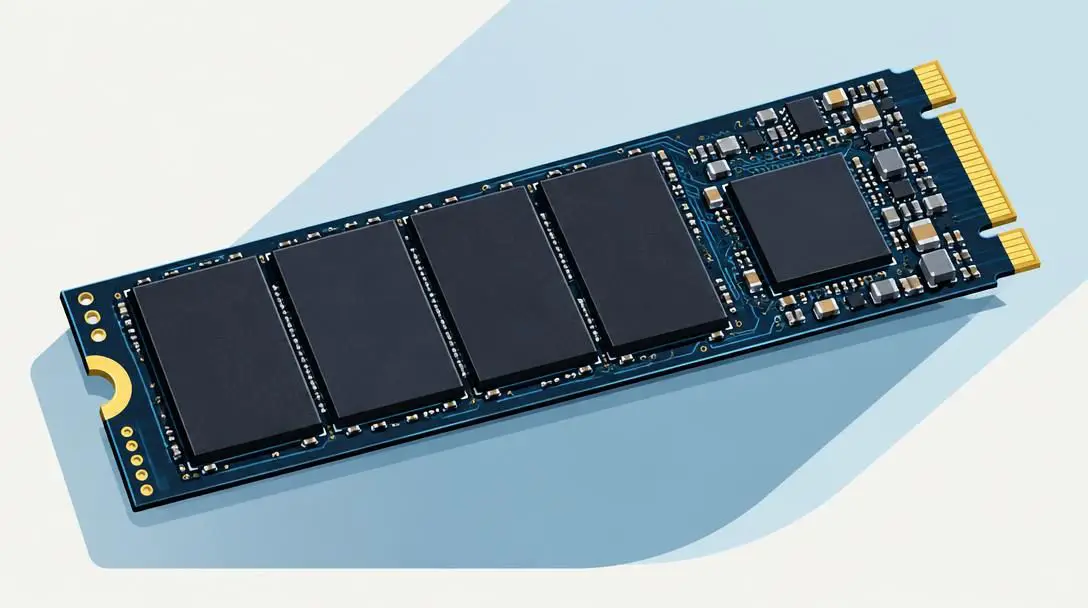
- Recommended technology: PCIe NVMe solid-state drives
- Benchmark models: Samsung 970 EVO, WD Black SN850
- Primary role: High-throughput, non-volatile operating system and application storage
Internal storage holds your operating system, software packages, game libraries, and working files permanently. Solid-state drives (SSDs) utilize non-volatile flash memory, offering immense speed advantages, silent operation, and superior durability compared to mechanical hard drives with spinning platters. Installing a PCIe NVMe SSD as your primary boot drive ensures near-instant boot sequences, swift file transfers, and minimal loading screens in demanding titles.
Drives utilizing the PCIe NVMe protocol, such as the Samsung 970 EVO or the WD Black SN850, represent the premier tier of high-performance internal storage. These compact M.2 cards interface directly with the high-bandwidth lanes of your motherboard, bypassing legacy storage bottlenecks to deliver massive sequential read and write speeds. Utilizing an NVMe drive for both your operating system and active project files ensures continuous, uninterrupted throughput across demanding applications.
Motherboard
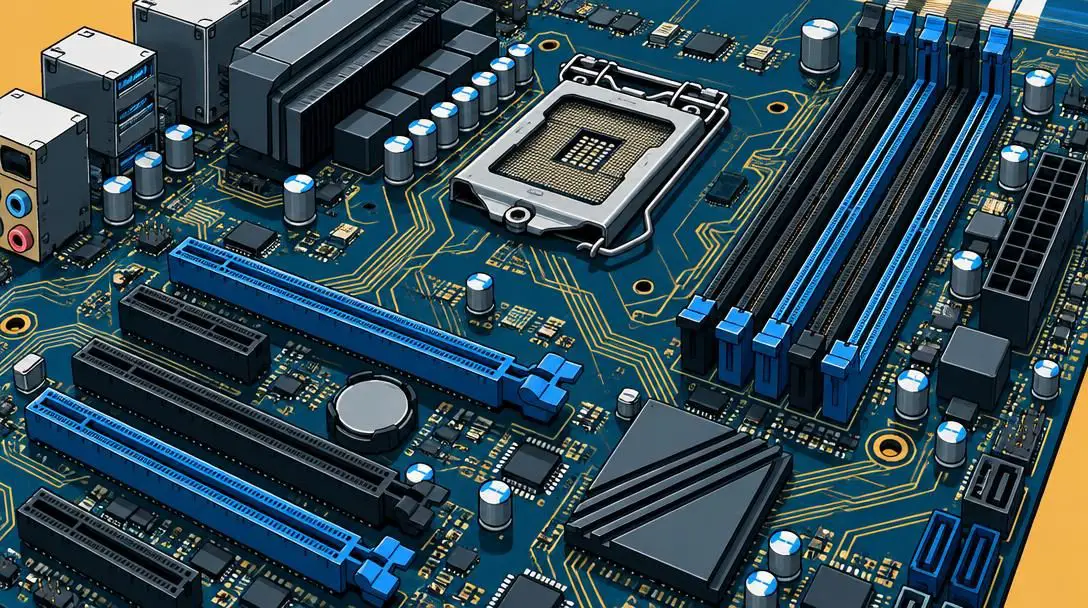
- Primary functions: Component interconnection, power delivery, bus routing
- Key features: Matching CPU socket, overclocking capability, expansion headroom
- Form factor roles: M.2 slots, PCIe expansion, peripheral connectivity
The motherboard represents the structural and electrical backbone of your entire build, providing the printed circuit board traces through which all other hardware components communicate. Choosing the correct motherboard requires verifying direct socket and chipset compatibility with your chosen CPU. It also requires evaluating the board's voltage regulator modules, which supply clean, steady electrical current to the CPU—a critical factor if you plan on overclocking your processor for enhanced speeds.
Beyond baseline processor compatibility, high-performance motherboards offer expansion capabilities that define the lifespan of your machine. Make sure to choose a board with ample PCIe lanes, multiple high-speed M.2 slots for NVMe storage, robust rear I/O connectivity, and four memory DIMM slots. This expansion headroom allows you to integrate additional storage, capture cards, or expanded memory kits down the road without replacing the entire foundation of your computer.
A high-performance personal computer does not operate as an isolated collection of standalone parts, but functions as a single unified system through constant, bidirectional data communication.
Hardware component overview
| Component | Primary Function | Recommended Tier | Key Workload |
|---|---|---|---|
| Processor (CPU) | Instruction execution and system logic | Intel Core i7/i9, AMD Ryzen 7/9/Threadripper | Game mechanics, rendering, compiling |
| Graphics Card (GPU) | Pixel pipeline and geometric rendering | NVIDIA RTX 30-series, AMD RX 6000, Quadro, Radeon Pro | High-framerate gaming, visual compute |
| Memory (RAM) | Active working data cache | 16GB to 32GB+ high-speed modules | Concurrent applications, project assets |
| Storage (SSD) | Permanent high-speed file storage | PCIe NVMe (Samsung 970 EVO, WD Black SN850) | Fast OS booting, rapid asset loading |
| Motherboard | Signal routing, power distribution, and buses | Chipsets matching CPU with overclocking support | System stability, peripheral expansion |
How components interact during active workloads
A custom desktop functions as an interdependent digital ecosystem where components must pass massive data streams between one another with minimal latency. When you launch a demanding application or game, the operating system reads the program data from your PCIe NVMe SSD. Thanks to high-bandwidth interconnects, these gigabytes of software code and visual assets stream rapidly into system RAM.
Once loaded into memory, the CPU continuously pulls critical instructions from RAM, calculating game physics, processing procedural logic, and synchronizing system services. Simultaneously, the CPU translates graphical rendering instructions and dispatches them across the motherboard's primary PCIe lanes directly to the GPU. The graphics card loads the requisite 3D geometry and high-resolution textures into its dedicated memory, running shader routines to project finished pixels onto your display panel hundreds of times per second.
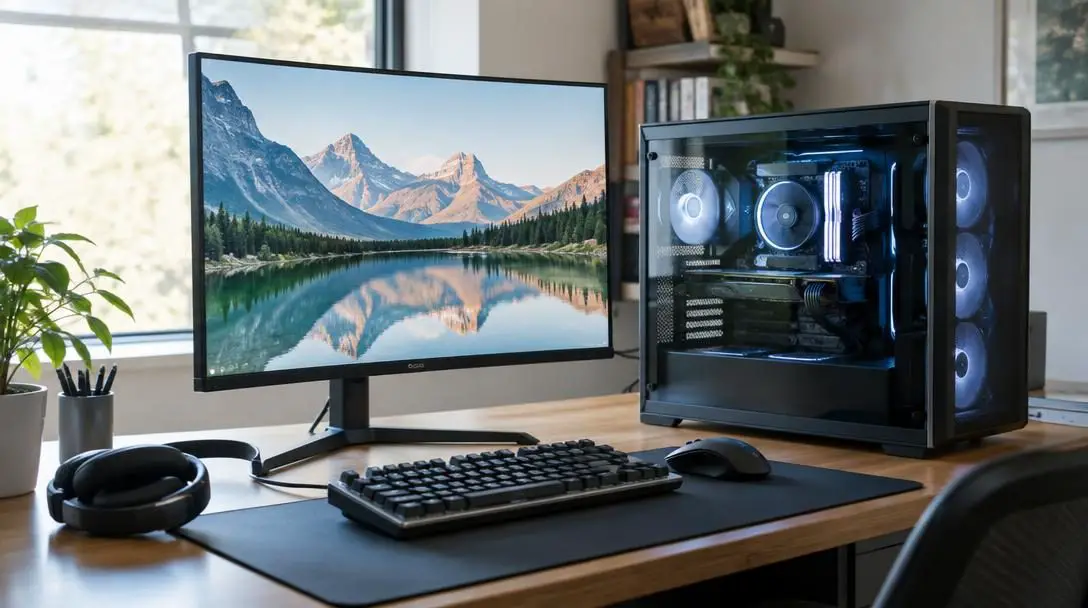
Step-by-step assembly process
Building your own computer requires methodical preparation, patience, and careful handling of delicate electronic pins and traces. By following a sequential installation plan, you minimize component stress and simplify cable management.
- Prepare your workspace: Clear a spacious, well-lit, non-conductive surface, such as a wooden or laminate table. Gather necessary tools, primarily a standard cross-head screwdriver, and remove any static-generating items from the area.
- Install the CPU into the motherboard: Unbox the motherboard and place it flat on top of its cardboard packaging. Release the CPU socket retention arm, orient the processor so its physical alignment markers align with the socket, place the chip gently into the socket without pressing down, and lower the arm to lock it securely.
- Seat the dynamic RAM modules: Open the retention clips on the motherboard's designated memory slots. Align the offset physical notch on the bottom edge of the memory stick with the plastic guide key inside the slot, then press downward evenly on both outer edges until the retention clips click shut.
- Mount the primary PCIe NVMe SSD: Locate the primary M.2 slot positioned nearest the CPU socket, removing any pre-installed thermal heatsink cover. Slide the NVMe drive into the M.2 connector at a shallow angle, press it down flat against the standoff, and secure it with the designated retaining screw or latch before replacing the heatsink.
- Mount the motherboard into the chassis: Position the rear input/output shield into the case frame, or align the integrated shield on premium boards. Lower the motherboard gently into the case, aligning its screw holes with the pre-installed chassis standoffs, and secure the board with the provided case screws.
- Install the dedicated graphics card: Remove the metal expansion covers from the back of the chassis aligned with the main PCIe x16 slot. Open the slot's retention latch, press the GPU firmly into the slot until the clip engages with an audible click, and fasten the metal bracket to the computer case frame with screws.
- Connect cabling and complete the initial boot: Route the primary power cables from the power supply to the motherboard and GPU, plug in the front-panel switches, and connect your display cable from the monitor directly to the dedicated GPU. Power on the system to confirm successful POST and access the motherboard setup utility.
Common mistakes to avoid during your build
Even seasoned system builders encounter assembly hurdles if they rush through component integration or overlook hardware specifications. Avoiding these frequent missteps protects your investment and ensures stable operation from the very first boot.
- Socket and chipset mismatch: Motherboards and processors operate on rigid physical socket standards. An Intel Core i7 or i9 chip cannot fit into an AMD AM4 or AM5 motherboard, nor can an AMD Ryzen 7 or 9 install into an Intel platform. Always double-check socket compatibility before purchasing.
- Insufficient memory capacity: Skimping on RAM forces modern operating systems to swap active working data into a paging file on storage drives, causing momentary freezes. While 16GB handles typical gaming needs, heavy production workloads demand 32GB or more to avoid memory exhaustion.
- Connecting displays to the motherboard output: High-performance systems with dedicated GPUs, such as an RTX 30-series or RX 6000-series card, must have the display cable connected directly into the graphics card ports on the rear chassis. Connecting to the motherboard output routes display signals through the weak integrated processor graphics, completely bypassing your high-performance card.
- Leaving protective plastic films on thermal interfaces: Heatsinks, liquid cooling blocks, and M.2 thermal spreaders frequently come with transparent peel-off protective films over their pre-applied thermal compound. Failing to peel away these covers before mounting causes instant thermal throttling and dangerously high operating temperatures.
- Ignoring future upgrade pathways: Choosing an entry-level motherboard with minimal PCIe slots or only two memory banks severely restricts future expansions. Selecting a board with extra M.2 slots and open memory channels allows you to upgrade hardware as your storage and computational demands grow.
Supporting hardware: power, chassis, and cooling
While the core five components dictate raw computing power, your build cannot function without a dependable supporting infrastructure. The power supply unit (PSU) represents a critical investment; it converts alternating current from your wall outlet into regulated direct current for sensitive microchips. High-performance multi-core processors and modern graphics cards produce sharp transient power spikes, making a high-efficiency power supply with adequate wattage essential for overall system stability.
Thermal management is equally crucial for high-end systems. Chips such as the AMD Ryzen Threadripper, Intel Core X-series, or high-tier Ryzen 9 and Core i9 processors consume substantial energy under peak rendering loads, outputting significant heat. Utilizing a high-surface-area air cooler or a closed-loop liquid cooling system ensures the processor maintains operating temperatures well below its thermal throttling threshold, allowing modern boost algorithms to maintain peak clock frequencies over extended periods.
Finally, your chassis must provide unrestricted airflow intake pathways and exhaust channels to evacuate trapped hot air generated by both the graphics card and processor. A well-ventilated case paired with optimized intake and exhaust fans creates positive internal pressure, reducing dust ingress while keeping ambient temperatures inside the computer low. Once fully assembled, completing a clean operating system installation, enabling high-performance memory profiles in the motherboard setup utility, and installing the latest platform drivers will ensure your custom desktop operates at peak efficiency.
Frequently asked questions
How much RAM do I really need for a high-performance PC?
For modern high-end gaming and general multi-tasking, 16GB of system RAM is sufficient. However, if your computer is intended for intensive workstation tasks like 3D rendering, high-resolution video production, or heavy multitasking, 32GB or more is recommended to prevent memory bottlenecks.
Why should I choose a PCIe NVMe SSD over a standard hard drive?
PCIe NVMe SSDs, such as the Samsung 970 EVO or WD Black SN850, provide data transfer speeds many times faster than mechanical hard drives and standard SATA SSDs. This drastically cuts operating system boot times, accelerates large file transfers, and reduces asset loading delays during demanding tasks.
Can I pair an AMD Ryzen processor with an NVIDIA graphics card?
Yes. Processors and graphics cards communicate across universal PCIe expansion lanes managed by the motherboard. You can freely combine an AMD CPU (like a Ryzen 7 or 9) with an NVIDIA GPU (like a GeForce RTX 30-series), or pair an Intel CPU with an AMD Radeon graphics card.
What is the difference between consumer GPUs and workstation GPUs?
Consumer cards like the NVIDIA GeForce RTX 30-series or AMD Radeon RX 6000-series are engineered and priced primarily for real-time video game rendering. Workstation graphics cards like NVIDIA Quadro and AMD Radeon Pro feature enterprise-certified drivers optimized for precision accuracy, stability, and accelerated workflow support in specialized 3D modeling and rendering applications.
What happens if my monitor is plugged into the motherboard instead of the GPU?
Plugging your display cable into the motherboard video output forces your computer to display video through the CPU's integrated graphics processing unit, if present. This completely bypasses the dedicated graphics card, resulting in severely degraded frame rates and an inability to use the full power of your installed GPU.
The bottom line
Assembling a custom high-performance PC is an empowering project that rewards you with an optimized, bespoke computing platform built to your exact specifications. By selecting a harmonious combination of a powerful central processor, a capable graphics card, fast dynamic memory, high-throughput NVMe solid-state storage, and a feature-rich motherboard, you eliminate operational bottlenecks and unlock exceptional computing power. Taking a methodical approach to component compatibility, static-safe assembly, and adequate thermal cooling ensures your desktop delivers blistering performance and long-term stability across all your creative and gaming pursuits.





