
5 Most Common Nintendo Switch Problems
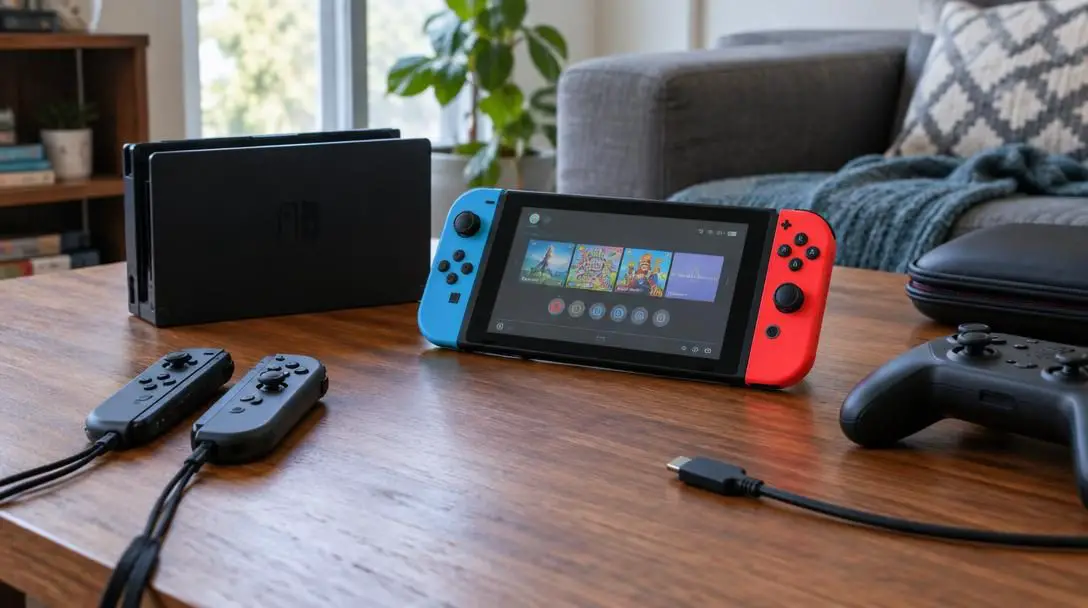
When the Nintendo Switch debuted in March 2017, its hybrid design changed consumer expectations by bridging the gap between high-definition home console gaming and portable handheld play. Players could embark on expansive adventures in their living rooms and transition seamlessly to a commute or travel itinerary, anchored by landmark releases such as the critically acclaimed platformer Super Mario Odyssey. The console quickly cemented its status as one of the best-selling video game systems of all time.
Yet, housing compact internal computing hardware, portable battery components, a built-in display, and detachable wireless controllers inside a docking ecosystem introduced distinct engineering compromises. Over years of intensive play by millions of global users, several persistent software bugs, cosmetic vulnerabilities, and mechanical wear patterns have surfaced. Recognizing how these malfunctions occur enables owners to troubleshoot glitches effectively, safeguard their hardware, and maximize the operational lifespan of their consoles.
Key takeaways
- Joycon analog stick drift remains the most prevalent hardware failure, caused by friction wear on internal resistive contact pads.
- Nintendo classifies minor dead or stuck pixels as an inherent characteristic of liquid crystal displays rather than a repairable manufacturing defect.
- The narrow plastic clearance inside the standard dock leaves unguarded console screens vulnerable to cosmetic scratches during insertion.
- Most screen freezes stem from operating system cache build-up or corrupted game files rather than terminal hardware failures.
- Opening Joycon shells at home voids warranty coverage and risks severing internal ribbon cables, whereas Nintendo offers official repair channels.
At a glance: Comparing the top Switch issues
The following overview breaks down the five most frequent issues encountered by Nintendo Switch owners, detailing their primary causes and recommended handling paths.
| Problem | Primary Root Cause | Recommended Action | Official Support Status |
|---|---|---|---|
| Joycon Drift | Sensor pad wear and internal particle friction | Submit for official manufacturer repair | Covered under dedicated replacement program |
| Dead Pixels | Transistor electrical failure during panel fabrication | Inspect display; apply screen replacement if severe | Excluded as normal manufacturing characteristic |
| Screen Freezes | Memory cache bloat or corrupted software packets | Perform hard reboot and clear system cache | Covered under standard warranty if hardware fails |
| Dock Scratches | Tight mechanical tolerance and unbuffered plastic guides | Apply tempered screen protector and align dock carefully | Treated as cosmetic wear and tear |
| Internet Drops | Network interference, encryption mismatches, or server outages | Reboot local router and review console network settings | Assisted via standard network troubleshooting |
The 5 most common Nintendo Switch problems
Despite its vast software library and enduring commercial popularity, the console presents five recurring difficulties that degrade user experience. These range from network interruptions that halt multiplayer sessions to physical abrasions and input failures.
5. Internet Connectivity
Wireless network failures present an immediate barrier to essential Switch operations. While gamers can readily play offline campaigns and downloaded software without a network handshake, losing your internet connection cuts off system firmware patches, stalls software title updates, and prevents access to online multiplayer lobbies. The breakdown can stem from diverse failure points across the network pipeline, ranging from local modem authentication conflicts to unscheduled interruptions across Nintendo online infrastructure.
4. Dock Scratches Screen
The form factor of the hybrid cradle has caused unintended cosmetic damage across countless handheld screens. Because the standard docking station features a deep, narrow cavity bounded by hard interior plastic rails, sliding the Switch into place demands precise vertical alignment. When users seat the console at an angle, insert the device backward, or allow young children to force the hardware downward without proper positioning, friction against bare plastic leaves visible, permanent scratches across the front display panel.
3. Screen Freezes and System Crashes
Few events provoke as much immediate anxiety as an abrupt system lockup or a total software crash during active gameplay. Encountering a completely frozen screen often leads players to assume that the internal motherboard or graphics processing architecture has suffered a fatal breakdown. In reality, most crashes represent temporary software exceptions caused by corrupted installation files, unmanaged system cache fragmentation, or firmware version mismatches rather than complete hardware obsolescence.
2. Dead Pixels
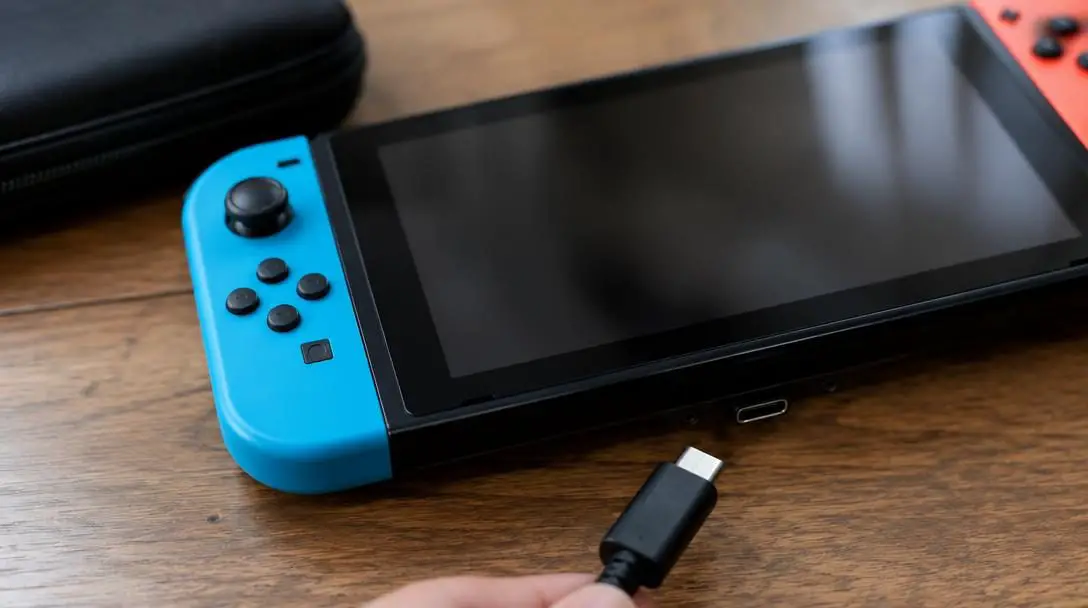
Discovering a permanent dark dot or a glowing white fleck on the handheld screen can be exceptionally frustrating during immersive gameplay. This defect stems from individual microscopic transistors failing to regulate current through the liquid crystal array. The most challenging element of this problem is Nintendo's formal policy: the company classifies minor dead or stuck pixels as an inherent trait of LCD panels, meaning conventional customer service channels do not treat minor pixel anomalies as manufacturing flaws qualifying for standard warranty repairs.
1. Joycon Drift
Joycon analog drift represents the most notorious and universally reported defect across the Switch platform. The issue manifests when the console registers directional motion on the display despite the user leaving the thumbstick untouched. In high-precision titles such as Super Mario Odyssey, subtle drift causes characters to wander off platforms, ruins jumps, and forces camera perspectives to spin unexpectedly, rendering nuanced navigation nearly impossible.
Joycon drift compromises precision platforming by signaling phantom movements to the motherboard even when the analog stick rests dead center.
How these hardware and software failures happen
Every recurrent Switch defect originates in the intersection of hardware design constraints, component manufacturing limitations, and software operational demands.
Network connectivity disruptions depend on uninterrupted communication across local access hardware and remote authentication servers. When the console operates far from the primary router, dense building materials like drywall, masonry, and metal furniture weaken wireless signals. Furthermore, if the router uses legacy security standards incompatible with the console, or if regional Nintendo servers encounter peak-load outages, the console fails to complete its data handshake.
The docking scratch defect is an entirely mechanical issue. To ensure the console remains upright while securing a firm connection to the bottom USB-C interface, the dock was designed with narrow internal clearance. Because the Switch display face is made of relatively soft materials compared to hardened smartphone glass, dragging the screen against unpadded plastic guides creates micro-abrasions that worsen over repeated docking cycles.
Software crashes typically arise when the operating system encounters unexpected data exceptions. If game files omit packets during an interrupted download, or if the operating system's temporary memory cache fills with stale files over months of play, the processor stalls. Running an unpatched legacy game build alongside updated system firmware can similarly generate memory conflicts that force an instant crash.
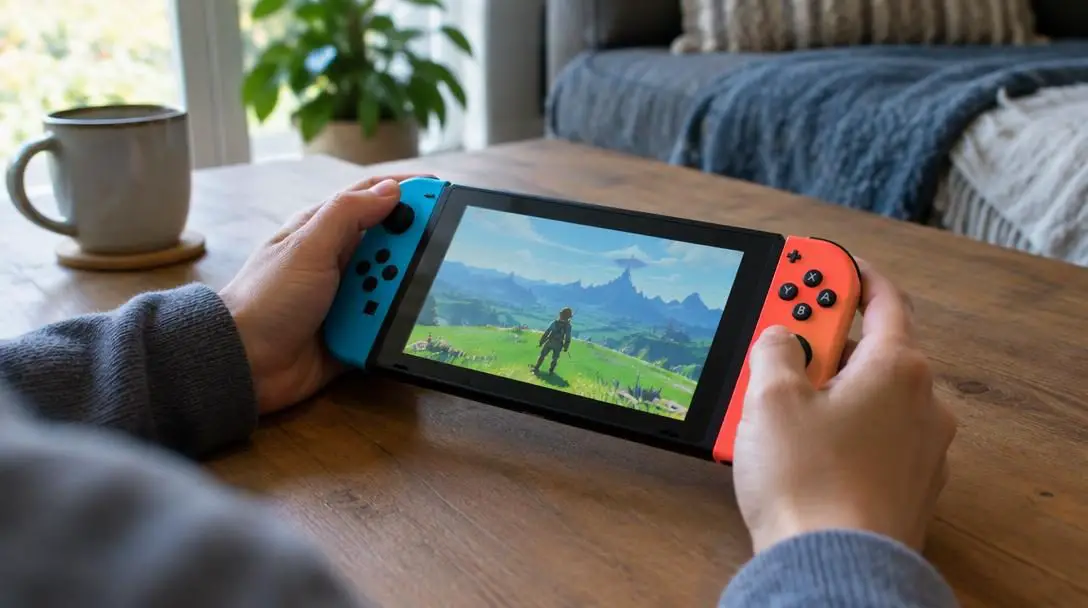
Dead pixels occur during the complex manufacturing of liquid crystal display panels. Each panel contains hundreds of thousands of microscopic sub-pixels driven by individual thin-film transistors. If a single transistor fails during assembly, that pixel permanently loses its switching capability, remaining dark or stuck on a fixed hue. Because producing flawless panels across millions of consumer units remains statistically prohibitive, manufacturers operate within broad tolerance metrics.
Joycon drift stems from internal mechanical degradation. Inside the thumbstick box, tiny metal contact brushes slide across a carbon-resistive surface pad as players manipulate the stick. Continuous friction gradually scrapes away carbon particles, coating the delicate contact points in microscopic debris. This alters the electrical resistance readings sent to the console, signaling movement to the system when the stick is resting in neutral.
Step-by-step troubleshooting and prevention
Applying structured diagnostic actions enables you to resolve software instability and mitigate hardware wear without risking further damage.
Restoring network connectivity
- Check alternative devices connected to your home network to confirm that your primary internet service is functioning properly.
- Power cycle your modem and wireless router by disconnecting their power cables for thirty seconds, then plugging them back in to reset network assignments.
- Relocate the Switch closer to the router to confirm that signal degradation is not being caused by physical wall barriers or furniture.
- Access your router's administration interface to verify that its wireless security encryption protocol is compatible with the Switch.
- Check official Nintendo service status notices to verify whether temporary network maintenance or server downtime is causing the outage.
Resolving screen freezes and crashes
- Perform a hard reset by pressing and holding the physical power button on the top edge of the Switch for twelve seconds until the screen goes black, then turn it back on.
- Plug the console directly into its official AC power adapter to confirm that an unstable or depleted battery is not triggering shutdowns.
- Verify that your wireless connection is active so the device can communicate with Nintendo update servers.
- Navigate to the System Settings menu, locate the Formatting Options, and clear the system cache to eliminate corrupted temporary files.
- Download and install any pending system software updates to resolve underlying operating system stability bugs.
- Use the system data management menu to check the game software for corrupted data, redownloading the title entirely if corrupted files are flagged.
Mitigating Joycon drift and display defects
- Request official Joycon servicing: Submit a repair ticket through Nintendo's customer portal to access their dedicated, free repair program for drifting controllers rather than risking home repairs.
- Prepare for service turnaround: Account for repair wait times, which can range from a few days to over a month depending on regional depot volume, by keeping an alternate controller available.
- Inspect display surfaces: Use varied ambient lighting conditions to ensure an apparent dead pixel is not an external dust speck or trapped air pocket beneath your screen protector.
- Practice deliberate docking: Slowly lower the console vertically into the center of the cradle, teaching all household members to avoid angling or forcing the unit into the dock.
Pitfalls and mistakes to avoid
In their haste to fix gameplay disruptions, owners often make missteps that turn minor inconveniences into costly, permanent hardware damage.
- Dismantling Joycons at home: Online video tutorials often suggest opening the controller shell to apply cleaning solutions. This home fix frequently severs paper-thin ribbon cables, destroys screw heads, and leaves you with an unusable controller that Nintendo service depots may refuse to service.
- Skipping early screen protection: Assuming the unadorned console display can resist the tight clearance of the dock is a frequent oversight. Minor dust trapped between the plastic cradle and the screen face acts as an abrasive, resulting in visible wear.
- Treating every freeze as hardware failure: Assuming an unexpected system lockup signals a dead motherboard often leads users to purchase unnecessary replacements. Performing a forced reboot and clearing temporary cache solves the overwhelming majority of freezing instances.
- Arguing dead-pixel policies with support: Spending hours disputing individual dead pixels with official customer service representatives leads to frustration. Nintendo documents these anomalies as standard LCD characteristics, making warranty approvals for minor pixel flaws virtually impossible.
- Overlooking your home router: Adjusting internal Switch IP addresses before restarting your router or checking for network-wide outages wastes valuable diagnostic time.
Frequently asked questions
Does Nintendo replace Joycons with stick drift for free?
Yes. Nintendo established an official repair process that services or replaces drifting Joycon controllers without charging repair fees, regardless of standard warranty status in many regions.
Will Nintendo repair a console with a single dead pixel?
No. Under standard customer service guidelines, Nintendo considers a small number of stuck or dead pixels to be an inherent trait of liquid crystal screens rather than a manufacturing flaw.
Why does my Switch dock scratch the display?
The interior dock cavity provides narrow clearance to keep the console upright. If the unit is inserted at an angle, forced downward, or inserted backward, the hard plastic guide rails can rub against the screen panel.
How can I recover from a totally frozen Switch screen?
Hold the physical power button on the top edge of the console down for at least twelve seconds to execute a hard shutdown, then press it once more to reboot the system.
Can game file corruption cause the entire console to crash?
Yes. Missing or corrupted data packets within a specific digital download can cause the system to hit an unhandled software exception, locking up the display until the software is checked or reinstalled.
The bottom line
The Nintendo Switch delivers exceptional versatility as a hybrid system, but longevity requires mindful handling of its mechanical and display tolerances. Protecting the screen against rigid dock guides, keeping system firmware up to date, and clearing corrupted cache files prevents the bulk of daily frustrations. When hardware degradation like Joycon drift strikes, relying on official manufacturer repair pipelines ensures you preserve your equipment without risking permanent damage through risky home disassembly.





