
A Step-By-Step Guide to Checking the Location of Your Lost Or Stolen Phone

Losing a smartphone or having it stolen is an immediate, high-stress crisis that disrupts both personal and professional routines. Modern mobile devices serve as personal command centers, housing intimate photo collections, private chat histories, banking credentials, and sensitive workplace communications. When a phone suddenly vanishes, the natural reaction is panic, frequently accompanied by confusion over whether the device is permanently gone or still recoverable.
Fortunately, contemporary mobile technology includes sophisticated, built-in security architecture designed specifically to locate missing hardware. Instead of relying on guesswork or filing an empty missing property report, owners can use integrated tracking platforms to view real-time maps, trigger audible alerts, lock their screens, and wipe sensitive data remotely. Understanding how these tools function enables you to act decisively, safeguard your private data, and determine the safest path toward recovering your device.
Key takeaways
- Integrated tracking services from Google and Apple allow device owners to monitor their hardware coordinates on digital maps from any web browser.
- Remote management tools can force a misplaced phone to ring at full volume for five minutes, bypassing silent or vibrate settings.
- Enabling a remote lock secures the phone behind a passcode and displays an alternate contact number for anyone who finds it.
- Triggering an over-the-air factory reset protects private data but permanently terminates your ability to track the phone on a map.
- Cellular service should remain active during the initial search so the device can continue sending location updates over mobile data.
Understanding How Modern Device Tracking Operates
Mobile location tracking is powered by a continuous exchange between physical device hardware, carrier infrastructure, wireless signals, and secure cloud platforms. When a smartphone is powered on, it interacts with its surroundings through satellite positioning sensors, local Wi-Fi networks, and cellular towers. By triangulating these signals, the operating system calculates its geographic coordinates and routinely syncs them with encrypted cloud servers.
To broadcast continuous, real-time tracking updates, the missing device must be turned on and retain an active connection to the internet through either cellular data or a Wi-Fi network. When these conditions are satisfied, cloud servers can ping the phone on demand to show its exact position on an interactive map. If the battery dies, the phone is shut down, or it is carried into a signal dead zone, the system instead displays the last known location alongside a timestamp marking the device's final network transmission.
Google Find My Device
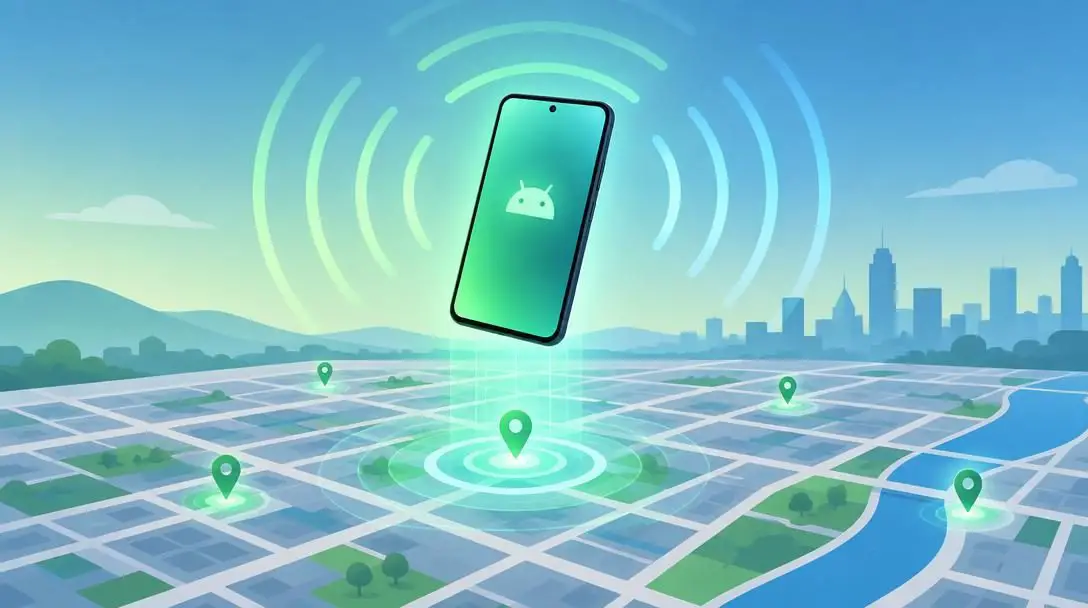
Google Find My Device is the native recovery backbone for hardware running the Android operating system. The platform ties directly into Google Play Services and relies on the user's primary Google account to establish a secure link with the device. Users can monitor their missing equipment by accessing the dedicated portal at android.com/find using any desktop or mobile browser, allowing instantaneous access to mapping coordinates, hardware status indicators, and remote command protocols.
Apple Find My
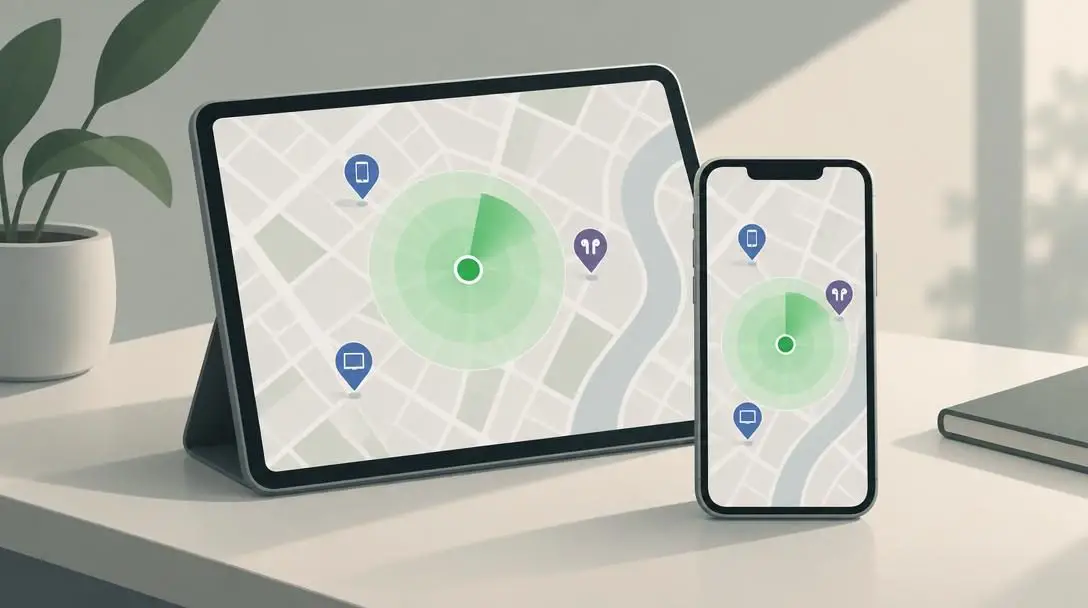
Apple Find My serves as the proprietary tracking network for the iOS ecosystem. The service ties iPhones, iPads, and Mac computers directly to an individual's Apple ID account. Owners can track a missing iPhone by launching the Find My application on a secondary Apple device—such as an iPad, Mac, or a family member's iPhone—or by logging into the official web portal for Apple device management through an internet browser.
| Platform Feature | Google Find My Device | Apple Find My |
|---|---|---|
| Operating System | Android | iOS |
| Underlying Account | Google Account | Apple ID |
| Primary Web Interface | android.com/find | Official Apple device management portal |
| Dedicated App Availability | Android devices and mobile web | Find My app across iPad, Mac, and iOS |
| Core System Integration | Google Play Services | Find My network architecture |
The Step-by-Step Phone Recovery Process
When you realize your phone is missing, taking methodical action prevents wasted time and dramatically improves your chances of locating the device. Follow these sequential steps to initiate tracking and secure your personal information.
- Access the tracking portal from a secondary device: Open an internet browser on any computer, tablet, or friend's smartphone. If your missing phone is an Android device, navigate directly to android.com/find. If you are searching for an iPhone, open the Find My application on an auxiliary Apple device or visit Apple's official device management portal in a web browser.
- Sign in with your linked account credentials: Enter the exact Google email and password or Apple ID linked to the missing handset. If you do not have your login details memorized, access your offline backup records immediately. Without successful authentication, the platform cannot verify ownership or connect to the device.
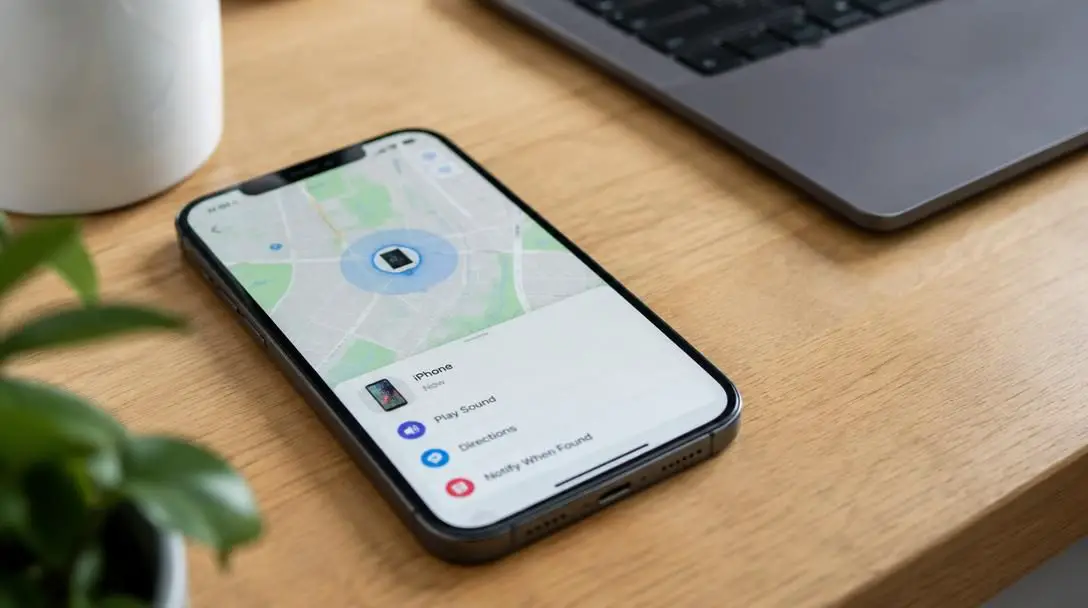
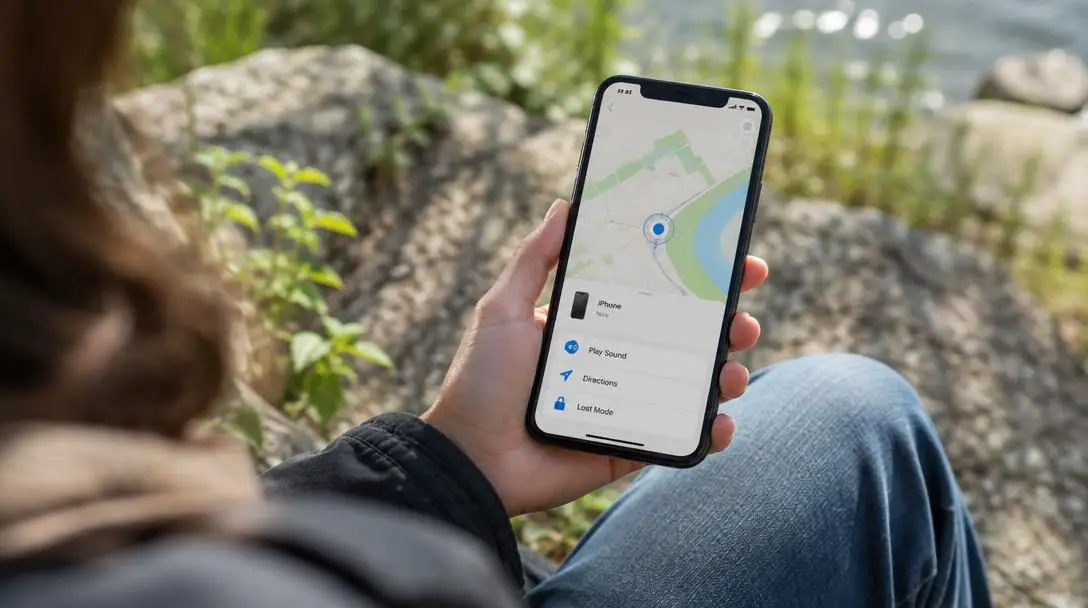
- Locate your phone on the interactive map: Review the digital map displayed on the dashboard. If the phone is powered on and connected to the internet, you will see its live location marked by a pinpoint or an accuracy radius that updates as new pings arrive. If the phone is offline or out of battery, the interface will display the last recorded timestamp and location from when it was active.
- Trigger an audible ring: If the map shows that the phone is within your immediate vicinity, select the option to ring the device. The system will command the phone to sound an alarm at maximum volume for five minutes continuously. This command automatically overrides silent, mute, and vibrate profiles, making it easy to uncover a phone hidden under car seats, behind office furniture, or deep within couch cushions.
- Remotely lock the phone screen: If the phone is located in an unfamiliar or public area, engage the remote lock feature immediately. This locks the interface behind your passcode, PIN, or security pattern. Take advantage of custom screen options to display a polite recovery message alongside an alternative contact phone number so an honest finder can arrange a return without viewing your private data.
- Execute an over-the-air data erase: If extensive tracking efforts fail or the phone appears permanently unrecoverable, trigger a remote factory reset from the dashboard. This purges all downloaded applications, stored passwords, financial cards, text messages, and photos from internal storage. Remember that an erased phone can no longer communicate with tracking servers, ending your ability to view it on the map.
Built-in security services have transformed how people deal with lost electronics by providing direct access to real-time mapping tools and remote device management.
Critical Mistakes to Avoid During the Search
High levels of stress often lead to rushed decisions that can accidentally hinder your recovery efforts or jeopardize your personal safety. Steering clear of these frequent mistakes will keep your search efficient and safe.
- Relying on the lost handset for your passwords: Storing passwords exclusively inside a missing phone makes logging into tracking portals on a computer impossible. Always maintain access to primary account passwords outside of the lost device.
- Confronting a suspected thief in person: If tracking data indicates your phone is moving through an unfamiliar neighborhood or has stopped inside a private residence, never attempt to recover the device on your own. Approaching suspects directly can escalate into dangerous confrontations; share your digital coordinates and timestamps with law enforcement instead.
- Prematurely wiping internal device storage: Executing a remote erase severs the cloud connection between your profile and the operating system. Once wiped, the handset cannot be tracked on a map or prompted to ring, so save this measure for true worst-case scenarios.
- Canceling your cellular carrier plan too early: Suspending your cellular line immediately disables mobile data transmission. Unless the lost phone happens to connect to an open or known Wi-Fi network, cutting the cellular connection prevents the phone from sending updated GPS pings to the tracking map.
- Getting trapped by two-factor authentication: If your cloud login requires an SMS verification code sent to the very phone you lost, you risk being locked out of your account. Ensure you have pre-configured trusted backup devices or physical recovery keys to bypass this hurdle.
Strategic Measures to Take While Tracking the Device
Managing a lost phone requires active monitoring and strategic data collection rather than passively staring at a map marker. Implementing practical measures while reviewing location pings increases your control over the situation.
First, thoroughly investigate your immediate surroundings before concluding that theft has occurred. Misplaced devices are frequently hidden in plain sight. Using the remote ring utility to force five minutes of continuous audio helps you quickly eliminate nearby rooms, vehicle compartments, and workplace desks from your search area.
Next, observe how the location marker behaves over time. A stationary marker at a commercial establishment you recently visited suggests the device was left behind by mistake, allowing you to call the venue directly to secure it. Conversely, a marker moving continuously along major thoroughfares indicates the device is in transit, either on public transportation or in someone else's possession.
Document every stage of the tracking process by taking regular screenshots of the map. Ensure your captures clearly show street names, cross intersections, and the exact timestamps of the pings. This organized timeline provides essential, objective evidence for police investigators if you need to file an official theft report.
Finally, safeguard your external accounts while the device is missing. If your phone lacked a strong passcode, immediately log into your primary email, banking services, and social media platforms from an external computer. Update your passwords and use the account security dashboards to remotely log out and revoke active access tokens from the missing phone.
Post-Incident Actions: Securing Your Accounts and Hardware
Whether your tracking efforts conclude with the phone back in your hands or confirm that the device is gone for good, several follow-up tasks are necessary to restore your digital security and protect your identity.
If you successfully retrieve your phone, take the time to audit its operational security. Confirm that robust lock screen security—such as an alphanumeric passcode alongside fingerprint or facial biometrics—is active. Verify that location services and Find My Device protocols remain enabled so the phone is prepared if it goes missing again. Furthermore, check that automatic cloud backups are running consistently to safeguard your documents, photos, and contacts against future unexpected hardware loss.
If the device cannot be found and has been remotely erased, contact your mobile network carrier to report the loss. Request that they blacklist the phone's unique International Mobile Equipment Identity (IMEI) number, which prevents the hardware from being reactivated on cellular networks. Order a replacement SIM card with your original phone number to restore communication, and file any necessary claims with your insurance provider or local authorities.
Frequently asked questions
Can I track my phone if it is turned off or the battery has died?
If a phone is powered off or runs out of battery, tracking services cannot transmit live, real-time GPS coordinates. Instead, the tracking portal will display the last known location and timestamp recorded just before the device lost connection to the network.
Will making my phone ring work if the volume is muted?
Yes. The remote ring function in built-in tracking services automatically overrides silent, mute, and vibrate settings. The device will sound an audible alert at maximum speaker volume for five minutes until unlocked or dismissed from the tracking portal.
Can I still see my phone's location after performing a remote erase?
No. Executing a remote erase initiates a full factory reset over the air, wiping all user accounts, credentials, and data. Because this severs the connection between your account and the operating system, the device can no longer be tracked on a map.
Why shouldn't I cancel my cell service immediately after losing my phone?
Suspending your cellular plan shuts off mobile data transmission. If the phone is not connected to a known Wi-Fi network, deactivating the SIM card prevents the device from sending updated location coordinates to tracking servers.
What should I do if the map shows my stolen phone inside a private home?
Do not attempt to enter private property or confront occupants yourself. Document the location by taking screenshots of the coordinates and street map, and provide that evidence directly to local law enforcement personnel.
The bottom line
A missing smartphone does not have to result in permanent hardware loss or compromised personal privacy. Modern operating systems equip users with comprehensive tools to pinpoint locations, force audible alarms, remotely lock screens, and wipe sensitive data over the air. By keeping account credentials accessible, understanding how remote management works, and coordinating with authorities when theft occurs, you can systematically navigate the recovery process while keeping your digital identity thoroughly protected.





