
Best Practices for Extending the Range of Your Wireless Network
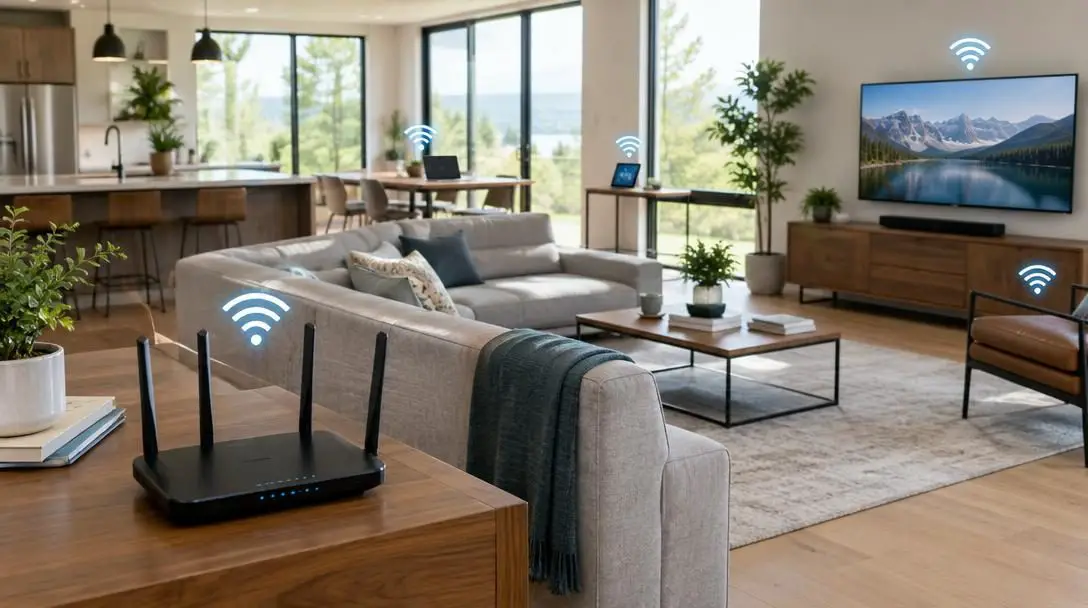
In modern domestic and professional environments, a dependable Internet connection is far more than a tool for casual web browsing. Wireless connectivity forms the backbone of how we communicate, collaborate on professional responsibilities, and bridge geographical distances with friends and family through clear voice calls, video meetings, and instant messaging. Our laptops, tablets, smartphones, and smart utility devices all rely on an uninterrupted wireless transmission to function properly, regardless of where in a building they happen to be located.
Despite its critical role in daily life, establishing dependable whole-building coverage remains a persistent hurdle for many households and businesses. Indoor layouts frequently suffer from frustrating dead zones, sudden dropouts, and sluggish connection speeds. These issues stem from the fundamental physical characteristics of radio waves, which naturally lose strength over distance and face severe obstruction from interior architectural materials like walls, floors, and doors. Overcoming these barriers requires an understanding of how wireless signals propagate, how to position hardware effectively, and how to select the right expansion equipment to blanket your space with reliable data coverage.
Key takeaways
- Wireless routers emit signals in an expanding circular pattern that steadily loses strength and throughput as distance increases.
- Physical building materials, including ceilings, interior walls, and doors, absorb and deflect radio frequencies, creating localized coverage dead zones.
- Mesh Wi-Fi systems provide seamless whole-home coverage through cooperative satellite nodes, whereas traditional extenders merely repeat an existing signal with potential speed loss.
- Positioning your primary router in a centralized, open location is the single most cost-effective way to improve signal reach across multiple floors.
- Using network extenders successfully requires sufficient baseline bandwidth from your service provider to offset unavoidable signal degradation over distance.
The physics of wireless signal propagation indoors
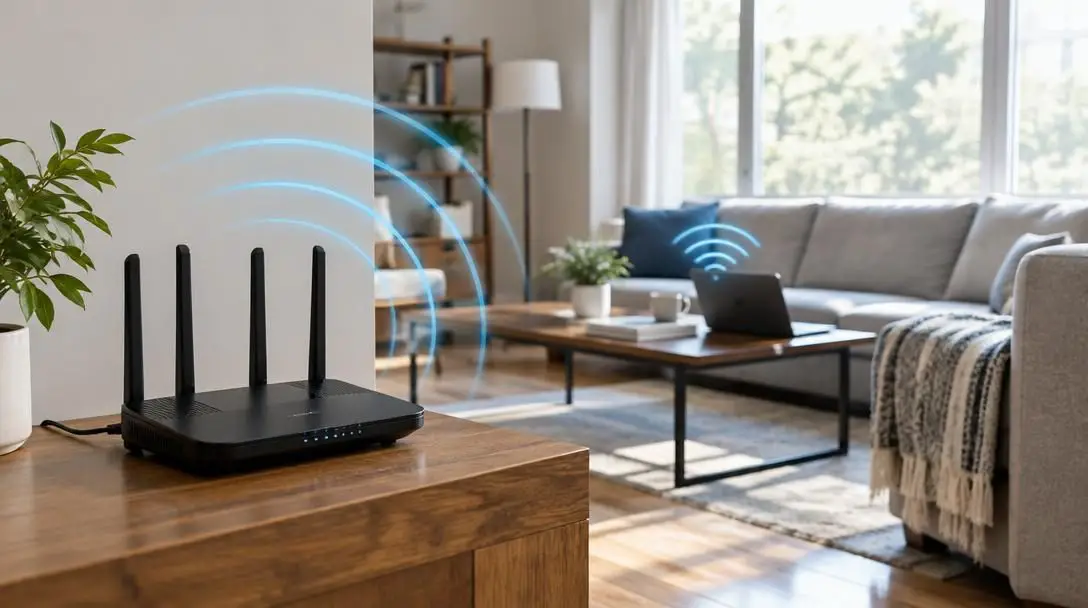
To diagnose and remedy persistent coverage troubles, one must first understand how a wireless router distributes data throughout an interior environment. Rather than projecting an invisible beam directly toward your laptop or phone, a wireless router radiates radio frequency energy outward in an expanding spherical broadcast pattern. This circular dispersal means that the signal radiates equally in all directions from the router's antennas, weakening naturally the further it travels from the core broadcasting unit.
As this radio wave travels through the atmosphere, its energy dissipates across physical space. The farther a connected device is from the access point, the weaker the available radio frequency becomes, which directly translates to reduced throughput and higher data latency. In open air, this decline follows predictable physical laws, but interior environments introduce intense spatial friction that accelerates signal loss.
Architectural structures represent the greatest everyday obstacle to wireless networks. When radio waves encounter solid barriers, the energy is either absorbed, reflected, or refracted:
- Interior walls and partitions: Standard drywall attenuates wireless signals to a modest degree, but materials such as masonry, brick, or lath-and-plaster can severely choke high-frequency radio transmissions.
- Floors and ceilings: Multi-story buildings present substantial vertical resistance; structural joists, subflooring, and ductwork impede the spherical wave as it attempts to travel between levels.
- Solid doors and furniture: Large wooden doors, dense cabinetry, and structural support columns deflect radio waves, casting distinct electronic shadows that manifest as dead zones.
Evaluating network expansion hardware
When physical square footage or architectural density exceeds the broadcast limits of a standalone router, hardware expansion becomes necessary. Homeowners and office managers typically choose between two primary hardware configurations: dedicated mesh systems or traditional wireless range extenders. While often marketed under similar terminology, their functional architecture is entirely distinct.
Traditional Wireless Range Extenders
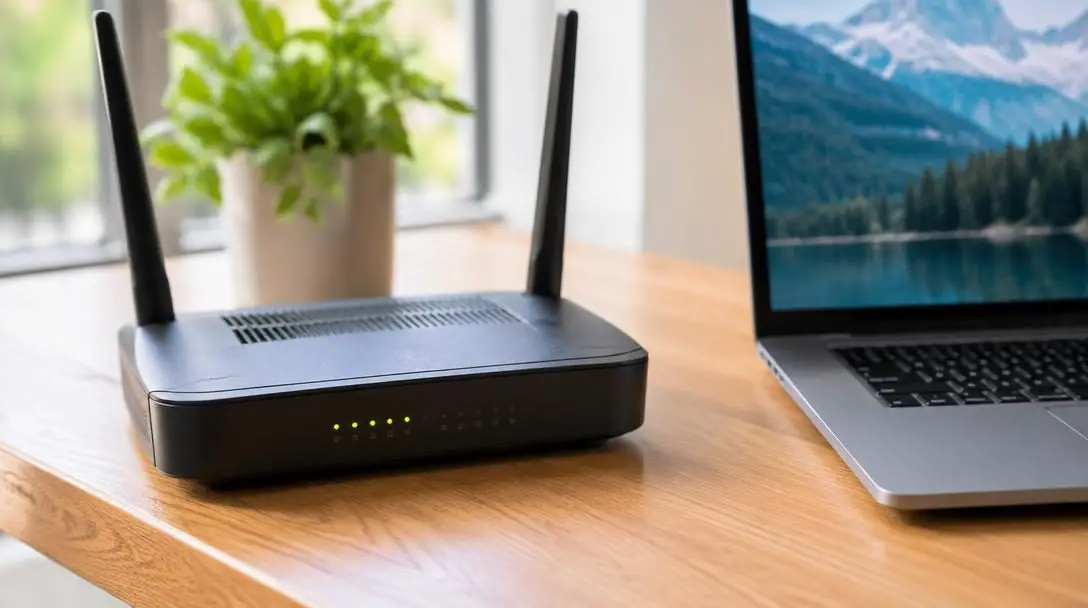
A wireless range extender functions as a standalone relay station. The unit contains an internal radio receiver and transmitter designed to capture the broadcast emitted by your primary router and rebroadcast it onward into adjacent spaces. By picking up the existing transmission and repeating it, the extender artificially stretches the outer boundary of your local area network.
However, traditional extenders operate under significant performance constraints. Because the extender relies entirely on the quality of the wireless broadcast it captures, it remains vulnerable to distance-related attenuation. If an extender is placed where the primary signal is already weak, it merely amplifies that degraded transmission. Furthermore, the repeating process inherently introduces a throughput penalty, cutting data speeds at the perimeter of the extended zone. To maintain usable performance on peripheral devices, users relying on extenders often must subscribe to higher incoming speed tiers from their Internet service provider.
Whole-Home Mesh Wi-Fi Systems
Mesh Wi-Fi systems replace the traditional single-router model with a unified, distributed network architecture. A standard mesh setup pairs a primary router—which connects directly to your incoming Internet service—with one or two satellite nodes positioned strategically throughout the building. Rather than acting as secondary, isolated repeating stations, these satellite units integrate into a single, cohesive network environment.
Major networking manufacturers such as Google and Netgear build hardware specifically engineered for this coordinated mesh distribution. As you move throughout the building with a tablet or smartphone, the system dynamically hands off your connection between the main hub and the satellites without dropped connections or manual network switching. When a satellite unit captures the transmission from the main hub, it amplifies and redistributes the network, delivering equal and continuous coverage to distant sectors such as a remote second-floor bedroom or a finished basement.
Unlike basic extenders that merely rebroadcast a weakened transmission, mesh satellites coordinate seamlessly with the central router to deliver uniform coverage throughout the property.
Comparing wireless expansion strategies
Choosing the right expansion method depends on your property layout, budget, and bandwidth requirements. The table below outlines how standard router placement compares to range extenders and mesh systems across vital operational factors.
| Architecture Type | Network Structure | Speed at Boundary | Roaming Experience | Ideal Application |
|---|---|---|---|---|
| Central Router Alone | Single broadcast point | Degrades rapidly with distance | Seamless within single zone | Compact apartments and open single-story homes |
| Traditional Extender | Repeated relay network | Significant speed reduction | Requires manual or delayed handoff | Budget-friendly reach to an isolated dead spot |
| Mesh Wi-Fi System | Unified multi-node grid | Maintains consistent throughput | Fully automated handoff across nodes | Large homes, multi-story buildings, and dense layouts |
Structured steps to expand your wireless coverage
If you are experiencing inconsistent performance, sluggish page loads, or disconnected video calls, implementing a systematic hardware audit will help restore stability across your space.
- Audit your existing router placement: Inspect the current physical location of your primary router. If the device is tucked inside a closet, hidden within an entertainment console, or positioned against an exterior wall on one end of the property, the circular broadcast is being wasted on outside space while interior rooms suffer.
- Relocate the primary hardware to a central point: Move the router to a centralized, open position within the building. Because wireless energy radiates outward in a circle, geometric centralization ensures the maximum volume of living space falls within the core signal zone, boosting reception on upper floors and basements alike.
- Identify your persistent dead zones: Walk your floor plan to pinpoint where connectivity consistently drops. In larger homes, central router placement alone may still leave remote zones—such as a second-floor master bedroom or a backyard patio—without adequate reception.
- Deploy a mesh system for unified multi-room demand: If whole-home consistency is your goal, install a primary mesh base at your incoming Internet access point and position satellite nodes in intermediate locations between the base and your target dead spots. Positioning a satellite near or inside an upper-level bedroom allows it to distribute clean, equal coverage to every device in that zone.
- Calibrate extenders and verify baseline bandwidth: If using standalone extenders, place them halfway between the central router and the coverage dead spot so the unit captures a healthy signal before rebroadcasting. Contact your Internet service provider to ensure your baseline subscription tier provides enough speed to sustain peripheral throughput after distance degradation occurs.
Common deployment mistakes to avoid
Many connectivity issues are self-inflicted through minor configuration oversights. Avoiding these frequent installation traps will save substantial troubleshooting time and ensure optimal hardware performance.
- Concealing hardware inside enclosed cabinetry: Placing broadcasting equipment inside an entertainment unit, a utility closet, or behind heavy furniture heavily muffles radio signals at the source, preventing the energy from penetrating surrounding rooms.
- Perimeter hardware placement: Installing a router along an outer wall or in the far corner of a house directs half of your usable signal into exterior yards or neighboring properties, causing immediate signal deprivation on the opposite side of the home.
- Conflating extenders with mesh networks: Expecting a standard plug-in extender to deliver the seamless roaming and uniform throughput of a multi-node mesh system inevitably leads to disappointment, as basic extenders inevitably experience speed drops over distance.
- Installing expansion hardware deep within dead spots: An extender placed in an area that already registers zero reception will merely rebroadcast a broken or intermittent connection. Hardware must reside in an intermediate zone where the primary signal is still strong.
- Neglecting your underlying subscription tier: Expanding the physical reach of your network does not increase the incoming data capacity delivered by your Internet service provider. Relying on extenders without an adequate baseline speed plan will leave outer devices with unusable data rates.
Ongoing monitoring and scaling your network
Once you have adjusted hardware placement or installed expansion devices, you should actively evaluate network reliability across different zones. Walk through the building with a mobile device while engaging in bandwidth-intensive tasks, such as a video call or continuous high-definition streaming, paying special attention to previous trouble spots like second-story bedrooms, home offices, and basements. A properly configured network should transition your connection smoothly without buffering or manual reconnection.
Keep in mind that residential and office network demands are dynamic. As you introduce additional smart home hardware, streaming appliances, and remote work equipment, overall bandwidth usage increases. If you utilize hardware from modular ecosystems like Google or Netgear, you can scale your network over time by adding supplementary satellite nodes to accommodate home additions, detached garages, or finished attics. Periodically reviewing your data usage and checking your subscription speed with your provider will ensure that your network infrastructure continues to support all connected hardware smoothly.
Frequently asked questions
Why does Wi-Fi speed drop when moving farther from the router?
Wireless routers transmit data via radio frequency waves that radiate outward in a spherical pattern. As this signal moves through the air and passes through obstacles like walls, doors, and ceilings, its energy naturally dissipates and weakens, which directly lowers data throughput and increases latency.
What is the difference between a mesh system and a Wi-Fi extender?
A mesh system uses a primary router and satellite nodes that communicate cooperatively under a single unified network to provide equal, seamless coverage across a property. A traditional extender acts as a standalone repeater that captures an existing signal and retransmits it outward, typically resulting in lower speeds at the network boundary.
Where is the ideal location to place a wireless router?
The best position for a wireless router is in an open, elevated, and centrally located spot within the building. Because the broadcast expands in a circular pattern, central placement ensures the signal reaches the maximum possible interior living space, including adjacent rooms and upper or lower levels.
Can a range extender fix a room that gets zero wireless signal?
No. A range extender cannot create an Internet signal independently; it requires an incoming broadcast to repeat. If you place an extender inside a total dead zone, it will only capture and rebroadcast a weak or non-existent signal. Extenders should always be positioned halfway between the router and the problem area.
Why might I need to upgrade my Internet plan when using extenders?
Traditional extenders naturally reduce connection speeds due to signal degradation over distance and repeating overhead. Upgrading your baseline Internet service tier ensures that even after throughput drops across the extended range, the resulting speed remains fast enough for reliable daily use.
The bottom line
Achieving stable, whole-property wireless coverage requires treating your network as an integrated physical system. Wireless dead zones and sluggish speeds are rarely the result of faulty Internet service alone; more often, they stem from geometric mismatch between your router's circular radio broadcast and the physical layout of your building. By relocating your primary hardware away from perimeter walls, keeping equipment out of enclosed cabinets, and understanding the core distinctions between mesh networks and traditional extenders, you can eliminate dead zones. Whether deploying a multi-node mesh system from makers like Google or Netgear or strategically positioning an extender with adequate baseline bandwidth, matching your expansion hardware to your building's architecture ensures seamless, dependable connectivity in every room.





