
How to Import MIDI Files to Create Music Online
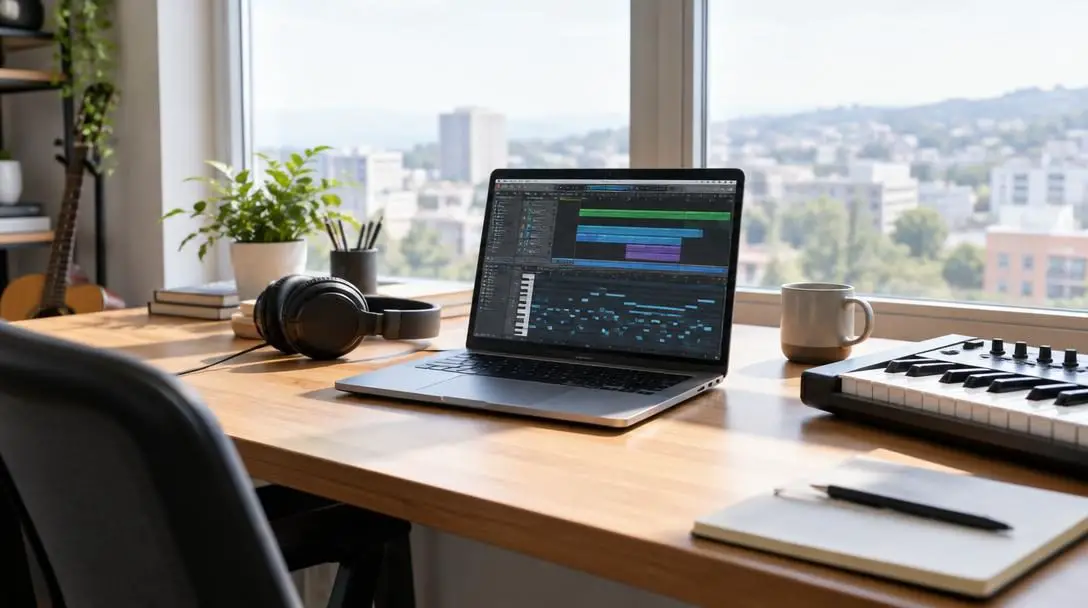
Musical Instrument Digital Interface, universally known as MIDI, stands as one of the most transformative technologies in modern music creation. Unlike traditional audio formats such as MP3 or WAV, a MIDI file does not record acoustic sound waves or electrical audio signals. Instead, it operates like interactive digital sheet music, transmitting precise performance instructions that tell digital instruments, synthesizers, and samplers exactly what notes to play, how long to sustain them, and how forcefully they should ring out.
Because these data files consist purely of compact digital directives rather than heavy audio streams, they feature remarkably tiny file footprints and unparalleled creative flexibility. If a recorded acoustic guitar take contains a flubbed chord, an engineer often has to re-record the entire section from scratch. With MIDI, a producer can simply click on an incorrect note in a digital grid and drag it to the right pitch, adjust its timing, or audition dozens of different virtual synthesizers without altering the core performance. Today, modern web browsers and desktop digital audio workstations make importing and arranging MIDI files faster and more accessible than ever before.
Key takeaways
- MIDI files contain instructional performance data rather than recorded audio, allowing for effortless editing of notes, timing, and velocity.
- Incoming MIDI tracks must be routed to virtual instruments or software synthesizers to generate audible sound.
- Producers can import complete multi-track songs or single musical phrases into desktop software or web-based workstations like Soundtrap and BandLab.
- Preserving tempo maps and splitting multi-channel files across distinct tracks prevents arrangement clashes and sonic distortion.
- Final projects can be exported back to raw MIDI for sharing or bounced as WAV and MP3 files for distribution.
How MIDI Works Inside a Digital Audio Workstation
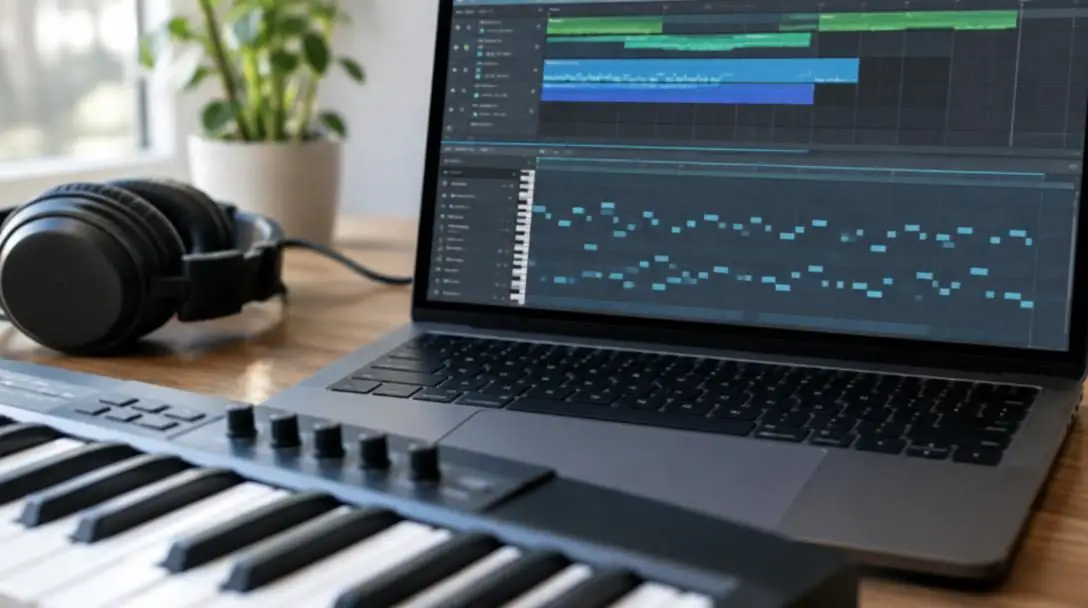
When you import a MIDI file into recording software, the program reads the incoming stream of digital messages and translates them onto visual tracks. In nearly all digital audio workstations (DAWs), this information appears on an interface known as the piano roll. The piano roll represents pitch vertically along a keyboard display, while musical time flows horizontally across bars and beats. Notes are displayed as rectangular blocks whose length represents note duration and whose vertical position determines the pitch.
Because raw MIDI data is inherently silent, the workstation must route these notes to a designated sound engine. That engine can take the form of an acoustic sampler containing recorded grand piano tones, an analog-style synthesizer, a multi-sampled orchestral string section, or a drum machine. The virtual instrument reads the digital instructions in real time, serving as the performer that turns silent commands into music.
Beyond simple pitch and duration, MIDI carries detailed performance nuances known as control parameters. The most important of these is velocity, which indicates the speed and force with which a note was struck, dictating volume, filter brightness, and tonal attack. Continuous control data, such as pitch bends, modulation wheel settings, and sustain pedal movements, are also embedded directly inside the file to preserve the full expressive feel of the original playing.
Unlike static audio recordings, MIDI functions as living sheet music that can be reshaped, reassigned, and rewritten at any stage of production.
Top Workstations and Web-Based Platforms for MIDI Production
Choosing the right digital environment depends on your workflow, operating system, and hardware setup. Desktop suites provide deep computational power, while cloud-based tools allow musicians to import files and compose songs straight from an internet browser without installing heavy software.
| Platform | Environment Type | Primary Strength |
|---|---|---|
| GarageBand | Desktop (Mac) | Beginner-friendly arrangement and virtual instrument mixing |
| Logic Pro | Desktop (Mac) | Advanced MIDI editing and comprehensive instrument libraries |
| Ableton Live | Desktop (Cross-platform) | Electronic production, live sets, and clip manipulation |
| FL Studio | Desktop (Cross-platform) | Step sequencing and fast piano roll pattern editing |
| Pro Tools | Desktop (Cross-platform) | Commercial studio tracking and deep arrangement control |
| Soundtrap | Browser-based (Cloud) | Collaborative online music making from any computer |
| BandLab | Browser-based (Cloud) | Free cloud recording with built-in virtual instruments |
| Flat | Browser-based (Cloud) | Online musical score notation and direct sheet music import |
GarageBand
- Environment: Mac desktop application
- Target user: Beginners and intermediate creators
- Core focus: Straightforward arrangement and virtual instrument mixing
GarageBand offers Mac users an accessible entry point into computer-based composition. The software allows users to drag MIDI files directly into the timeline, automatically creating software instrument tracks. It provides clean piano roll editing, built-in virtual amps, and a polished collection of software synthesizers, making it well-suited for learning fundamental arrangement concepts.
Logic Pro
- Environment: Mac desktop application
- Target user: Professional producers and composers
- Core focus: Deep MIDI editing, scoring, and massive instrument libraries
Logic Pro builds upon the foundation of GarageBand by introducing professional-grade MIDI manipulation tools. Producers can access advanced transform windows, intricate velocity curves, and extensive orchestral and synth libraries. Its comprehensive mixing environment and precise notation editor make it a mainstay for cinematic scoring and commercial pop production.
Ableton Live
- Environment: Cross-platform desktop application
- Target user: Electronic producers and live performers
- Core focus: Creative MIDI clip launching and dual-view workflow
Favored across modern electronic music genres, Ableton Live features both a linear Arrangement View and a modular Session View. The software allows artists to trigger independent MIDI loops on the fly, modulate synthesis parameters in real time, and route complex MIDI effects such as arpeggiators and chord generators across multiple channels seamlessly.
FL Studio

- Environment: Cross-platform desktop application
- Target user: Beatmakers, hip-hop producers, and electronic artists
- Core focus: Step sequencer patterns and swift piano roll navigation
FL Studio is celebrated for having one of the most flexible and intuitive piano roll interfaces in the music industry. The platform emphasizes rapid pattern creation using a hybrid step sequencer and arrangement playlist. Its streamlined tools for chopping chords, sliding notes, and drawing automated velocity variations make it exceptionally popular for modern beat production.
Pro Tools
- Environment: Cross-platform desktop application
- Target user: Recording engineers and post-production studios
- Core focus: Industry-standard tracking, editing, and mixing
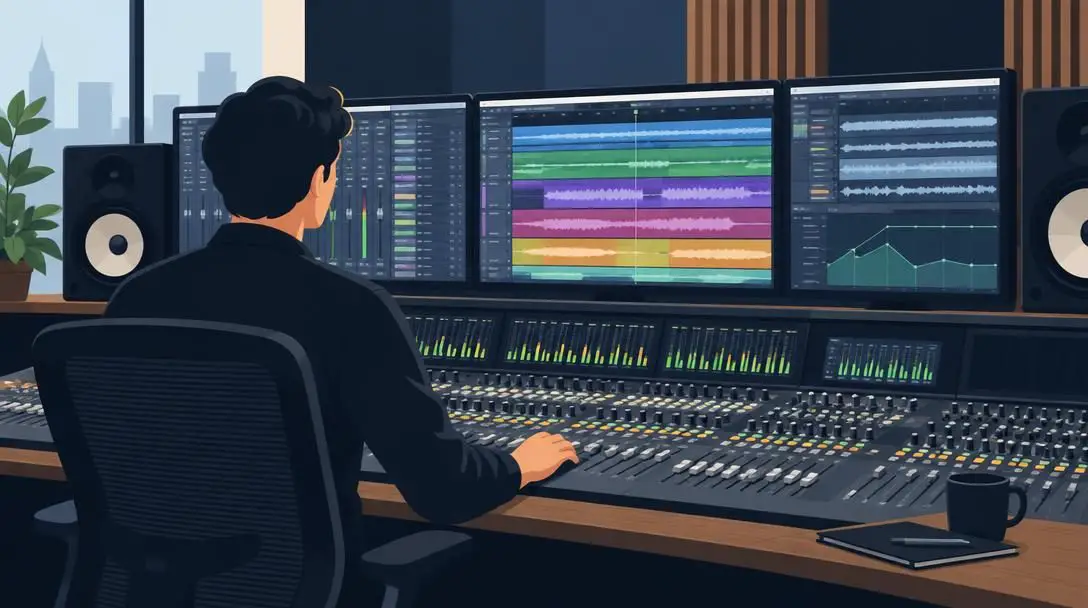
Widely regarded as the industry standard in commercial recording facilities, Pro Tools excels at large-scale tracking and precise timeline editing. While traditionally recognized for raw audio capture, modern versions offer comprehensive MIDI capabilities, enabling producers to align performance notes tightly with live audio stems, vocal tracks, and film reels.
Soundtrap
- Environment: Cloud-based web browser
- Target user: Remote collaborators, educators, and mobile producers
- Core focus: Browser-based tracking with real-time online collaboration
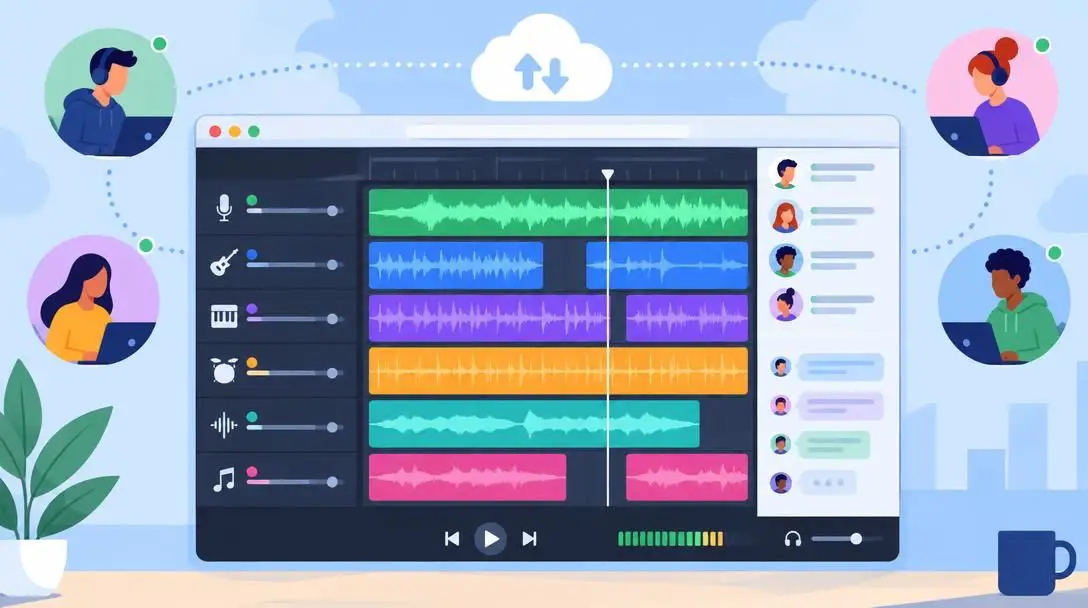
Soundtrap runs directly inside modern web browsers, removing the barrier of local software installation. Musicians can log into an online studio from almost any operating system, upload existing MIDI arrangements, tweak melodies, and invite collaborators around the globe to work on the exact same project timeline simultaneously.
BandLab

- Environment: Cloud-based web browser and mobile apps
- Target user: Songwriters and beatmakers working on the go
- Core focus: Free multi-track recording and easy online file import
BandLab delivers a full-featured multi-track recording environment directly through the cloud. It features easy drag-and-drop MIDI import capabilities, an integrated library of free virtual instruments, and community-driven sharing tools. The platform lets creators sketch out arrangements on a smartphone or browser before exporting them for final production.
Flat
- Environment: Cloud-based web browser
- Target user: Composers, arrangers, and music students
- Core focus: Collaborative score notation and sheet music generation
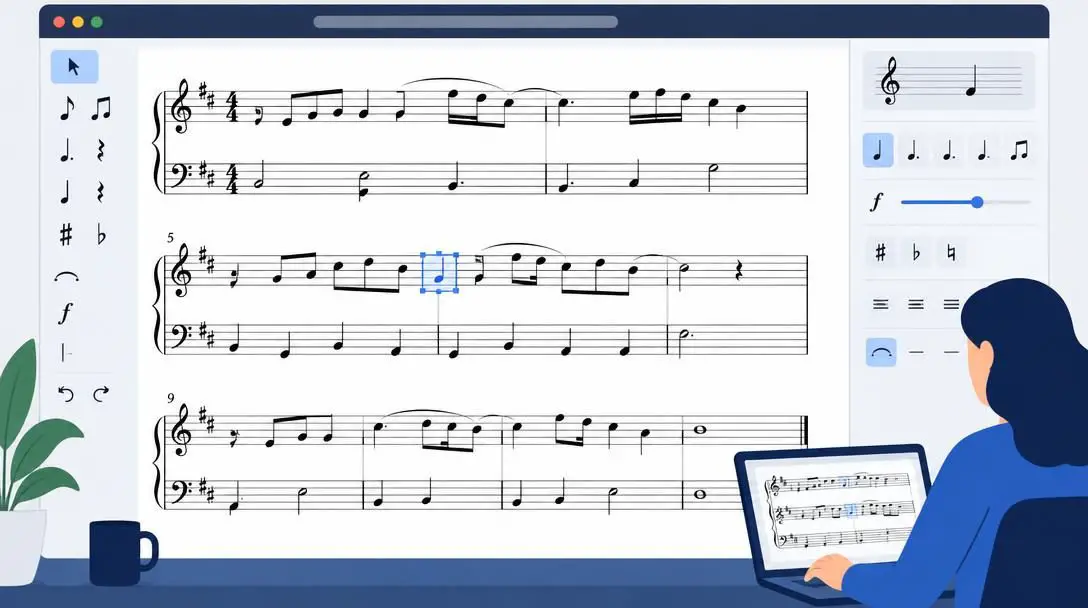
Flat focuses on traditional music notation rather than electronic DAW sequencing. Users can import MIDI files directly into the web interface, which automatically converts the digital performance data into readable sheet music. This makes it an invaluable utility for arrangers looking to transcribe songs, print instrument parts, or write classical scores online.
Finding and Sourcing MIDI Files
Before you can begin producing or remixing, you need source material. There are extensive online communities and file repositories where musicians share files across various genres, historical eras, and instrument layouts. Popular platforms include MIDI World, MIDI Files, and Free MIDI. These sites host vast archives ranging from classical symphonies and vintage jazz arrangements to contemporary pop backing tracks.
When searching through online repositories, you will generally encounter two primary file configurations:
- Full multi-track arrangements: Complete songs separated into individual channels for drums, basslines, rhythm chords, and lead melodies. These files allow you to dissect how a full song was constructed or solo individual elements for remixing.
- Single-phrase MIDI packs: Shorter thematic files focused on specific building blocks, such as complex jazz chord progressions, trap drum grooves, or hooky synth arpeggios designed to spark songwriting inspiration.
In addition to downloading shared files, you can generate your own custom MIDI data using hardware controllers. Dedicated MIDI keyboard controllers, velocity-sensitive drum pads, and compatible electronic instruments connect to your computer or mobile device via USB. These controllers do not emit audio on their own; instead, they capture your real-time finger movements as editable note data directly into your software timeline.
Step-by-Step Guide: How to Import and Set Up MIDI
Whether you are working inside an online browser studio or a heavy desktop program, the foundational process for loading and routing MIDI files remains consistent across all major platforms.
- Open Your Workspace: Launch your chosen desktop application or navigate to your online browser-based recording studio and create an empty project session.
- Locate the Import Function: Open the primary software menu and navigate to the file import command, typically labeled as "Import" or "Import MIDI." Alternatively, locate your software media panel or file browser tab.
- Select and Load the File: Browse your computer hard drive to select the target file. In most modern platforms, you can simply drag the file directly from your desktop file window and drop it onto an open lane in the project timeline.
- Configure Multi-Track Prompts: If the file contains an entire arrangement with multiple instruments, your workstation will ask whether to load everything onto one channel or split the data into separate lanes. Select the multi-track option so each instrument part receives its own dedicated track.
- Resolve Tempo and Time Signature Prompts: Many files contain embedded metadata specifying beats per minute (BPM) and meter. Accept the software prompt to import the file tempo map to ensure the project grid synchronizes perfectly with the song timing.
- Assign Virtual Instruments: Raw digital instructions make no sound on their own. Visit each imported track inspector and choose an appropriate virtual instrument, such as an acoustic piano, analog synthesizer, bass guitar, or drum sampler.
- Check Preferences and Audio Routing: If notes register visually on the track meters but you cannot hear sound during playback, open your platform settings to verify audio output routing, track monitoring buttons, and MIDI channel assignments.
Refining and Transforming Imported Performances
Once your MIDI data appears inside the project timeline, you are not locked into the original performance. You have complete creative authority to alter, polish, or radically redesign every single element using the DAW editing suite.
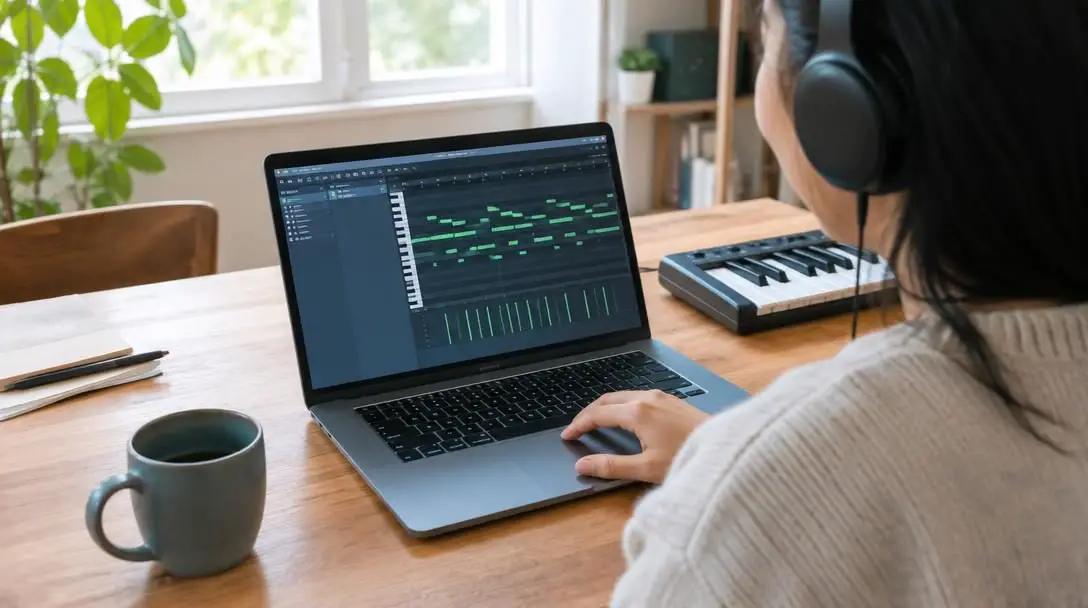
Inside the piano roll, pitch manipulation is as simple as dragging notes vertically across the scale to adjust harmony or transpose an entire melody into a different key. Note duration can be modified by clicking and dragging the edge of any note block to make staccato plucks or sweeping, sustained legato lines. If the original performance sounds rushed or sloppy, applying quantization snaps the start points of notes directly to the project grid, instantly tightening up rhythmic inconsistencies.
Dynamics can be sculpted by editing velocity levels at the bottom of the editor window. Lowering velocity softens the response, creating a gentle and intimate performance, while boosting velocity drives virtual instruments harder for aggressive, punchy playback. You can also carve away unwanted musical passages, pen entirely new counter-melodies with your mouse, or slice short 4-bar segments into looping hooks.
Finally, consider altering the overall sonic character. An imported classical piano piece can be transformed into an experimental electronic track by replacing the grand piano sound engine with a modern wavetable synthesizer, engaging sweeping low-pass filters, or routing the signal through distorted guitar amplifier simulators and spatial delay effects. Layering audio drum loops and live acoustic takes alongside your MIDI tracks will quickly build a textured, professional mix.
Five Common Pitfalls When Working with MIDI
While working with digital note data offers incredible flexibility, beginners often encounter frustrating operational snags. Keeping these frequent errors in mind will save valuable production time.
- Forgetting to Assign an Instrument: Pressing play on a newly imported track and hearing dead silence is the most frequent beginner error. MIDI contains no audio; it requires an active software instrument plugin on that track to generate audible sound.
- Ignoring Tempo Mismatches: If you decline to sync your project to the embedded tempo map of the imported file, the musical measures will not match the visual grid. This causes notes to drift out of sync with metronomes and makes looping nearly impossible.
- Channel Clutter: Forcing a multi-track composition onto a single channel causes basslines, drum patterns, and keyboard chords to trigger the exact same sound patch simultaneously, resulting in discordant audio chaos.
- Unintended Dynamic Flattening: When manually drawing notes or applying aggressive quantization, setting every note to an identical maximum velocity strips away human expression, leaving your instruments sounding stiff and robotic.
- Overlooking Plugin Compatibility: Certain specialized files rely on proprietary continuous controller messages (CC) tailored for specific third-party plugins. Failing to assign or reset these parameters can cause unexpected volume mutes or sudden pitch changes.
Exporting and Finalizing Your Project
After refining your musical arrangement and balancing the mix, the final phase involves saving and rendering your work to fit your target release platform. Modern software provides multiple export methods depending on your end goal.
If your objective is to share musical data with a co-writer, switch between different workstations, or preserve the raw performance for future use, export the project as a standard MIDI file (.mid). This format preserves every note position, duration, pitch bend, and velocity value while maintaining an exceptionally tiny file size. However, it will not carry over your actual synth patches or audio effects.
When you want to distribute a finished song for listening, streaming, or video scoring, you must render the project into an audio format. You can export uncompressed audio, such as a WAV file, to preserve pristine sonic clarity and broad dynamic range for mastering. If you need a small file for fast email previews, messaging apps, or casual mobile listening, bounce a compressed MP3 file instead. When bouncing audio, check your software sample rate and bit depth settings to ensure optimal balance between audio fidelity and hard drive storage.
Once your tracks are exported, consider your next production steps. You might explore adding live acoustic vocal layers over your synthesized tracks, programming volume automation to build dynamic tension into choruses, or bouncing individual audio stems to deliver to a mixing engineer.
Frequently asked questions
Does a MIDI file contain actual recorded sound?
No. A MIDI file contains only instructional performance data, including pitch, note duration, velocity, and tempo. It relies entirely on a virtual instrument, synthesizer, or hardware sound module inside your software to produce audible sound.
Can I import and edit MIDI files on a smartphone or tablet?
Yes. Web-based and mobile platforms such as BandLab allow you to upload, edit, and arrange MIDI files directly from mobile devices and web browsers without needing a desktop workstation.
What is the difference between Type 0 and Type 1 MIDI files?
A Type 0 MIDI file consolidates all performance data and instrument channels into a single track, whereas a Type 1 file preserves separate, independent tracks for each musical instrument in the arrangement.
Why is there no sound when I press play on my imported MIDI track?
The most common cause is failing to assign a virtual instrument to the track. Because MIDI carries no recorded audio, you must load a software synthesizer, sampler, or drum machine onto the track lane so it has an instrument to trigger.
Will importing a MIDI file change my project tempo?
Most digital audio workstations will ask whether you want to import the tempo and time signature data embedded inside the MIDI file. If you accept the prompt, your project will adjust to match the speed of the imported song.
The bottom line
Importing MIDI files into modern desktop software and browser-based workstations demystifies the music production process. Rather than wrestling with permanent audio takes, MIDI places complete structural control in your hands, allowing you to rewrite melodies, explore new virtual instruments, and fine-tune timing on a flexible visual grid. By selecting an appropriate platform, properly mapping your instrument channels, and avoiding common setup pitfalls, you can transform simple downloaded files into polished, original musical arrangements.





