
The 5 Best 80s Computers
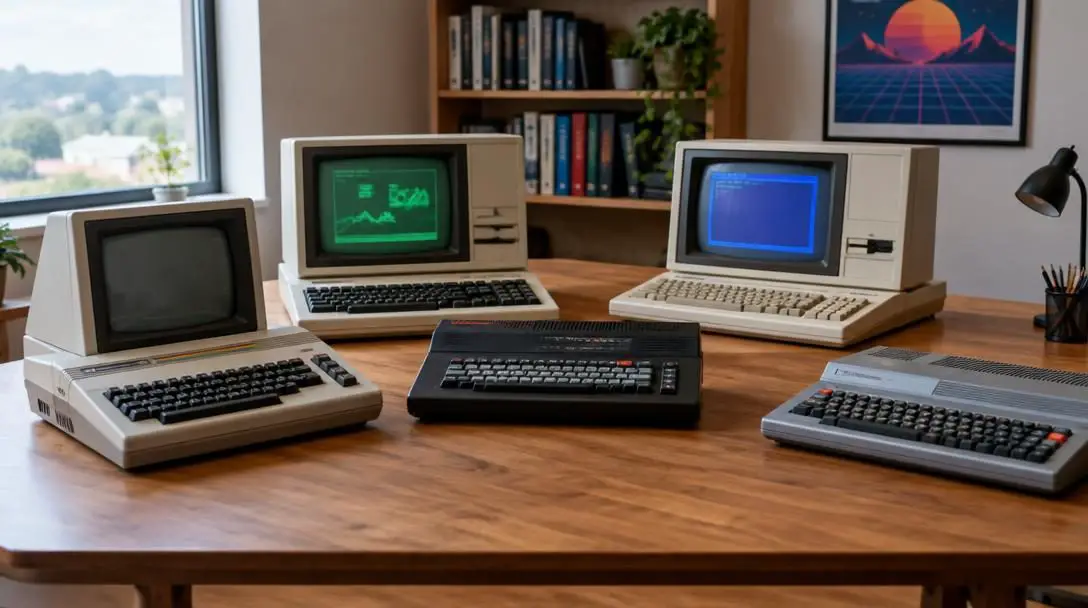
The cultural revival of the 1980s is everywhere today, driven by popular media like Stranger Things alongside renewed fascination with tabletop role-playing games, synth-heavy music, and corner movie rental shops. While Generation X revels in nostalgia and younger audiences discover these artifacts as novelties, no single technology defined the era quite like the personal computer. The 1980s represented the very first moment in history when everyday consumers could purchase a complete digital computing system for their own living rooms and home offices.
Driven by parents eager to secure an educational head start for their children and kids eager to enjoy arcade-style entertainment at home, families rushed to retail stores in record numbers. These pioneering machines established the digital foundations for modern work, gaming, and communication. Examining the standout computers of the 1980s reveals how an experimental consumer fad matured into a permanent technological revolution.
Key takeaways
- The 1980s marked the first decade in history where personal computers were built and priced for everyday consumer households.
- Iconic machines like the IBM PC, Commodore 64, Apple IIe, Compaq, and Macintosh established the primary hardware and software paradigms still used today.
- Early systems relied on physical command-line inputs, magnetic cassette or floppy storage, and adaptable television or dedicated cathode-ray tube displays.
- Safely operating original vintage hardware requires careful component inspection, correct power supplies, and proper handling of mechanical storage drives.
The 5 Standout Systems of the Decade
The microcomputer market in the 1980s was an energetic, highly competitive landscape where distinct hardware architectures battled for supremacy. While dozens of manufacturers released machines during this era, five specific systems distinguished themselves through technical leadership, affordability, compatibility, and enduring cultural impact.
| Computer Model | Primary Significance | Market Profile | Key Advantages |
|---|---|---|---|
| IBM PC (Model 5150) | Established the corporate and home desktop standard | Premium, high-end price point | Cutting-edge engineering and prestige branding |
| Apple IIe | Longest-running entry in the classic Apple line | Accessible consumer pricing | Reliable build quality and extensive software library |
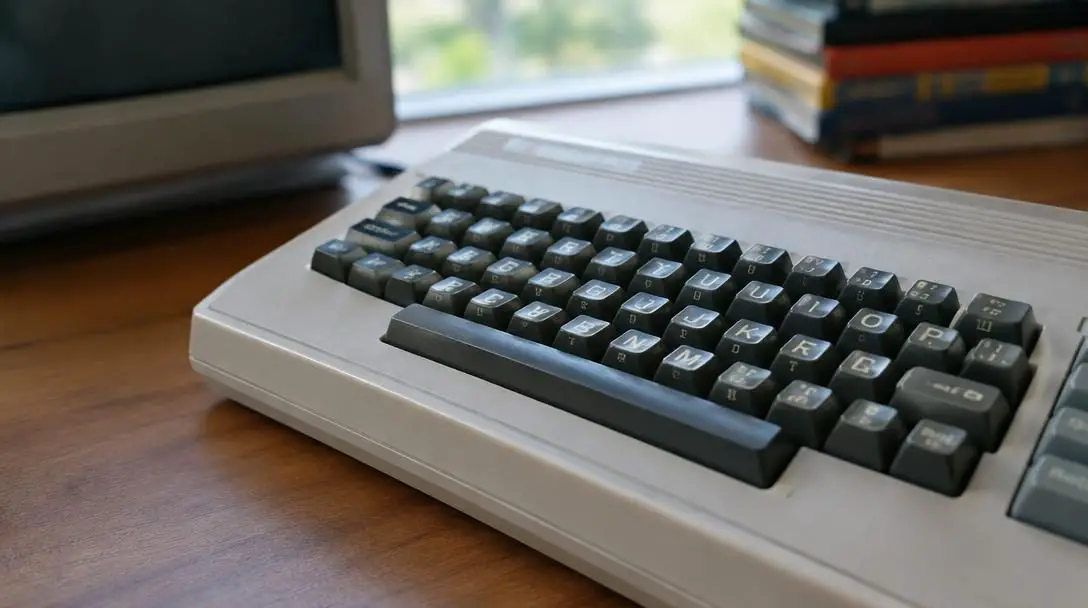
| Commodore 64 | One of the top-selling computers in computing history | Mass-market budget friendly | Superior processing speed and expansive storage |
| Compaq | First major fully compatible IBM-PC alternative | Mid-tier value alternative | Full IBM compatibility at a fraction of the cost |
| Macintosh | Pioneered the enduring Mac product family | Premium creative and consumer system | Iconic user experience and foundational brand legacy |
IBM PC
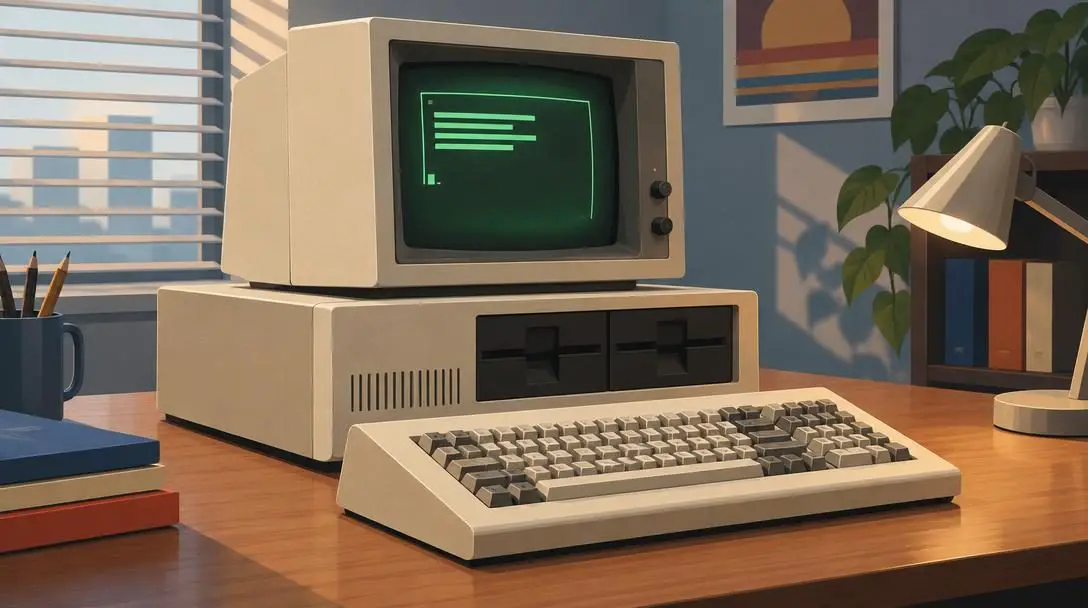
- Official Designation: IBM Personal Computer Model 5150
- Release Year: 1981
- Market Standing: High-end luxury standard
The IBM PC stands as the monumental grandfather of modern home computing. Released in 1981 as the Model 5150, this machine launched the broader personal computer revolution by bringing the formidable prestige of International Business Machines into home offices. Viewed by contemporaries as the luxury vehicle of personal computers, it offered state-of-the-art technical specifications coupled with an exceptionally high retail price tag. Owning an IBM PC signaled to peers that a user was serious about technical performance and possessed the financial resources to purchase top-tier computing engineering.
Apple IIe
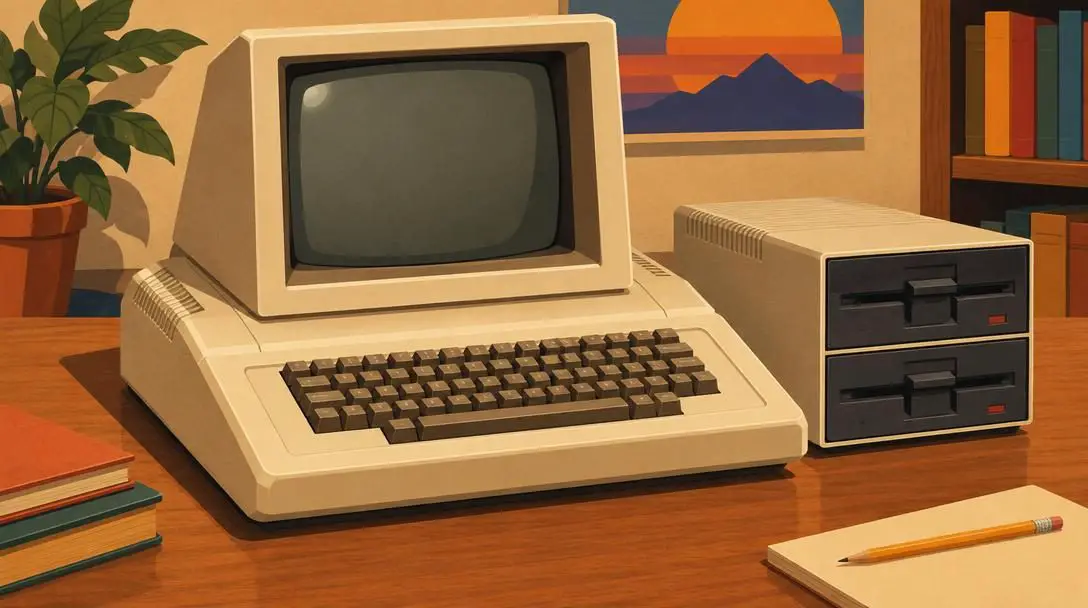
- Product Series: Apple II family
- Historical Distinction: Longest-running and final model bearing the Apple moniker
- Hardware Value: Sturdy construction with accessible consumer pricing
Before the Macintosh became a household word, the company made its reputation through the celebrated Apple line, with the Apple IIe emerging as its undisputed flagship. Recognized as both the most popular and the longest-running variant in the lineup, the IIe served as the final machine released under the classic Apple name before corporate attention shifted toward the Macintosh. It struck a balance between affordability and resilient physical construction, cementing its reputation as a beloved educational and household workhorse that owners were genuinely proud to display.
Commodore 64
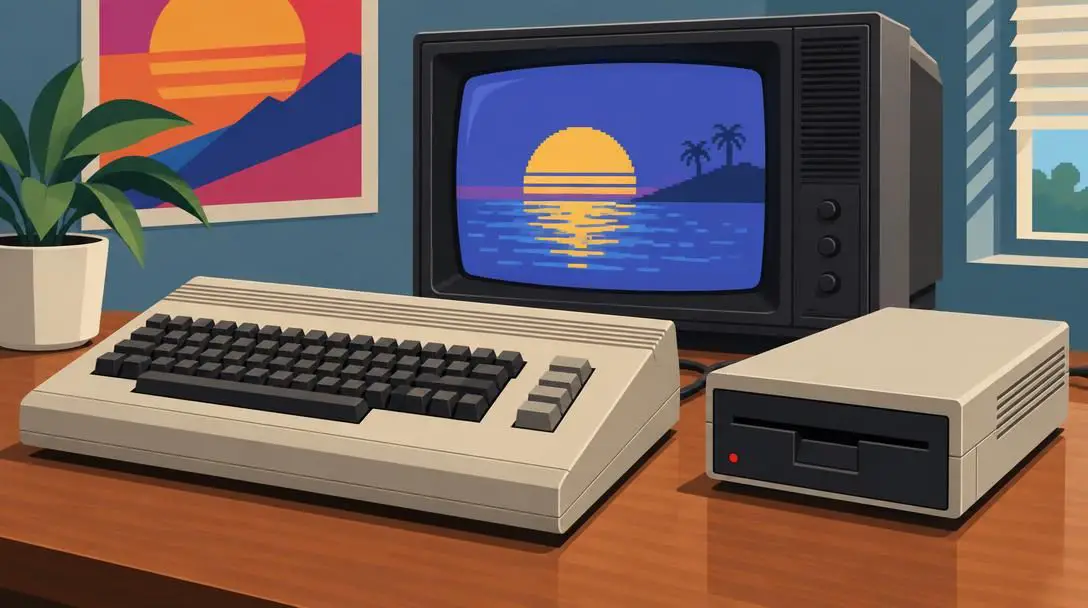
- Sales Legacy: One of the best-selling computers of all time
- Technical Strengths: Fast processing speeds and superior storage capacities
- Consumer Appeal: Highly aggressive mass-market price point
The Commodore 64 established itself as an absolute sales titan, earning its place among the best-selling personal computers in global history. By delivering brisk processing capabilities and robust data storage options at a price well below competing machines, Commodore democratized domestic computing. Its widespread availability turned the system into a ubiquitous household fixture, ensuring that millions of first-time users cut their teeth on Commodore architecture.
The 1980s was the beginning of the personal computer craze, laying the technological foundation for how the modern world works and plays.
Compaq
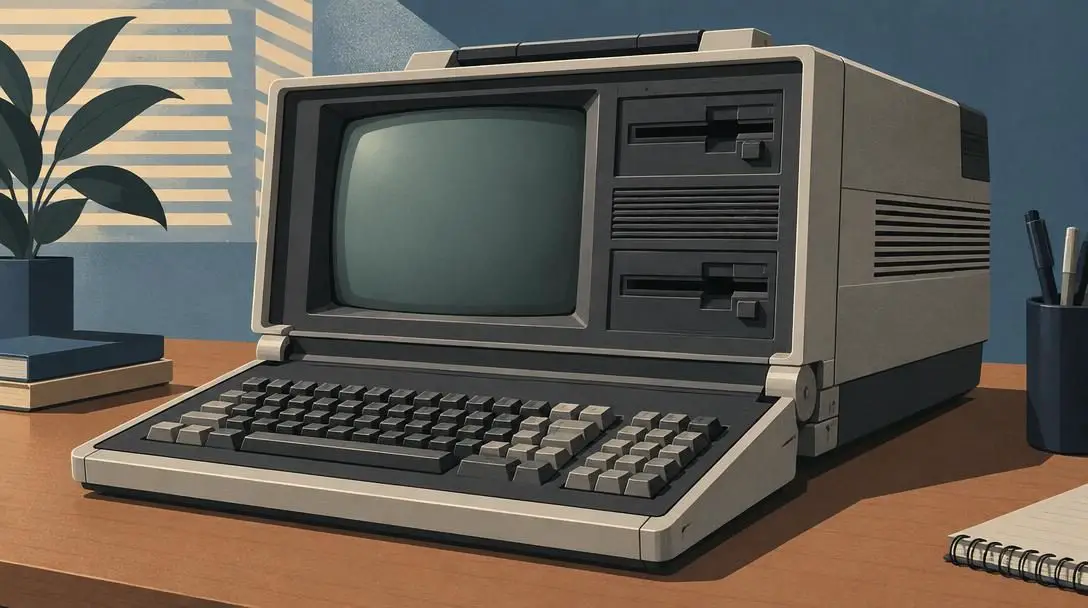
- Compatibility: Complete operational compatibility with the IBM PC
- Value Proposition: Flagship business capabilities at a fraction of the cost
- Sales Factor: Affordable gateway to industry-standard software
The breakthrough appeal of the Compaq rested on a straightforward but revolutionary sales proposition: full, uncompromised compatibility with the IBM PC standard at a substantially lower price point. By successfully replicating the functional architecture of the premier business system of the decade, Compaq allowed budget-conscious consumers and small enterprises to run the same productivity tools and games as the market leader without paying a steep brand premium.
Macintosh
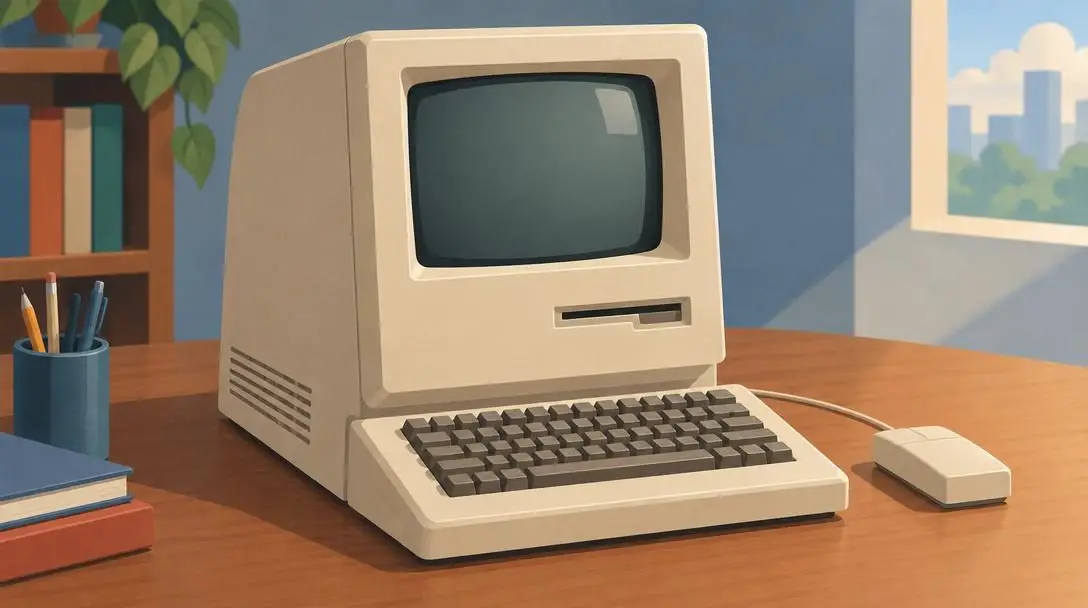
- Manufacturer: Apple
- Modern Legacy: Foundational predecessor to today's Mac lineup
- Design Impact: Established a distinct computing identity
No retrospective of 1980s technology is complete without highlighting the Macintosh. Earning Apple a second prestigious placement on the list of standout systems, the original Macintosh reshaped user expectations and launched an enduring hardware family that remains a market powerhouse today. Its distinctive industrial design and revolutionary software approach cemented its identity as an enduring pop-culture and productivity icon.
From Mainframes to Desktops: The Rise of Home Computing
Prior to the 1980s, computers were widely regarded as monolithic, intimidating installations confined to air-conditioned corporate headquarters, defense facilities, and academic research institutions. Operated by specialized technicians and programmed with complex punch cards, these room-sized mainframes remained completely out of reach for the typical household. The average citizen encountered computing output only indirectly through monthly utility statements, government records, or banking receipts.
The arrival of the 1980s transformed this dynamic entirely. Advances in microelectronics and manufacturing processes allowed silicon processors and memory boards to shrink in physical dimensions while dropping precipitously in manufacturing expense. For the first time, hardware developers could engineer self-contained microcomputers compact enough to occupy a standard study desk or a dining table.
Consumer distribution channels expanded in tandem with hardware innovations. Instead of requiring business purchase orders, systems were stocked by high-street department stores, electronic appliance centers, and consumer mail-order catalogs. Computers were marketed alongside television sets, high-fidelity stereo components, and video recorders as indispensable modern appliances. Parents felt an urgent obligation to invest in home machines to ensure their children developed foundational literacy for an automated future, while younger operators embraced computers as interactive game hubs that eliminated the need for rolls of arcade quarters.
Architecture and Operation: How 1980s Hardware Worked
Operating a microcomputer during the 1980s required a direct, tactile relationship with hardware mechanics. Unlike modern operating systems that obscure hardware functions beneath sleek graphic layers, 1980s systems presented users with raw machine operations immediately upon flicking the physical power switch.
At the core of each machine was a central processing unit engineered to handle sequential calculations at modest operating clock frequencies. System memory was allocated in small banks of kilobytes, demanding efficient software code. Rather than booting into modern visual dashboards, many 1980s machines booted directly into an integrated command-line prompt, a language interpreter, or an early disk operating system stored in read-only memory.
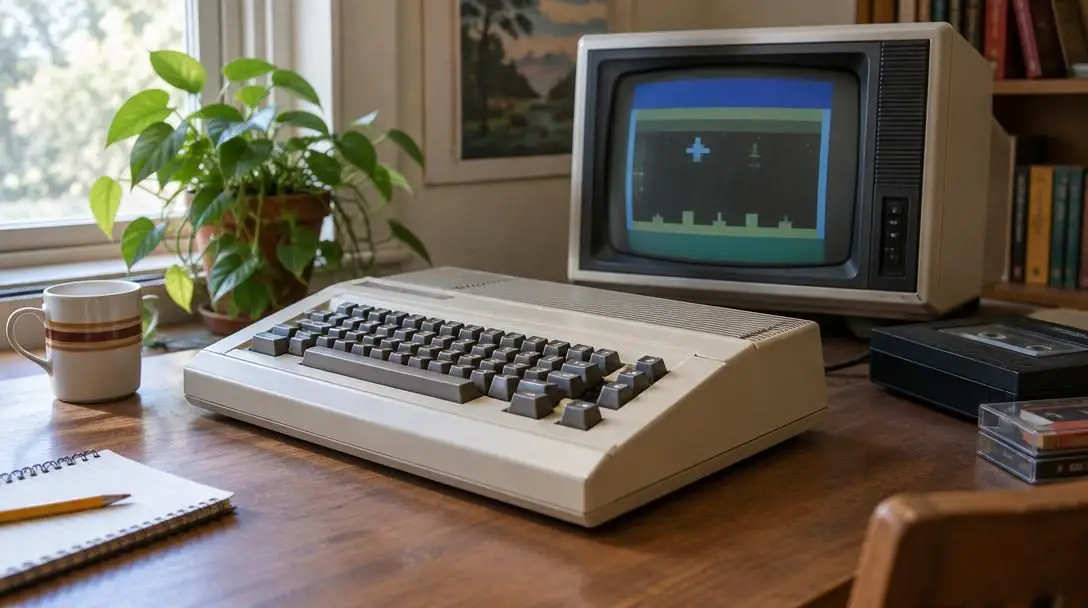
- Input Processing: Operators communicated with the central processor through physical, mechanical keyboards by entering precise textual commands rather than pointing and clicking on graphical screen icons.
- Video Generation: Output signals were transmitted either to dedicated desktop cathode-ray tube (CRT) monitors for crisp textual display or directly to domestic color television sets via radio frequency (RF) modulators to keep hardware costs low.
- Magnetic Storage: Program data and user documents were stored on external magnetic media. Early systems utilized magnetic cassette tapes that encoded binary values into audio frequencies, while later setups transitioned to mechanical floppy disk drives capable of rapidly transferring information.
- Hardware Expandability: Users expanded the baseline operational capabilities of their hardware by inserting expansion cards into internal motherboard slots or attaching external accessories to dedicated interface ports on the rear chassis.
Safely Inspecting and Running Vintage Systems
Whether retrieving a long-stored family computer from an attic, pursuing a vintage computing hobby, or establishing a dedicated retro gaming setup, handling forty-year-old electronics demands care. The passage of time degrades internal silicon, copper traces, and power components, meaning original hardware cannot be treated like modern consumer electronics.
- Conduct a thorough visual teardown: Open the external computer chassis before applying any electrical current. Inspect the logic board carefully for bulging or leaking electrolytic capacitors, physical board fractures, accumulated dust layers, and corrosion around internal power supply circuits.
- Verify voltage and display connections: Ensure original transformer bricks match household voltage and polarity requirements. Vintage hardware lacks internal over-voltage protection, requiring proper analog cable adapters when interfacing with modern displays.
- Examine physical magnetic media: Inspect vintage 5.25-inch and 3.5-inch floppy disks for surface dust, physical jacket warping, or internal fungal growth before insertion. Alternatively, consider installing modern solid-state drive emulators to run software images safely.
- Review native operating syntax: Consult archive copies of original reference manuals to master basic disk commands, directory listing syntax, and memory-clearing routines necessary to initialize applications.
- Implement proper cooling and operational routines: Provide generous ventilation around the chassis during use, limit extended runtimes to avoid thermal stress, and store vintage machines in a climate-controlled environment away from humidity and stray magnetic fields.
Common Pitfalls in Vintage Computer Restoration
Enthusiasts and curious newcomers frequently encounter avoidable hardware failures when exploring vintage computing. Avoiding these widespread missteps preserves irreplaceable microcomputer history and prevents costly component damage.
- Applying household power without testing: Internal power supply capacitors degrade over decades of inactivity. Connecting an uninspected power supply directly to wall power can trigger catastrophic component blowouts, producing smoke and sending voltage spikes directly into delicate logic chips.
- Assuming universal cross-platform compatibility: Software in the 1980s was strictly bound to proprietary hardware platforms. Disks written for an Apple IIe or Commodore 64 cannot execute on an IBM PC or Macintosh, despite external physical resemblances. Only dedicated clone systems like the Compaq were engineered to execute standard IBM software.
- Using harsh chemical cleaners: The fire-retardant additives within 1980s plastic cases oxidize naturally over time, producing a characteristic yellow or brown tint. Scrubbing plastics with abrasive domestic scouring pads or harsh solvents strips away textured case finishes and erases printed model badges.
- Forcing stuck mechanical drive mechanisms: Factory lubricants inside floppy disk drive heads and stepper assemblies dry out into sticky residues over decades. Forcing disks into stuck mechanisms or attempting read operations without cleaning drive rails will strip drive gears and score vintage magnetic media.
- Neglecting electrostatic discharge precautions: Early integrated circuits lack internal static protection circuits common in modern components. Handling logic boards without grounding straps can permanently fry rare microprocessors through invisible static shocks.
Pathways for Exploring Retrocomputing Today
For those drawn to the tangible charm of 1980s microcomputing, several avenues exist to experience this historic era without requiring immediate financial investment in rare hardware. Exploring these options helps preserve early computing history while accommodating different budgets and technical comfort levels.
Software emulation offers the most immediate entry point. Highly accurate software emulators allow modern laptops and desktops to simulate the exact hardware behavior, sound chips, and clock cycles of an IBM PC, Commodore 64, Apple IIe, or early Macintosh. This allows enthusiasts to explore vintage productivity tools, early operating system prompts, and classic games without managing fragile physical media or maintaining delicate circuit boards.
Joining physical retrocomputing clubs, browsing online restoration archives, and visiting regional computer history museums provide deeper technical immersion. These communities maintain extensive libraries of schematic diagrams, diagnostic utilities, and replacement component inventories. By learning how early pioneers balanced hardware constraints against practical utility, modern enthusiasts gain a richer appreciation for the foundational architectures underpinning our current computing environment.
Frequently asked questions
Why did home computers become so popular during the 1980s?
Advances in manufacturing allowed processing chips to shrink in physical size and production cost, making computers affordable for consumer households. Parents purchased them to provide an educational advantage for their children, while youth embraced them for home video games and interactive entertainment.
What made the IBM PC Model 5150 such an important system?
Released in 1981, the IBM PC established the baseline hardware and software standard for desktop personal computing. Although it carried a premium price tag, its high-quality construction and corporate prestige launched the microcomputer revolution.
Why was the Compaq computer so appealing compared to the original IBM PC?
The Compaq was engineered to deliver total operational compatibility with the IBM PC platform while retailing at a fraction of IBM's cost. This allowed buyers to run the same business software and applications without paying an exorbitant price.
How did early 1980s computers store and load their programs?
Early microcomputers relied on magnetic media to save and retrieve data. Families initially used consumer audio cassette tapes that encoded digital data into audible frequencies before transitioning to mechanical 5.25-inch and 3.5-inch magnetic floppy disk drives.
Can software disks be swapped between different 1980s computer brands?
No. Software formats during the 1980s were highly proprietary. A disk created for an Apple IIe, Commodore 64, or Macintosh could not run on an IBM PC, as each system utilized distinct processor architectures, memory maps, and operating systems.
The Bottom Line
The microcomputer explosion of the 1980s fundamentally reshaped human society, permanently altering how the world conducts business, processes text, and experiences digital entertainment. Systems like the IBM PC, Commodore 64, Apple IIe, Compaq, and Macintosh transitioned computing from industrial corporate basements straight to consumer tabletops. These machines fostered a generation of tech-literate users, sparked the consumer software market, and established the design standards that still guide personal technology today.





