
The Birth of the Personal Computer: A Look Back at the Home Computing Revolution
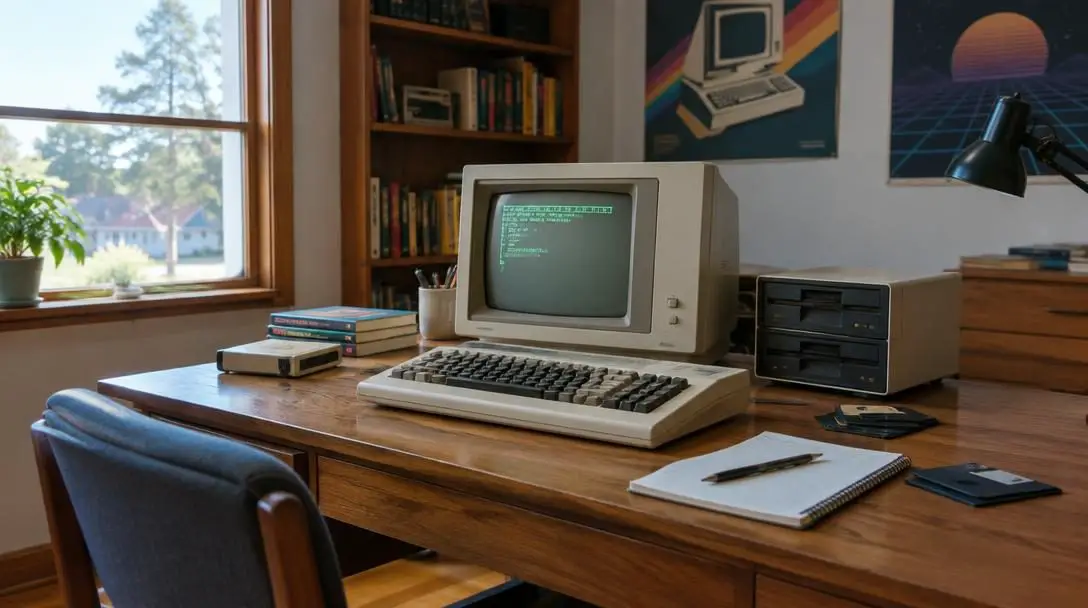
The birth of the personal computer stands as a defining chapter in modern history, marking the shift of digital computation from specialized industrial laboratories into private living spaces. Driven by a dedicated network of electronics hobbyists, inventive engineers, and ambitious entrepreneurs, this technological revolution dismantled the notion that powerful computing machinery belonged exclusively to government agencies and corporate data centers.
Through pioneering hardware designs, standardized system software, and revolutionary graphical interfaces, early innovators demonstrated that computing could empower individuals. Understanding this transformation requires examining the breakthrough machines of the 1970s and 1980s, the underlying engineering that made domestic computing possible, and the lasting social shifts sparked by personal access to information technology.
Key takeaways
- The personal computer revolution began with kit-built machines for hobbyists before evolving into pre-assembled consumer electronics designed for everyday households.
- Early systems such as the Apple II demonstrated the commercial viability of home computers through integrated hardware, accessible interfaces, and diverse software libraries.
- The transition from text-driven command-line interfaces like MS-DOS to graphical user interfaces introduced by the Macintosh and Windows redefined how humans interact with technology.
- Personal computing fundamentally restructured modern workplaces, educational systems, and domestic communication while laying the groundwork for digital democratization.
Key Machines and Platforms of the Home Computing Era
The progression of home computing advanced through a series of landmark hardware releases and operating systems. Each platform introduced practical capabilities that pushed personal systems beyond specialized technical subcultures and into mainstream society.
Altair 8800
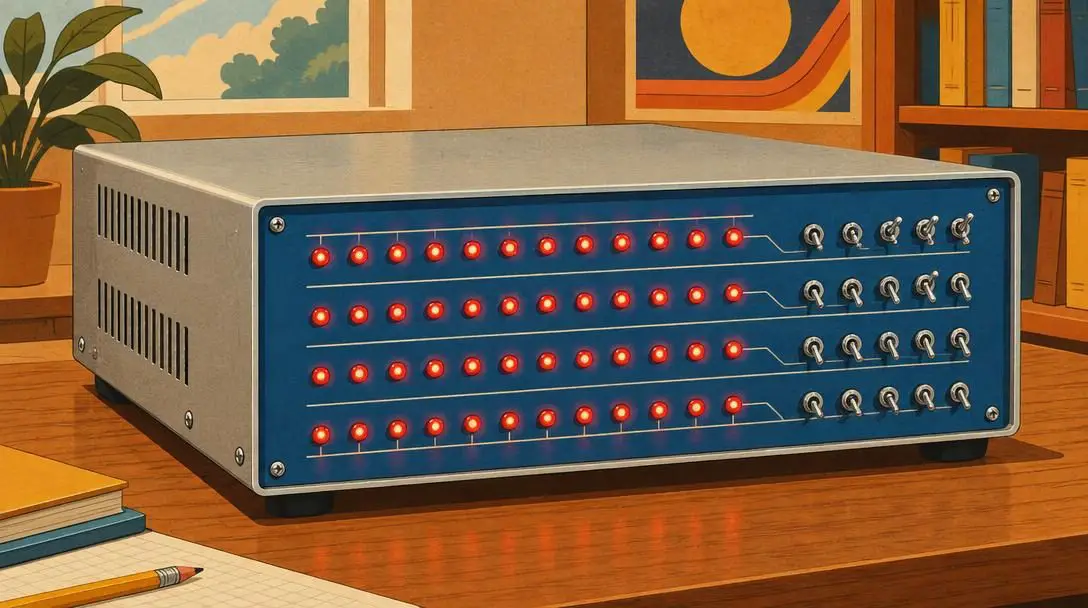
- Release Year: 1975
- Design Form: User-assembled hardware kit
- Target Audience: Electronics hobbyists and tinkerers
- Interface Type: Front-panel switches and indicator lights
Introduced in 1975, the Altair 8800 was a groundbreaking milestone that catalyzed the home computing revolution. Sold as a build-it-yourself kit, the machine arrived without a standard keyboard, traditional video monitor, or pre-installed software applications. Users interacted with the system directly through toggle switches and light-emitting diodes situated on its front panel, manually entering machine instructions step by step.
Despite these rudimentary mechanics, the Altair 8800 demonstrated that an enthusiastic public was eager to own and operate personal hardware. It captured the imagination of electronic hobbyists across the country, serving as an inspirational touchstone for the engineers, programmers, and entrepreneurs who would establish the commercial microcomputer sector.
Apple I
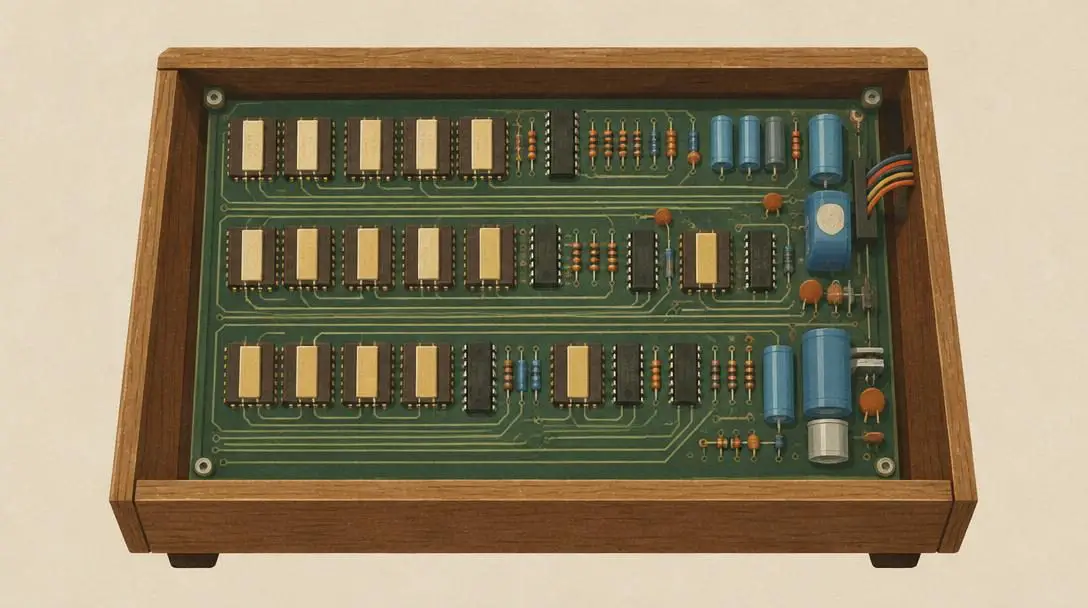
- Release Year: 1976
- Creators: Steve Jobs and Steve Wozniak
- Company: Apple Computer
- Primary Objective: Accessible, affordable personal computation
Developed by Steve Jobs and Steve Wozniak following the co-founding of Apple Computer in 1976, the Apple I represented an early bid to make computing accessible beyond the circle of hardcore electronics enthusiasts. The computer was designed to offer an affordable, user-friendly computing foundation that removed some of the complexity associated with earlier kit-based electronics.
Although the Apple I was not a commercial success in broad marketplace terms, it played an indispensable role in company history. The technical insights and manufacturing lessons gained during its assembly and distribution provided the direct architectural foundation required to design its commercially viable successor.
Apple II
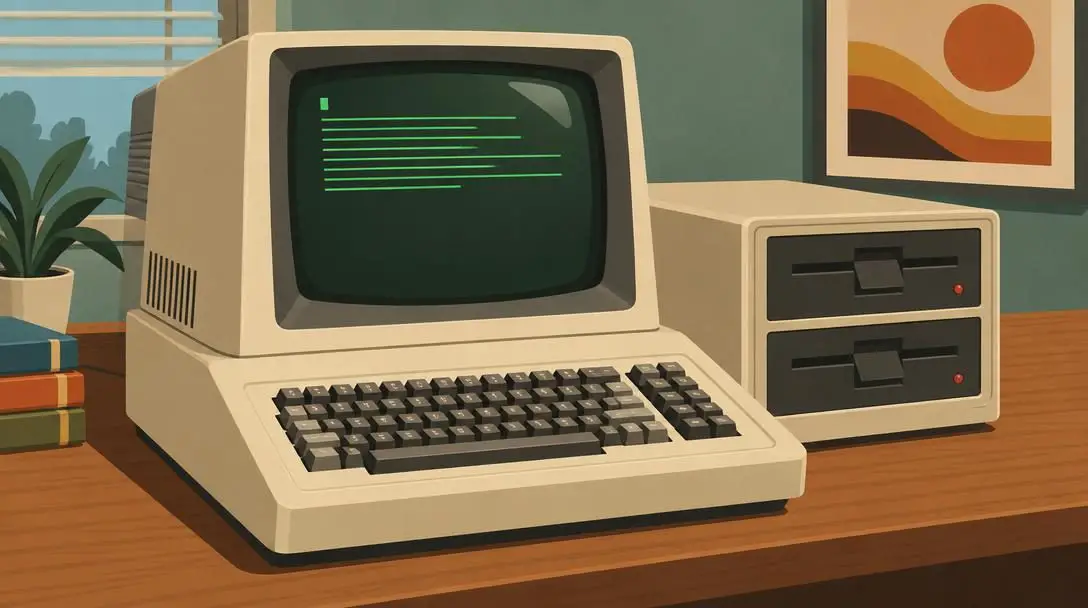
- Release Year: 1977
- Creators: Steve Jobs and Steve Wozniak
- System Format: Fully assembled consumer home computer
- Market Segment: Household, education, and business use
Arriving in 1977, the Apple II established itself as the first widely successful personal computer engineered specifically for the consumer home market. Breaking away from exposed circuit boards and technical soldering, the Apple II offered consumers a fully integrated, ready-to-run package out of the box, setting an unprecedented standard for consumer electronics design.
The platform achieved enduring popularity in both household and corporate settings due to two critical assets: an accessible user experience and an expanding library of third-party software. Owners no longer needed to write customized machine routines merely to use their computer, as software packages allowed individuals to manage domestic record-keeping, conduct workplace tasks, and enjoy digital entertainment.
Macintosh
- Release Year: 1984
- Developer: Apple
- Core Innovation: Graphical user interface (GUI) and mouse input
- Product Positioning: Mass-market consumer computer
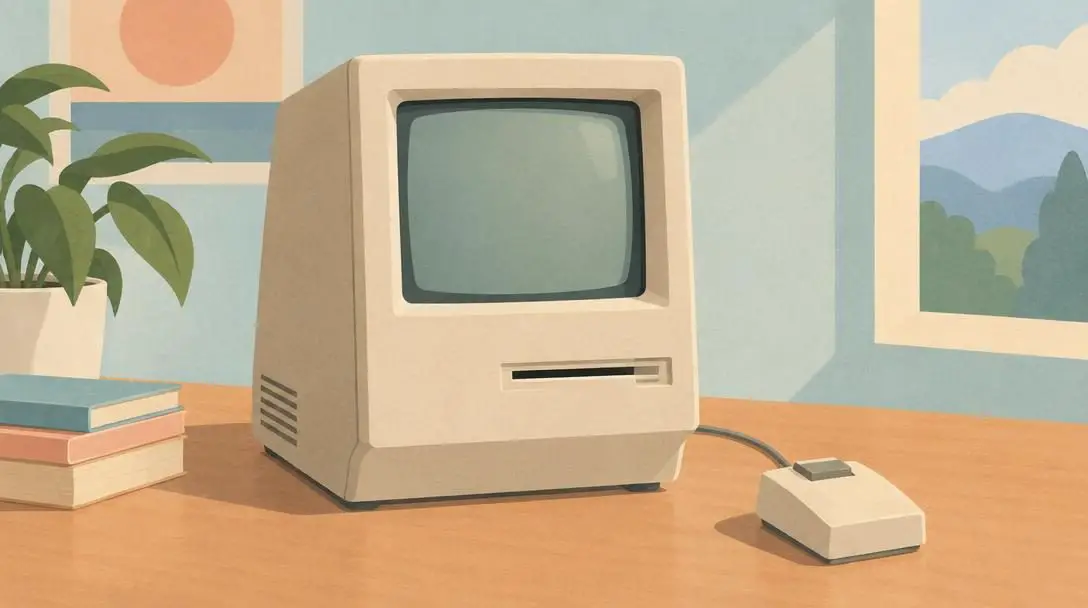
Introduced in 1984, the Macintosh delivered a profound paradigm shift in personal computing. It was the first computer to utilize a graphical user interface, sweeping away the intimidating text-based prompts that had previously required users to memorize syntax and manually type commands to open files or run utilities.
By translating computing operations into visual metaphors—such as dynamic windows, visual desktop icons, and an interactive mouse pointing device—the Macintosh dramatically lowered the technical barrier to digital productivity. Marketed directly as an approachable consumer appliance, it cemented Apple as an industry leader and permanently transformed how everyday users interacted with electronic hardware.
MS-DOS
- Release Year: 1981
- Developer: Microsoft
- Hardware Partner: IBM
- System Architecture: Command-line operating system
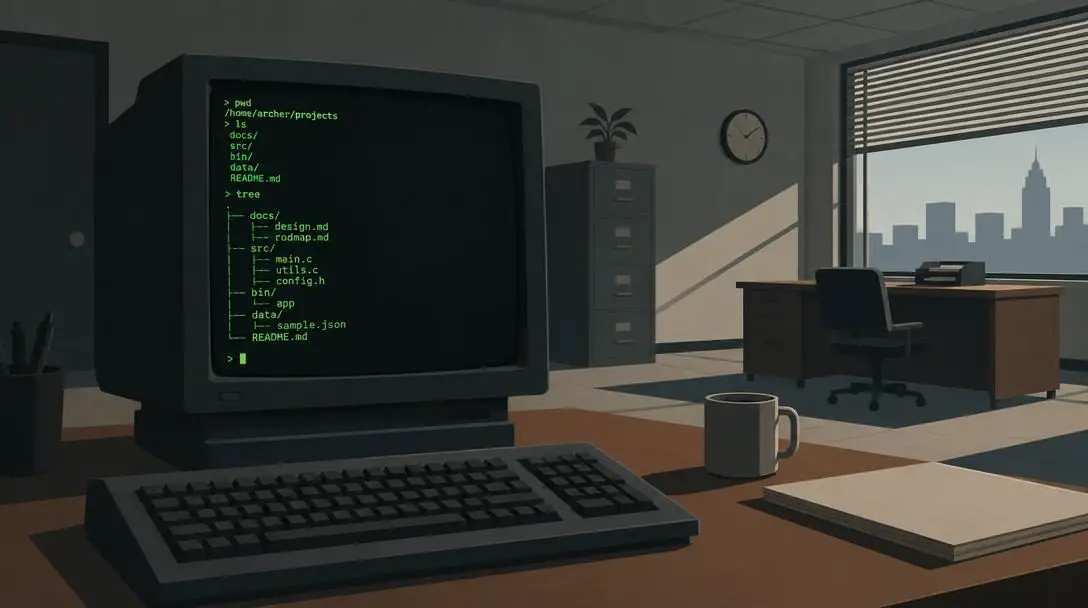
Microsoft entered a period of rapid industry leadership in 1981 after IBM contracted the software company to build an operating system for its new personal computer line. The resulting software platform, MS-DOS, established Microsoft as an essential force in personal computing and provided an industry-wide software foundation for business workstations.
Serving as an abstraction layer between underlying system components and external software titles, MS-DOS freed program developers from writing specialized code for varied internal circuits. Its widespread deployment across IBM systems made standard file structures, disk management utilities, and command-line execution ubiquitous throughout office environments.
Windows
- Release Year: 1985
- Developer: Microsoft
- Market Role: Dominant global operating system
- Core Advantage: Broad third-party hardware and software compatibility
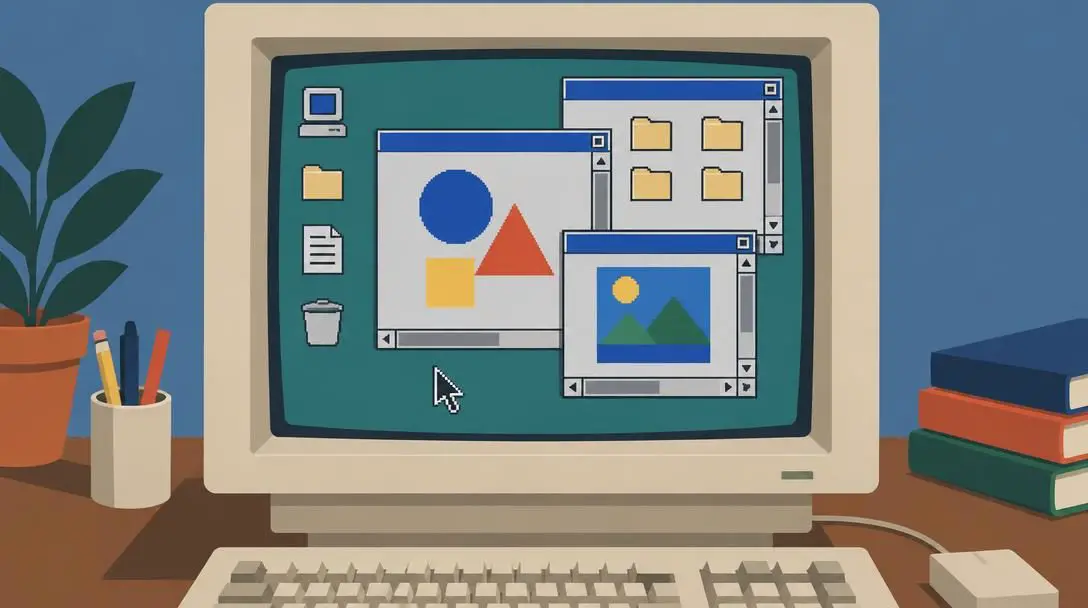
Recognizing the transformative value of visual desktop environments, Microsoft released Windows in 1985. The platform introduced graphical computing to an immense base of office and home systems, eventually growing into the dominant personal computer operating system across the globe.
The decisive factor behind the ascendancy of Windows was its remarkable architectural compatibility. Rather than tethering the operating environment to a single proprietary hardware supplier, Windows supported an enormous spectrum of motherboards, expansion cards, internal processors, and external peripherals, allowing users to upgrade components, swap internal parts, and run diverse application catalogs without friction.
At a Glance: Landmark Computing Platforms
| Platform Name | Release Year | Primary Developer / Company | Primary Interface Style | System Architecture Role |
|---|---|---|---|---|
| Altair 8800 | 1975 | MITS / Hobbyist kit makers | Front-panel switches and lights | Assembled kit hardware |
| Apple I | 1976 | Steve Jobs and Steve Wozniak | Direct electronic board interface | Foundational system board |
| Apple II | 1977 | Apple Computer | Integrated keyboard and text display | Fully assembled home computer |
| MS-DOS | 1981 | Microsoft (for IBM PC) | Text-based command-line interface | Standardized disk operating system |
| Macintosh | 1984 | Apple | Visual icons and mouse pointing device | Integrated graphical consumer system |
| Windows | 1985 | Microsoft | Graphical desktop interface | Multi-hardware operating environment |
Core Mechanisms: How Early Personal Computers Functioned
The transition of computation from warehouse-sized mainframe installations into desktop units was made possible by modular hardware design and evolving software layers. Each subsystem performed a specialized role in rendering the machine capable, manageable, and responsive to user input.
The processing unit operated as the functional core of the personal computer. In early machines such as the Altair 8800 and the Apple I, microprocessors executed step-by-step logic, basic calculations, and data transfers. These silicon microchips integrated processing logic into compact chips, executing instructions sequentially to run software applications.
Underpinning the processor were memory and storage configurations. Early hobbyist setups carried very limited memory reserves used strictly for holding running operations. To preserve code when power ceased, users utilized manual switches, magnetic cassette tapes, and later 5.25-inch and 3.5-inch floppy disk formats to store programs and records over time.
User interactions evolved substantially through changes to input and output interfaces. Where the Altair relied on blinking light patterns and mechanical toggle switches, later systems integrated full alphabetic keyboards, monochrome monitors, and high-resolution color displays. These enhancements enabled real-time textual and visual feedback, making long sessions of reading and data entry feasible.
Operating environments introduced vital system software and abstraction layers. Operating systems such as MS-DOS and Windows bridged physical memory, storage drives, and processing units with higher-level software. Developers could create programs without needing custom code for every individual circuit combination, which accelerated third-party software creation.
The culmination of these hardware and software advancements was the graphical interface popularized by the Macintosh. By mapping screen pixels to visual desktop elements, windows, and icons, pointing devices like the computer mouse enabled natural control. Users could point, select, and organize digital files visually rather than memorizing rigid keyboard command strings.
By replacing rigid text commands with visual environments and bringing assembled hardware into households, early pioneers transformed computing from an industrial specialty into a universal everyday tool.
Transformative Impacts Across Society and Modern Culture
The decentralization of digital computation reshaped commercial, educational, and domestic spheres. By placing computational agency into the hands of private citizens, the personal computer redefined social routines, operational productivity, and global communication.
In the commercial realm, desktop computers automated complex office workflows and transformed record management. Tasks that previously required days of manual paper ledger entries, physical filing, and hand arithmetic could be executed and organized in seconds. Companies scaled their operations, analyzed complex business metrics, and restructured organizational models around digital spreadsheets and word processors.
In schooling and academia, personal computers revolutionized educational access. Systems supported interactive software titles that permitted self-paced exploration, while pioneering the technological foundation for distance education and online classrooms. Academic research was streamlined as students gained digital access to structured reference materials and computational tools outside campus laboratories.
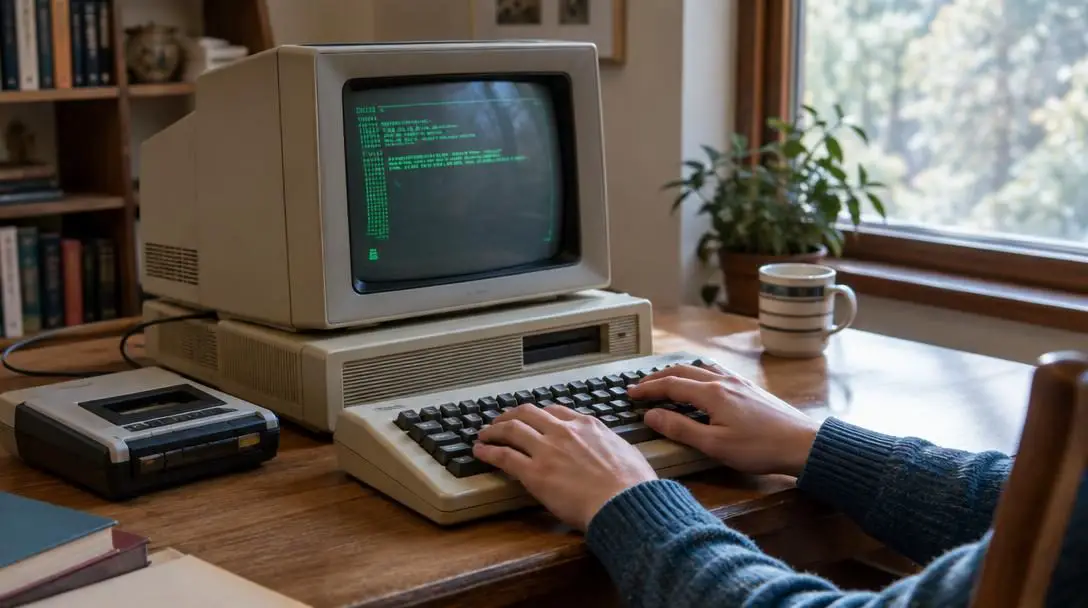
Within private households, personal systems altered domestic communication and leisure. Families gained the ability to keep in contact across geographical distances, manage personal finances, and engage with home entertainment software. The widespread home computer footprint laid the necessary groundwork for the rapid adoption of the global internet, establishing interconnected information sharing on an unprecedented level.
Today, the foundation established during the personal computing era fuels modern technological milestones. Developments in artificial intelligence and virtual reality build directly upon the hardware architectures, interface paradigms, and software platforms introduced during the 1970s and 1980s. This ongoing revolution created global industries, provided avenues for entrepreneurial innovation, and remains central to reducing the digital divide across the world.
Hands-On Exploration: Steps for Experiencing Vintage Computing
Engaging directly with legacy computer hardware and vintage software architectures offers rich historical context regarding how modern user interfaces and storage systems evolved. Enthusiasts and learners can follow these sequential steps to investigate historical platforms safely:
- Choose an era to study: Select a specific technological generation, such as the kit-building era of the mid-1970s (Altair 8800), the integrated 8-bit home systems of the late 1970s (Apple II), or the early graphical desktop environments of the mid-1980s (Macintosh and early Windows).
- Utilize software emulators: Run verified software emulators on your modern computer to accurately recreate the processor instructions, BIOS routines, and video displays of vintage machines without the expense or maintenance demands of fragile electronics.
- Practice basic command-line navigation: Spend dedicated time inside text-based environments like MS-DOS to learn fundamental terminal prompts, manual directory navigation, storage formatting routines, and execution commands prior to graphical interfaces.
- Examine vintage hardware architecture: When physical systems are accessible, inspect internal motherboards, power supplies, expansion slots, and processor sockets to observe the modular layout that defined early personal computing assemblies.
- Archive historical media: Practice backing up legacy magnetic media, such as 5.25-inch and 3.5-inch floppy disks or cassette tapes, by reading and converting legacy code into modern digital storage formats before the physical media deteriorates.
Pitfalls and Mistakes When Handling Historical Technology
Working with vintage computer equipment requires care and an appreciation for the technological limits of the era. Avoiding common errors helps preserve rare machinery and prevents data loss:
- Assuming modern power compatibility: Power supplies in vintage computers contain aging capacitors and regulators that can burst or short-circuit if energized after years of storage without proper technical inspection.
- Neglecting storage media degradation: Relying on vintage magnetic tape or floppy disks as secure repositories is dangerous, as magnetic materials degrade over time, causing file corruption and read failures if unarchived.
- Confusing operating system roles: Evaluating early systems like MS-DOS using modern standards leads to errors; these legacy operating systems granted software direct hardware access and lacked modern memory safety and process isolation features.
- Overlooking system ventilation: Many early consumer computers utilized passive heat management or weak cooling fans, meaning running them inside enclosed cabinets or on soft furnishings can quickly overheat legacy silicon components.
- Underestimating interface requirements: Vintage computing lacked plug-and-play standards, requiring users to manually verify jumper configurations, hardware address switches, and syntax details within historical technical manuals.
Key Considerations for the Future of Personal Technology
Analyzing the historical trajectory of personal computing highlights several ongoing considerations that shape how modern computing platforms evolve:
The challenge of hardware preservation and digital archiving remains pressing. As original circuit boards, magnetic disks, and software packaging succumb to physical wear, technologists and cultural institutions must actively archive historical source code, operating systems, and documentation so future generations can understand the origins of the digital era.
The continuous evolution of user interface design illustrates how human interaction with machines evolves over time. The historical progression from hardware toggle switches to text command lines, onward to the mouse-driven desktop graphical environment, provides valuable perspective as computing interfaces shift toward voice navigation, tactile touch screens, and artificial intelligence prompts.
The balance between open and closed platform ecosystems remains an active debate across the computing landscape. The early contrast between Apple's unified hardware-software designs and Microsoft's broad hardware-agnostic licensing model established distinct approaches that continue to define competing strategies across modern desktop and mobile operating systems.
Finally, continuing work surrounding digital inclusion and equitable access reflects the original vision of the personal computing revolution. Ensuring that affordable, capable computing hardware and modern connectivity reach underserved populations worldwide fulfills the pioneering goal of bringing computational power to every individual.
Frequently asked questions
Why is the Altair 8800 considered the starting point of the personal computer era?
The Altair 8800, introduced in 1975, proved that widespread public interest existed for owning personal hardware, inspiring the first generation of microcomputer entrepreneurs even though it was an unassembled kit lacking a monitor or keyboard.
How did the Apple II differ from earlier computers like the Apple I and Altair 8800?
Unlike earlier kits and circuit boards, the Apple II was a fully assembled consumer product designed for home use, featuring an integrated enclosure, accessible interface, and diverse third-party software for personal and business tasks.
What made the 1984 Macintosh a milestone in computing design?
The Macintosh was the first computer to use a graphical user interface (GUI) with visual icons, desktop layouts, and a mouse, replacing manual command-line typing with an approachable visual interaction model.
Why did Microsoft Windows become the dominant operating system for PCs?
Windows succeeded primarily due to its broad compatibility, supporting diverse third-party hardware components, expansion parts, and diverse software applications rather than restricting users to a single proprietary equipment maker.
How did early personal computers impact office business operations?
Personal computers automated manual ledger calculations, filing processes, and paper documentation, enabling businesses to scale operations, analyze metrics rapidly, and retrieve operational data in seconds.
The Bottom Line
The birth of the personal computer fundamentally redefined the relationship between human society and digital capability. What began as a niche pursuit for electronic hobbyists assembling circuit boards became a universal consumer movement that changed workplace structures, classroom learning, and domestic life.
By transforming raw computation into accessible consumer hardware and intuitive graphical software, the early pioneers of the 1970s and 1980s unlocked individual creative and commercial potential worldwide. As technology continues to evolve toward modern artificial intelligence, virtual systems, and interconnected global networks, the foundational ideas established during the home computing revolution remain the cornerstone of our digital existence.





