
The Importance of Click Speed

When assembling a desktop computer setup, users often spend weeks researching every major component. Buyers pore over display panel types, screen sizes, and high refresh rates before turning their attention to the internal hardware inside the tower, comparing graphics cards, central processors, solid-state drives, and power supplies. Yet despite this meticulous planning, the computer mouse is frequently treated as an afterthought or replaced with a generic office peripheral.
Overlooking the mouse undermines the capabilities of an otherwise premium system. The mouse is the primary physical bridge between human intent and software execution, and its responsiveness hinges on click speed. Whether in competitive gaming environments where split-second duels dictate victory, interactive idle games, or standard eight-hour workdays involving thousands of digital interactions, click speed directly shapes performance, comfort, and productivity.
Key takeaways
- Click speed measures how quickly and frequently physical button presses register as digital commands within an operating system.
- Response performance depends on an interconnected balance of human technique, switch latency, high polling rates, and ergonomic mouse contours.
- In an average eight-hour workday, an office worker logs roughly 6,000 clicks, meaning small hardware delays accumulate into hours of wasted time across a year.
- Techniques like butterfly clicking and adopting ergonomic hardware help overcome the physical strain and limitations imposed by traditional flat office mice.
The technical mechanics of click speed
Click speed is not strictly an athletic feat or a measure of raw biological reflex. Rather, it represents the real-time interaction between a user's physical input and the internal architecture of the mouse. Every time a button is pressed, mechanical or optical parts close an electrical circuit, converting kinetic energy into a digital packet routed straight through the cable or wireless receiver to the central processor.
Three primary engineering factors govern how swiftly this cycle completes:
- Click latency: This metric measures the exact duration between the physical depression of a switch and the operating system's recognition of the command. Traditional office mice frequently employ internal software delay filters to prevent accidental double-clicks caused by switch bounce. While helpful for basic document editing, these filters introduce perceptible input lag. High-performance gaming mice eliminate unnecessary debounce delays to deliver near-instant registration.
- Polling rate: Measured in Hertz, the polling rate defines how many times per second the mouse reports its tracking data and switch states to the computer. A standard office mouse often updates at conservative intervals, whereas specialized hardware reports hundreds or thousands of times every second, preventing dropped inputs during rapid bursts.
- Ergonomic architecture: Standard symmetrical or flat office mice force the hand, wrist, and forearm into awkward, rigid angles. When subjected to repetitive downward strikes, hand tendons tire quickly. Purpose-built shells support natural anatomical alignment, allowing fingers to move freely without premature exhaustion.
How click speed impacts gaming and productivity
The practical necessity of rapid clicking shifts across different software environments. While competitive gaming highlights the margin between victory and defeat, everyday software tools demonstrate how input efficiency compounds across thousands of repetitions.
| Environment | Primary Demand | Mechanical Role of Click Speed | Primary Performance Risk |
|---|---|---|---|
| First-person shooters | Reaction time and weapon cadence | Fires initial shots instantly and caps semi-automatic burst rates | Losing trades, suffering damage, or missed crosshair windows |
| Idle and incremental games | Raw input volume | Accelerates early-stage economic loops and point generation | Protracted progression stalls waiting for passive earnings |
| Office work and productivity | Repetitive operational endurance | Executes 6,000 daily administrative actions with minimal drag | Cumulative tendon fatigue and hours of lost time over a work year |
First-person shooter gaming
The first-person shooter genre is arguably the most sensitive to input delay and click frequency. In competitive titles like Call of Duty, Counterstrike, and PUBG, winning gunfights requires both pinpoint crosshair placement and immediate weapon discharge. Fractions of a second determine which player survives an encounter. If a player experiences click latency or possesses a sluggish trigger finger, an opponent with identical aim will fire first, sending the slower competitor back to the respawn screen.
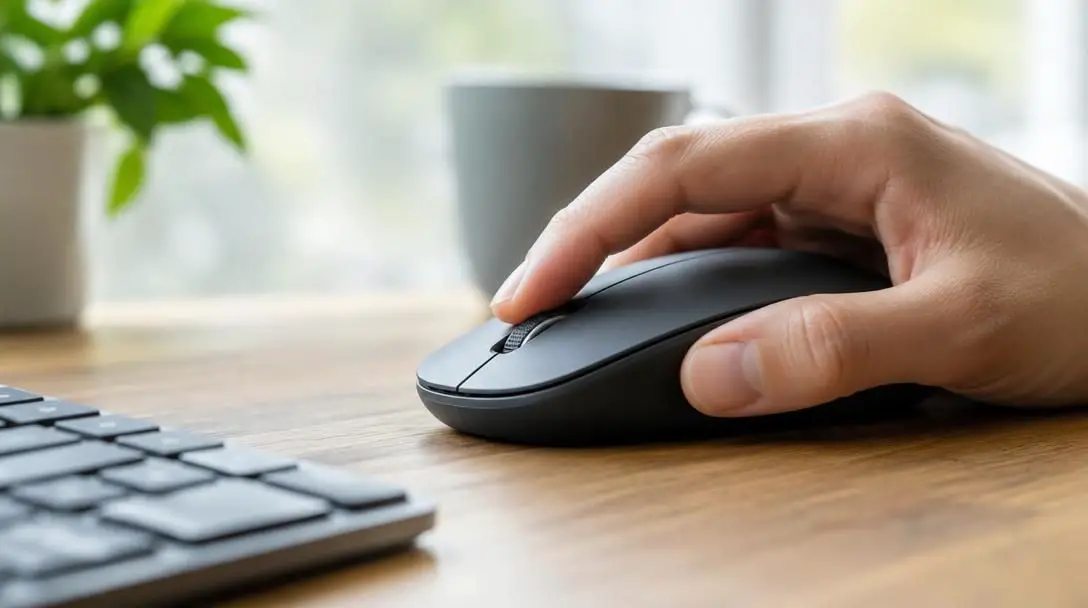
Beyond initial reaction shots, click speed governs semi-automatic weapon performance in titles like Counterstrike and PUBG. Semi-automatic firearms possess built-in maximum rates of fire that can only be reached if the player clicks rapidly and consistently enough to match those internal recovery limits. A player with disciplined, rapid clicking can fire tight, controlled bursts that match fully automatic weapons while preserving single-shot ballistic accuracy.
Idle games
While often treated as casual time wasters, idle titles such as AdVenture Capitalist, Clicker Heroes, and Realm Grinder place enormous mechanical emphasis on click volume. These games feature progression systems where accumulated resources fund automated structures, which then generate exponential yields over time.
During the early phases of AdVenture Capitalist or Clicker Heroes, passive generation is nonexistent or slow. Players must manually click to bootstrap their initial economy. Having a faster click speed cuts down the time required to purchase entry-level businesses, upgrades, and heroes, transforming hours of passive waiting into minutes of active progression.
Everyday office productivity
Repeated clicking is not confined to virtual battlefields or idle clickers. During a typical eight-hour workday, the average corporate employee executes approximately 6,000 clicks. Tasks such as sorting database entries, navigating nested corporate folders, clearing document queues, and inputting client data require sustained mouse engagement.
When an employee relies on an unresponsive mouse with stiff switches, each interaction incurs a microscopic delay. One worker noted that they spent 16 hours over the course of a single year simply clicking down on a mousepad. Upgrading to a low-latency, ergonomically designed peripheral recovers those lost hours, smooths daily workflows, and prevents chronic physical strain across weeks of repetitive desk work.
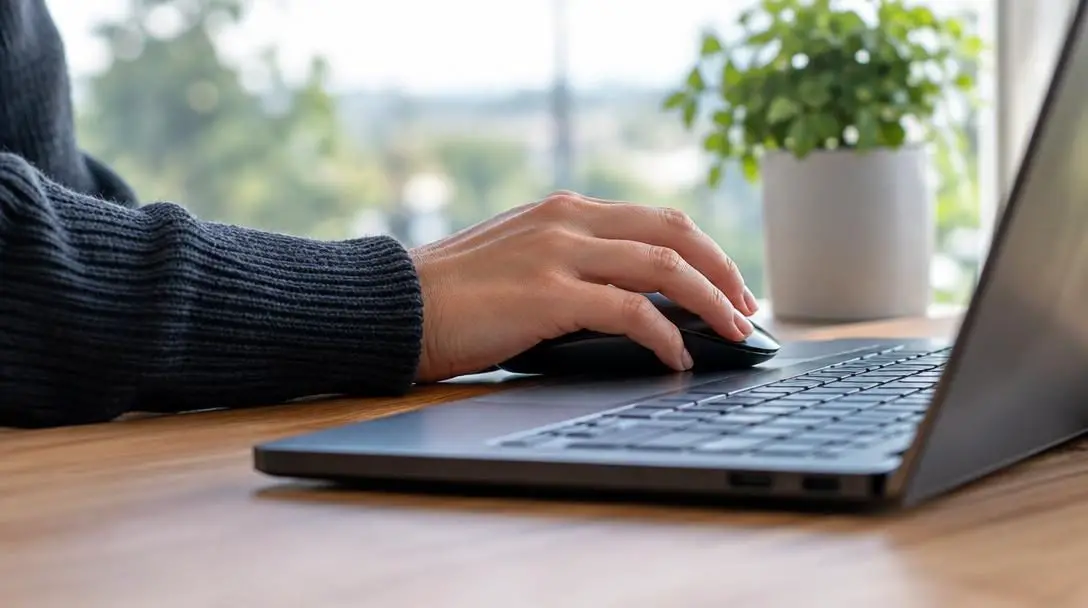
A responsive switch paired with an ergonomic shell bridges human reflex and digital output, eliminating mechanical drag from everyday tasks.
Hardware engineered for high responsiveness
Traditional mice prioritize low manufacturing cost over responsiveness, making them poorly suited for gaming or rapid input tasks. High-grade peripherals, by contrast, focus heavily on switch actuation distance, debounce software, and shell contours.
Razer Viper
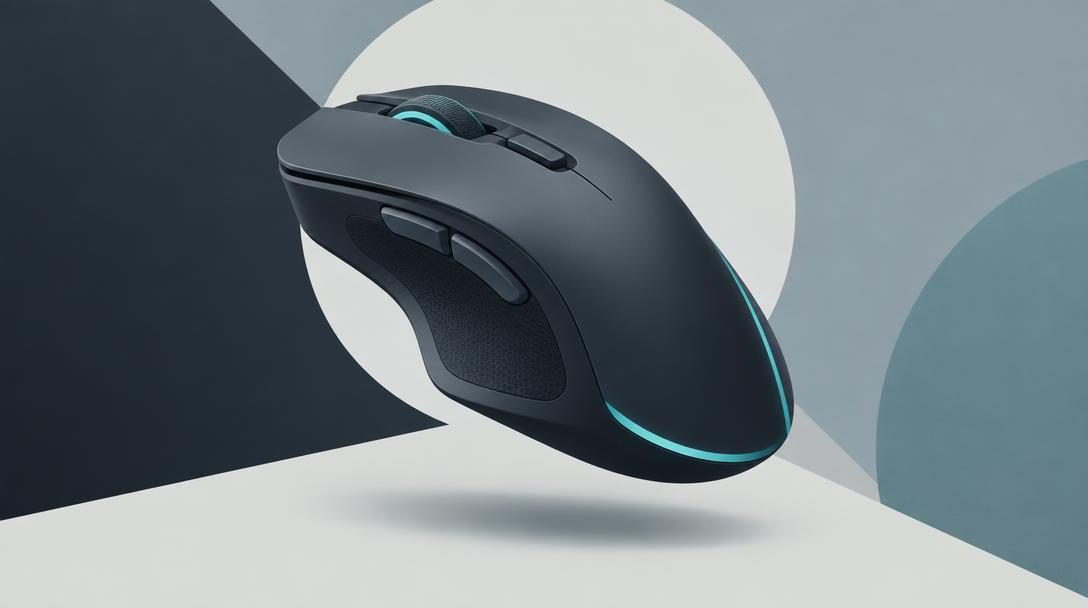
- Design focus: Symmetrical ergonomic shape engineered for competitive gamers
- Latency profile: Almost zero latency switch performance
- Data transfer: Lightning-fast polling rate communication
- Ideal applications: High-cadence shooting titles and sustained click sessions
The Razer Viper represents a shift away from cumbersome office peripherals toward precision engineering. Its ergonomic shell rests naturally in the hand, avoiding the awkward wrist angles that plague traditional flat mice. By combining ultra-fast polling rates with switches that exhibit near-zero latency, the mouse registers rapid commands without skipping inputs or introducing artificial delay filters.
Step-by-step methods to improve your click speed
Boosting your click speed requires an integrated approach that addresses both hardware configuration and physical clicking mechanics. Following structured diagnostic and mechanical steps will yield measurable gains in speed and endurance.
- Benchmark baseline speed and accuracy: Use an online click test to measure your current clicks-per-second baseline over intervals of five and ten seconds. Record whether your accuracy falters as your hand fatigues to diagnose whether the limitation stems from physical stamina or peripheral latency.
- Inspect peripheral specifications: Review the technical documentation of your current mouse. Verify that it supports a high polling rate and low click latency, upgrading to performance hardware like the Razer Viper if your device suffers from heavy switch resistance or software debounce lag.
- Transition away from traditional mouse shapes: Replace standard flat office mice with ergonomic contours. Proper wrist support and contoured finger grooves allow the hand muscles to relax, facilitating faster cyclic contractions.
- Adopt alternative clicking techniques: Experiment with specialized finger mechanics like butterfly clicking. In this method, the user positions both the index and middle fingers above the primary left mouse button, alternating strikes in rapid succession to double input frequency compared to single-finger actuation.
- Refine your grip profile: Test different hand orientations, including palm, claw, and fingertip grips. Finding the right grip balances tendon leverage with stability, ensuring quick button resets without losing control over tracking and aim.
Mistakes that undermine click performance
When attempting to click faster, users frequently develop bad habits that compromise their accuracy or risk repetitive strain injuries. Avoiding these common traps is essential for long-term hand health and consistent in-game execution.
- Relying on traditional flat office mice: Generic office shapes force fingers into shallow angles, making high-cadence clicking mechanically inefficient and physically exhausting over long periods.
- Sacrificing accuracy for pure speed: In tactical shooters like Call of Duty, Counterstrike, or PUBG, clicking fast without crosshair discipline produces missed shots, leaving the user vulnerable to lethal counterattacks.
- Tensing the forearm and wrist: Locking the forearm muscles creates tension that rapidly tires the hand, ironically causing a sharp decline in average clicks per second.
- Overlooking internal hardware latency: Assuming that poor click performance is strictly a biological shortcoming often leads users to overlook high switch latency and low polling rates on budget mice.
- Chasing extreme world records: Setting unrealistic personal goals can lead to frustration and injury. Surpassing peak outliers—such as the record held by a man from Las Vegas who clicked over 1,000 times in 10 seconds—is unnecessary for competitive gaming success or professional productivity.
Frequently asked questions
What is click speed?
Click speed is a measurement of how quickly and frequently a user can press a mouse button and have those commands successfully registered by a computer operating system.
How does polling rate affect click performance?
The polling rate, calculated in Hertz, dictates how many times per second a mouse updates its status to the CPU. A higher polling rate ensures rapid consecutive clicks are registered accurately without dropped signals or input stutter.
What is butterfly clicking?
Butterfly clicking is a specialized technique where the user places both the index and middle fingers on the primary mouse button and alternates strikes between them to generate significantly higher click rates than a single finger can achieve alone.
Why are traditional office mice bad for fast clicking?
Traditional office mice generally feature flat, non-ergonomic shapes that strain hand tendons during repetitive motions, paired with budget switches that utilize delay filters, introducing unwanted click latency.
How many times does an average worker click each day?
An average corporate worker clicks a mouse roughly 6,000 times during a standard eight-hour workday, which can translate into hours of lost time each year if the mouse suffers from lag or uncomfortable switches.
What is the world record for clicking speed?
The standing record belongs to a man from Las Vegas who managed to register over 1,000 clicks in a span of just 10 seconds.
The bottom line
Click speed is an essential component of human-computer interaction that shapes both competitive gaming triumphs and daily workplace efficiency. When systems suffer from switch latency, poor polling rates, and uncomfortable flat shells, users pay the price in missed shots, sluggish progression, and accumulated physical fatigue. Upgrading from a standard office peripheral to an ergonomic, responsive design like the Razer Viper—while practicing relaxed grip techniques like butterfly clicking—unlocks fluid input, protects physical endurance, and ensures every single command registers without delay.





